1B Recorder · 功能
1B Recorder 能做什麼 — 全部在手機上
1B Recorder 能錄音、轉成逐字稿、分辨說話者並產生摘要,而 App 本身完全沒有網路權限。我們以 App 的真實截圖和範例資料,逐一詳細介紹每項功能。
不需網路的逐字稿
21 種語言,不限長度,用你的手機能執行的最佳模型。
看看怎麼用Pro
說話者
誰說了什麼:分辨說話者、命名,願意的話還能記住他們。
看看怎麼用Pro
摘要與重點
概覽、重點、決議和待決問題,每一項都連結到對應的秒數。
看看怎麼用Pro新
章節與時間軸
錄音依主題分章,顯示在播放器下方的時間軸上。
看看怎麼用Pro
待辦事項
誰、做什麼、何時完成,直接從對話中取出。
看看怎麼用聽寫
說話即出文字,支援語音指令,可從 App、快捷設定圖塊或小工具啟動。
看看怎麼用Pro
Wear OS 手錶
在手腕上錄音;音訊傳到手機,在手機上轉成逐字稿。
看看怎麼用新
傳送到 1B Note
摘要、章節、待辦事項和連結到音訊的逐字稿,變成一頁 1B Note。
看看怎麼用隱私
沒有網路權限、不需帳號、錄音加密。
看看怎麼用
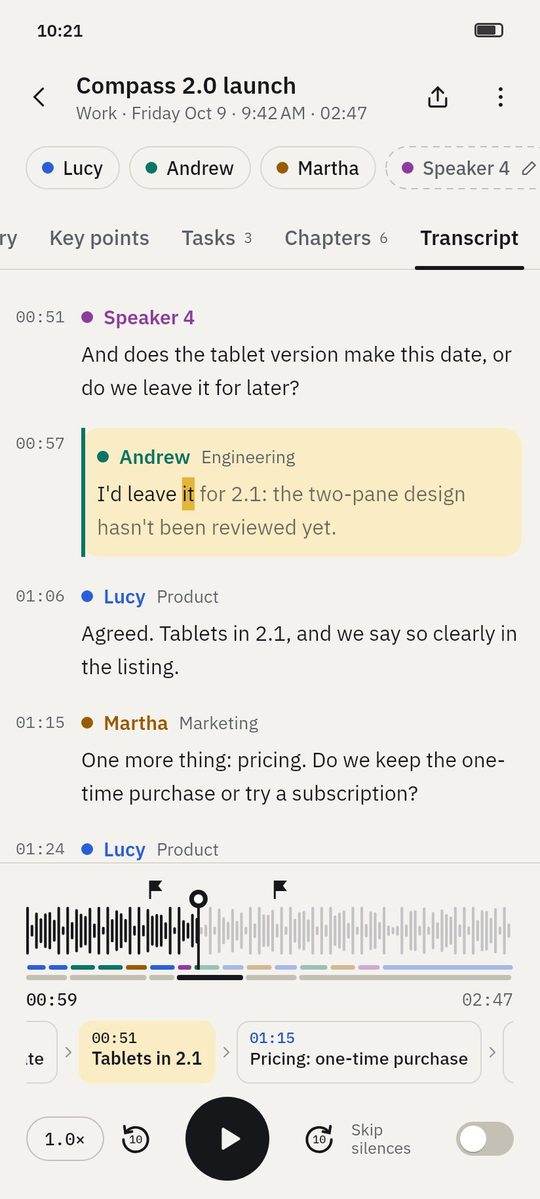
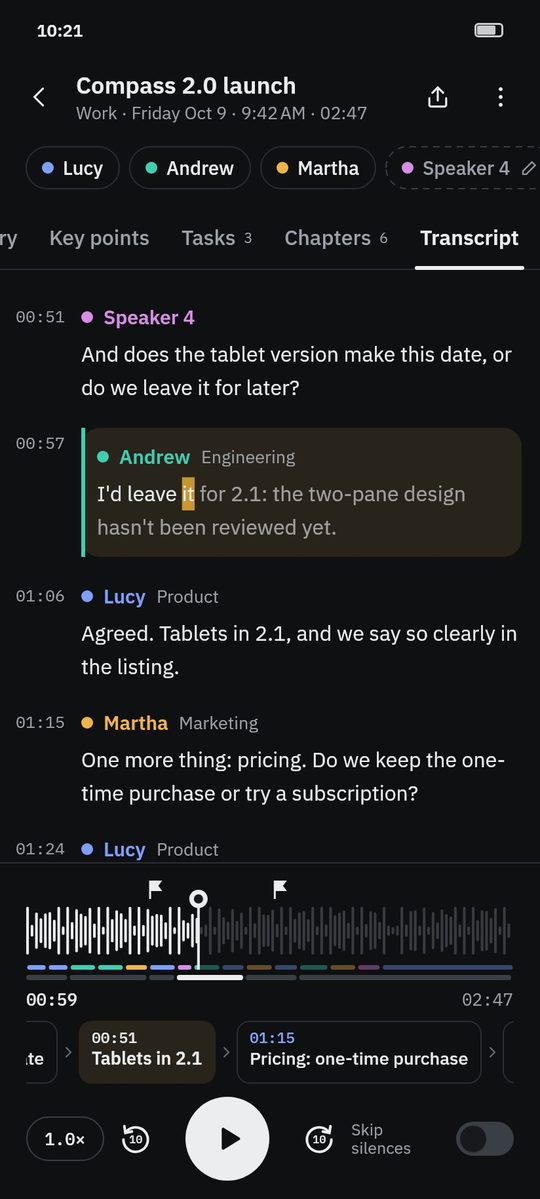
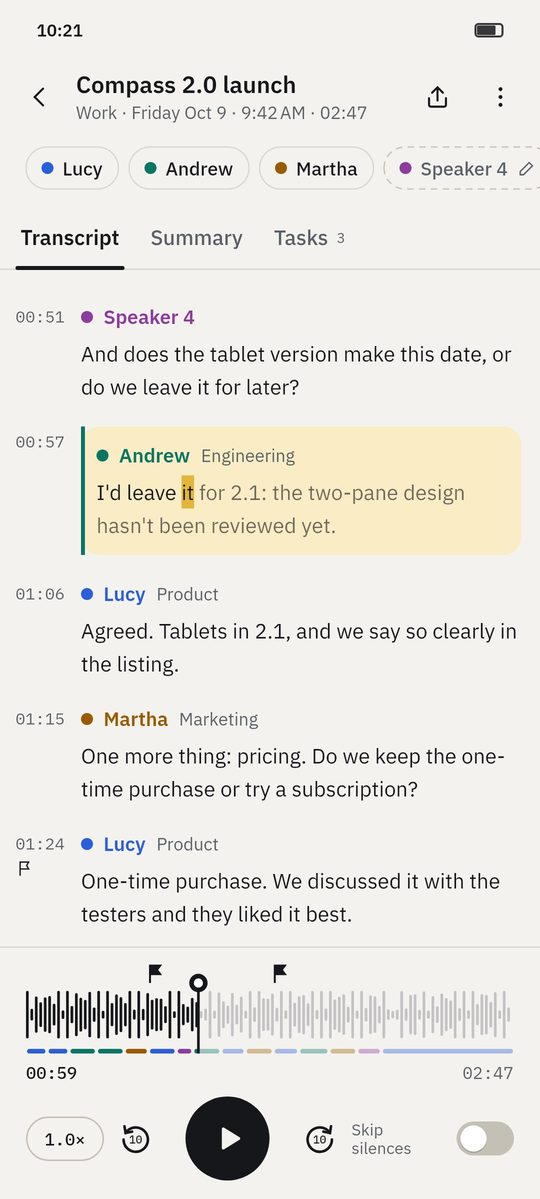
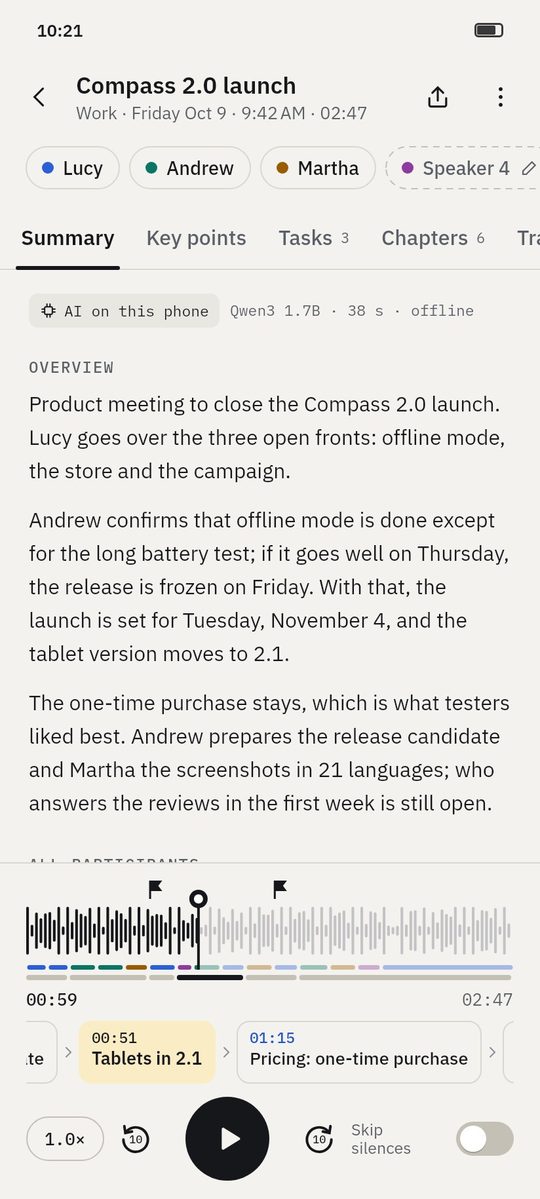
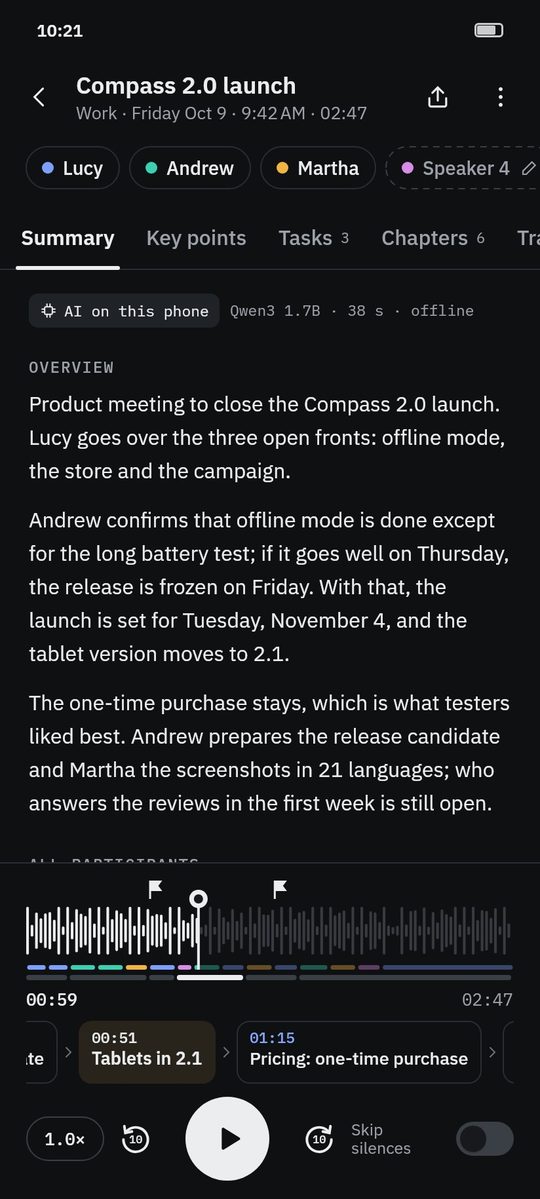
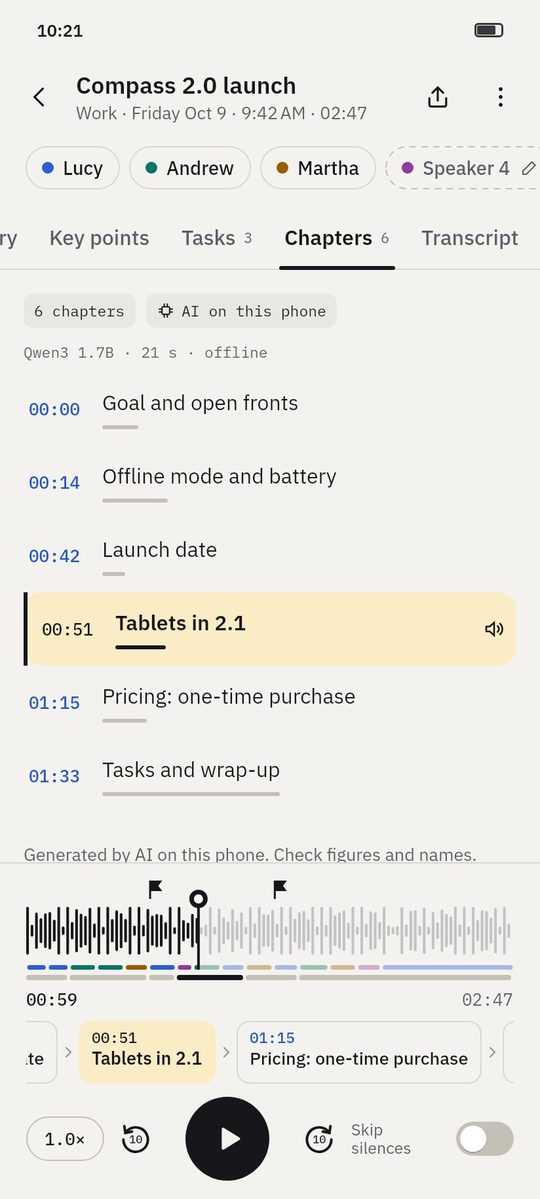
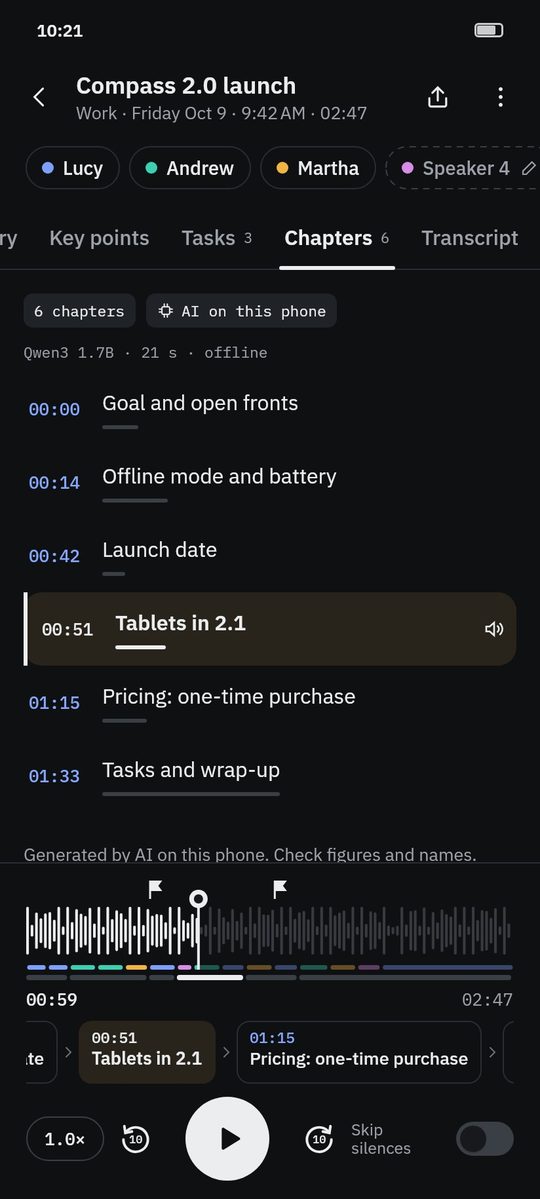
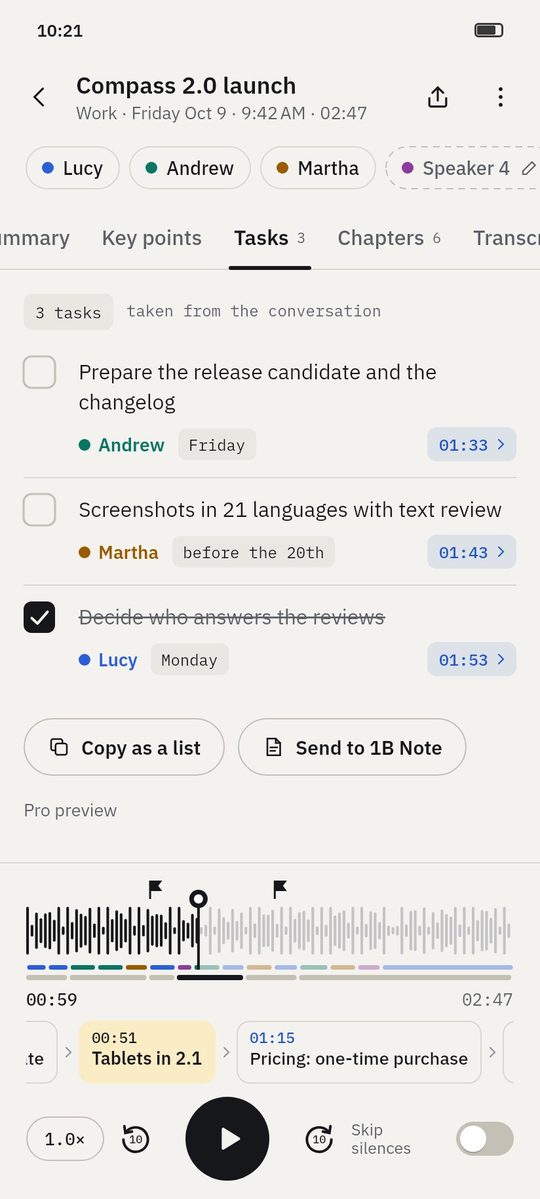
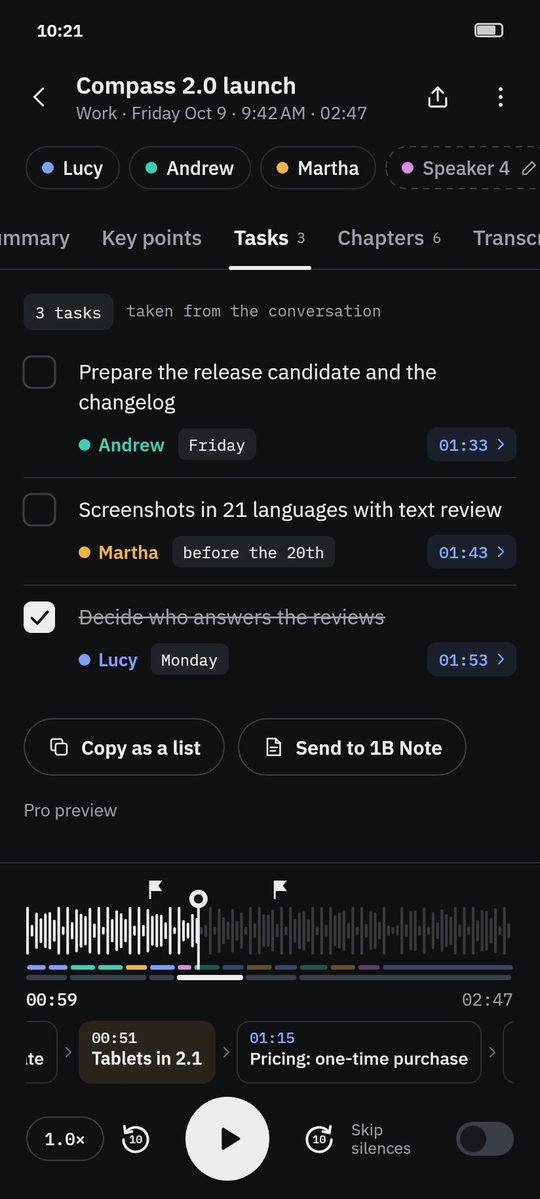
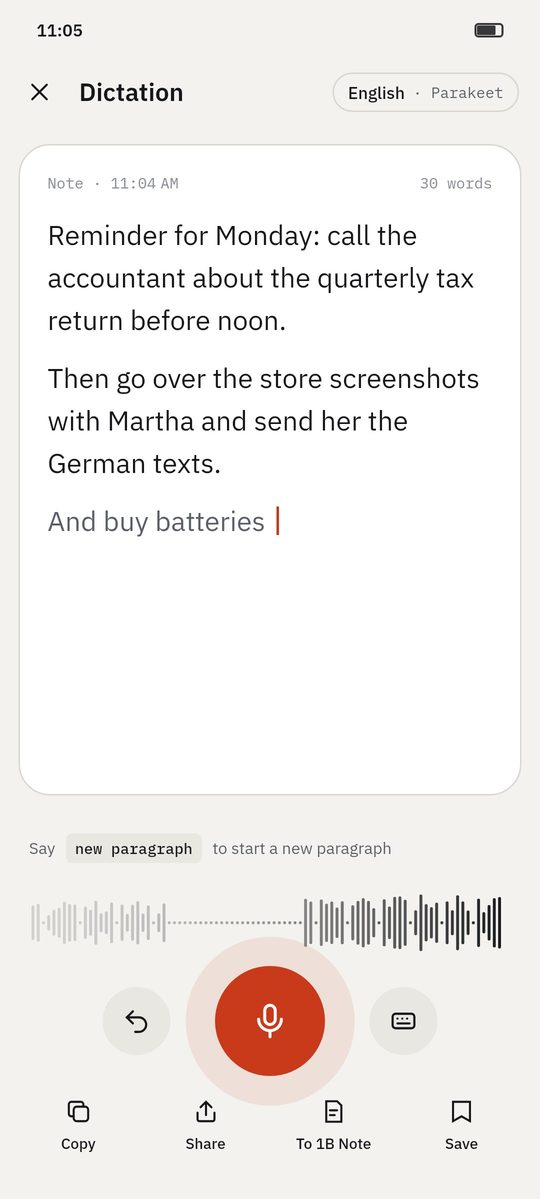
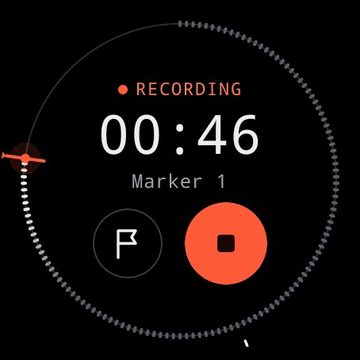
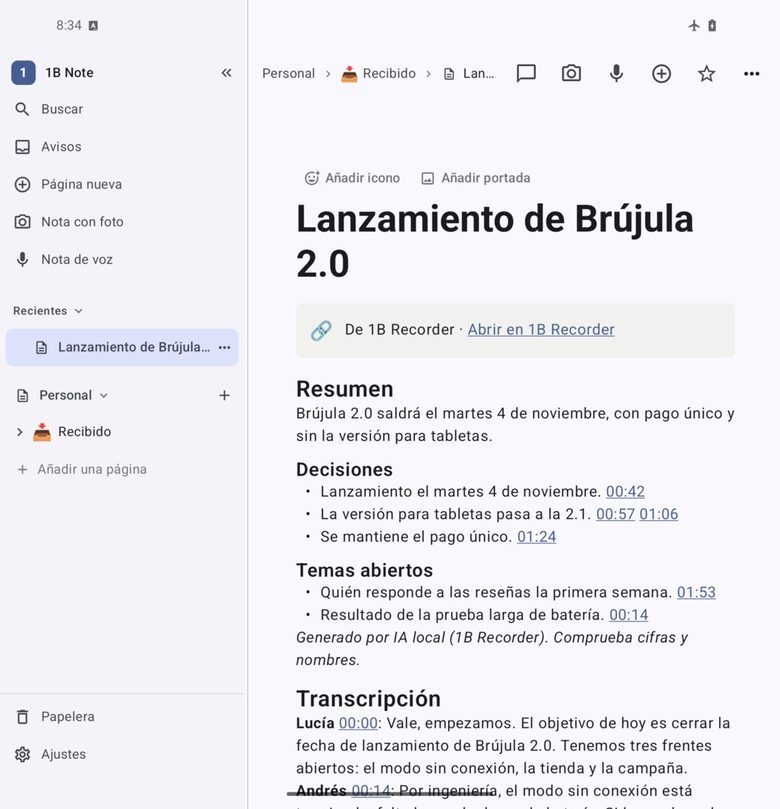
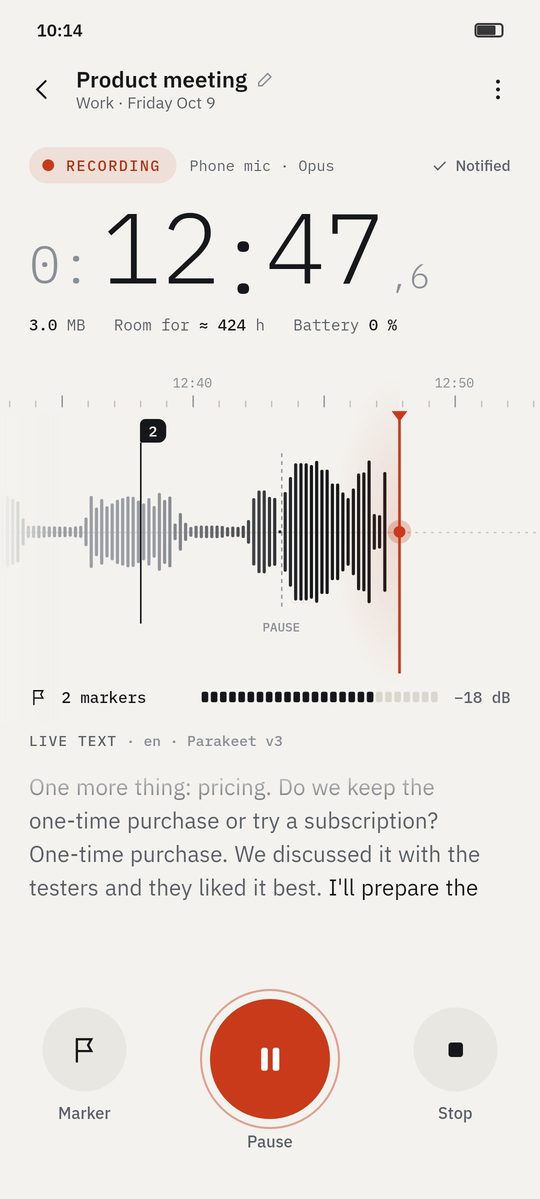
App 的真實截圖,資料為虛構範例。
範例
一段錄音能得到什麼
打開範例內容的成果:摘要、重點、待辦事項、章節和逐字稿。
- 範例
Wayfarer 3.4 release planning
Four people agree what goes into a release and when it ships: decisions, open topics and who does what.
查看範例 - 範例
Microeconomics · Lecture 6: price elasticity
A lecture turned into key points, students' questions, homework and chapters you can jump through.
查看範例 - 範例
Interview: beekeeping on city rooftops
A journalist's interview with the main statements, questions to follow up and every quote a tap away.
查看範例 - 範例
Discovery call: coffee service for a design studio
An imported call recording: the client's needs, budget, objections and the follow-up, linked to each moment.
查看範例