
1B PassPassword manager for Android
Your passwords. Never online.
1B Pass is a password manager that cannot connect to the Internet — not even if it wanted to. Your vault is encrypted on your phone, fills in logins in your apps and browsers, keeps your two-step codes and tells you which passwords deserve a change.
- No Internet permission
- AES-256-GCM + Argon2id
- Autofill
- Two-step codes
- No ads, no account
Early accessClosed testing on Google Play
The test page works once your Google account is on our tester list.
How your vault is locked
No cloud to trust and no server to break into. Just strong, well-known cryptography, done carefully on your phone.
Your master password
Only you know it. 1B Pass never stores it — not even scrambled.
Argon2id, on purpose slow
It uses 64 MiB of memory and is tuned so each attempt takes about 0.75 s on your phone. Fine for you; painful for anyone guessing.
A random 256-bit key
The key that really opens your vault. Your password only unlocks it.
Each item, sealed separately with AES-256-GCM
- Logins
- Cards
- Secure notes
- Wi-Fi
- Identities
- Custom
Modified file? Refused. If anyone changes a single byte of the vault, 1B Pass notices and won't open it.
Other keys to the same vault
- FingerprintUses a key locked in your phone's secure hardware, and asks for it every time.
- 6-digit PINQuick to type. After 5 wrong tries, only the master password will do.
- Recovery keyFor emergencies: 32 characters you can print or keep as a PDF made on your phone.
There is no back door — not even for us. Forget both your master password and your recovery key, and nobody can open the vault.
- 0connections to the Internet: the app isn't even allowed to make one
- 256-bitAES-GCM encryption, item by item
- ≈0.75 sfor every password guess, tuned to your phone
- 7,776words to build memorable passphrases from
Logins filled in. Without leaving the app.
1B Pass works with Android's own autofill, in apps and in browsers.
Tap the login field
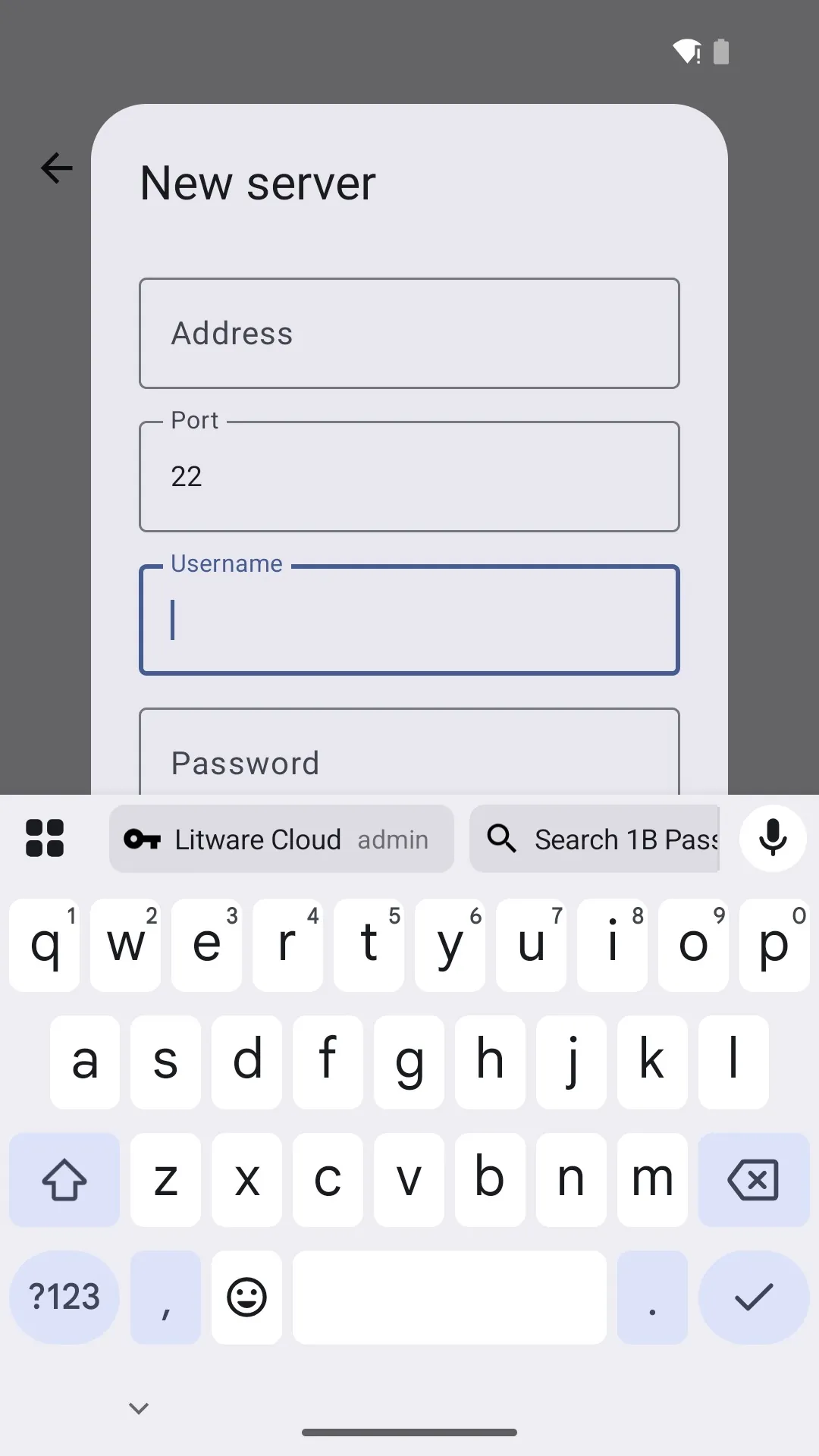
Your matching logins appear in the list or right above your keyboard.
Unlock where you are
Fingerprint, PIN or password, without switching apps.
Filled in
Username and password go straight into their fields. Nothing to copy, nothing to paste.
Saved for next time
New account or changed password? 1B Pass offers to save or update it.
Your bank's login goes to your bank. Only.
Website logins are offered only to real browsers and matched by the site's main domain, so a look-alike address or another app posing as one gets nothing.
Security in detail
No marketing words like “unbreakable”. Here is exactly what protects your vault.
- Every item is encrypted separately with AES-256-GCM, and any tampering with the vault file is detected and refused.
- Your master password is never stored: the key is derived from it with Argon2id, tuned so each attempt takes about three quarters of a second on your phone.
- No network at all: the Internet permission is removed from the app and from every library it uses.
- Fingerprint and PIN unlock use keys locked in your phone's secure hardware (Android Keystore); after 5 wrong PINs the master password is required.
- Autofill uses the standard Android Autofill Framework, and website logins are offered only to real browsers, so another app can't pose as your bank.
- Emergency recovery kit: a recovery key you can print or save as a PDF made on your phone. There is no back door — not even for us.
Item types
- Logins
- Cards
- Secure notes
- Identities
- Wi-Fi
- Custom
Import from (CSV)
- Chrome / Google
- Bitwarden
- KeePassXC
- KeePass 2
- 1Password
- LastPass
- Firefox
- Generic CSV
Unlock with
- Master password
- Fingerprint
- 6-digit PIN
- Recovery key
Two-step codes
- TOTP
- HOTP
- Steam Guard
- SHA-1
- SHA-256
- SHA-512
Everything you need, nothing that phones home
Built-in authenticator
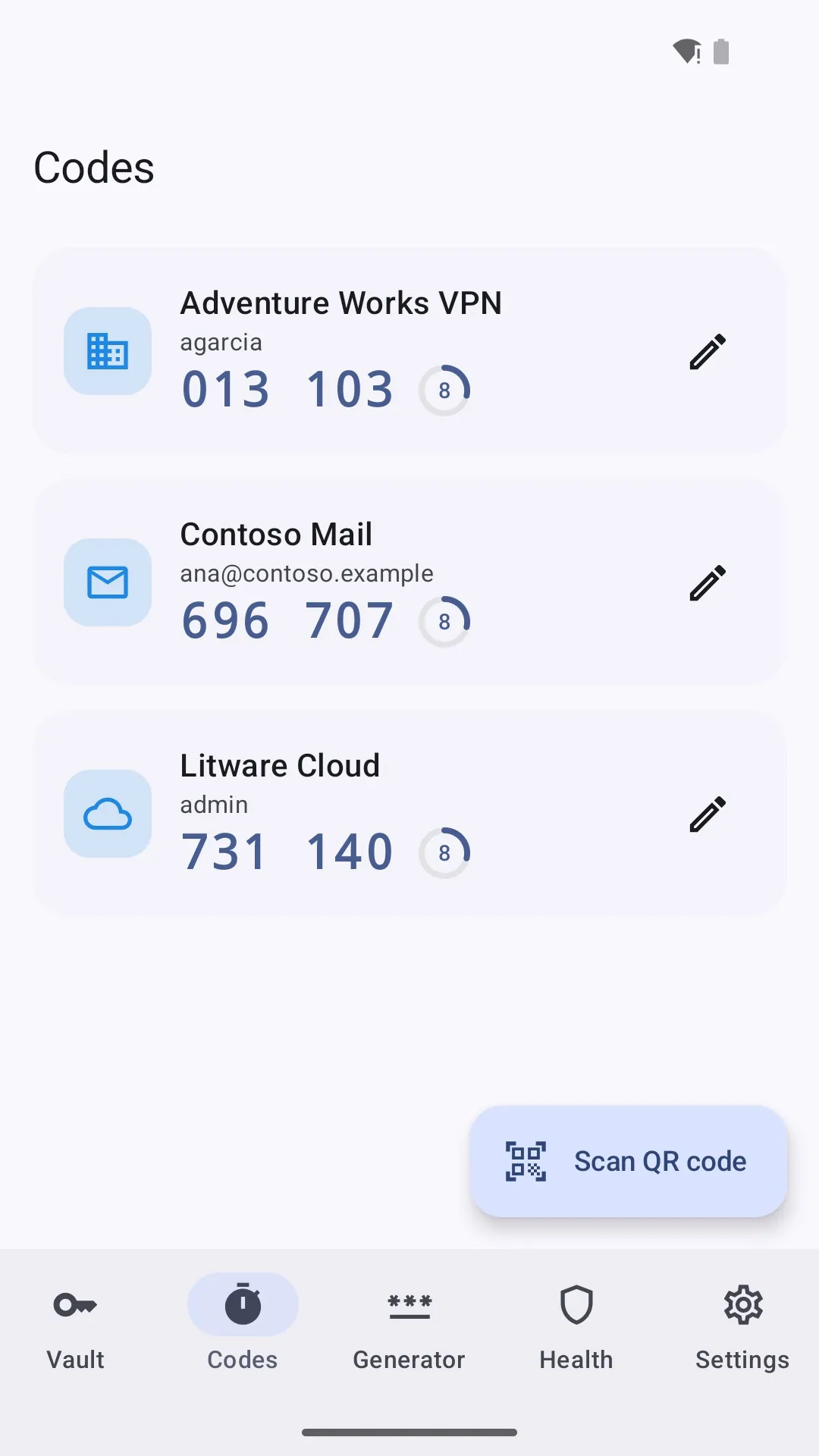
Two-step codes next to your logins. Add them by scanning a QR code, from an image or with an otpauth link.
Password generator
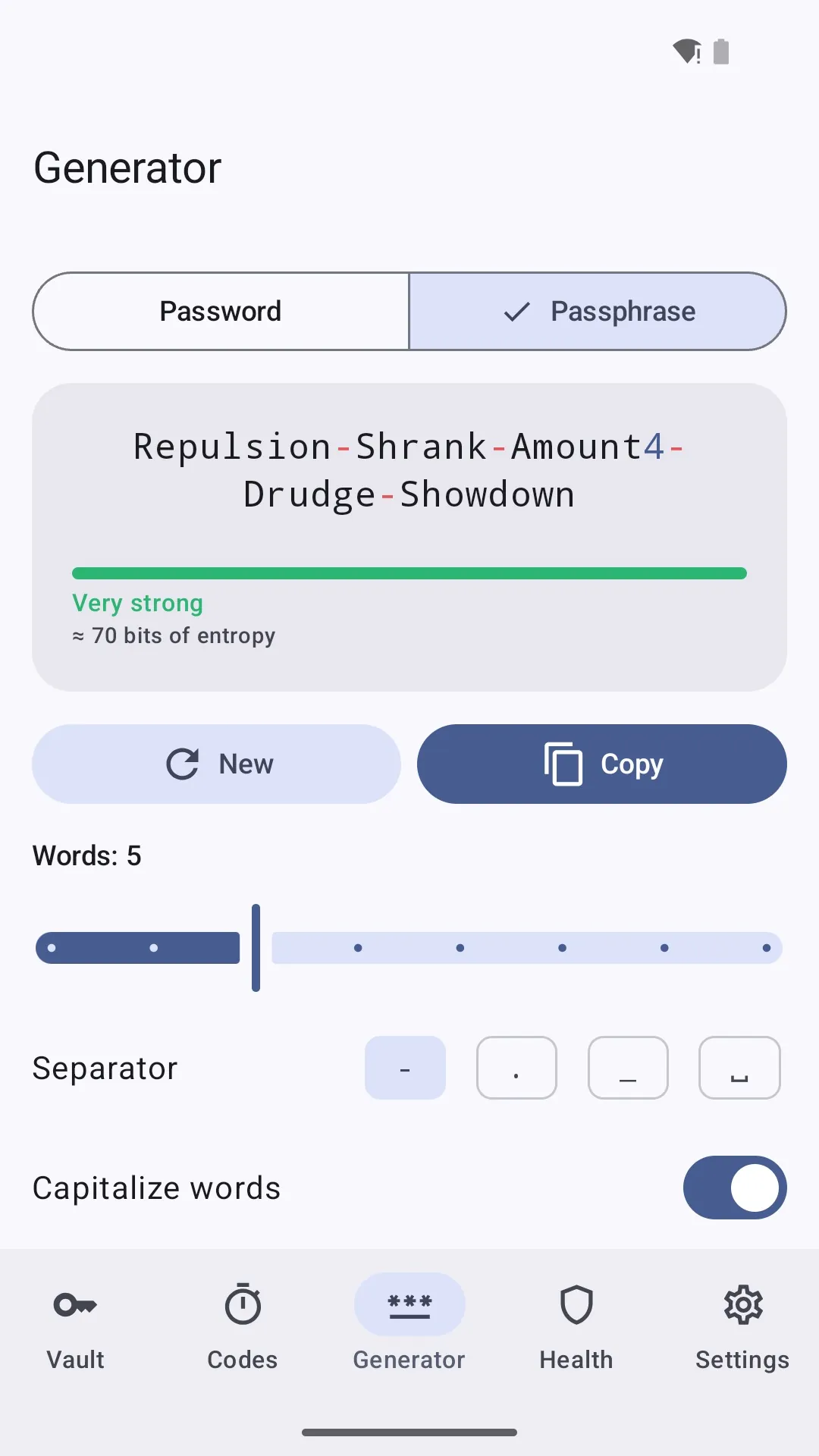
Passwords of 8 to 64 characters, or easy-to-remember passphrases of 3 to 10 words.
Password health check
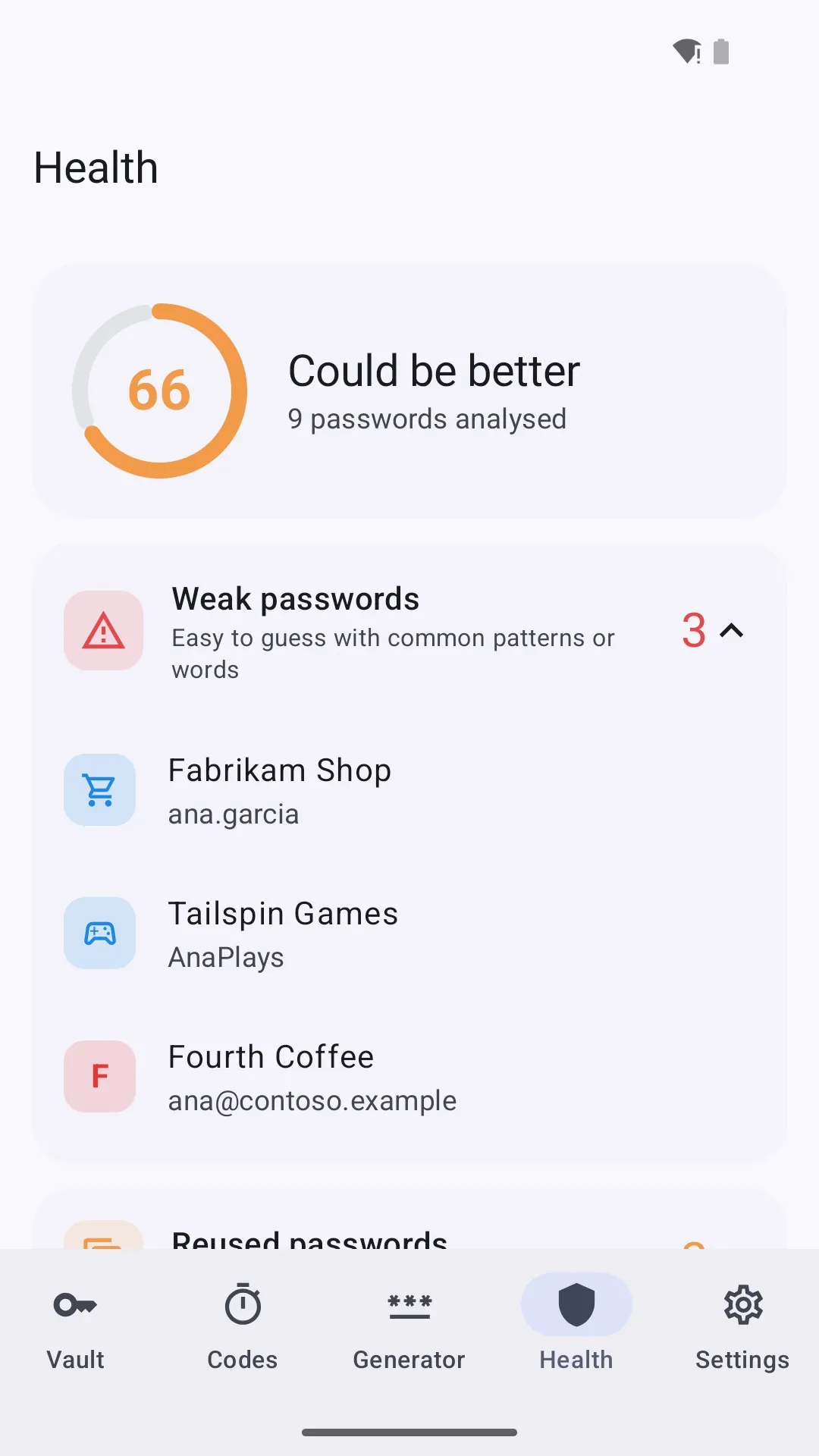
Spots weak, reused and old passwords and sites without https, with a score from 0 to 100.
Emergency recovery kit
A recovery key to print or keep as a PDF, created on your phone and shown only to you.
Automatic encrypted backups
Every few hours or days, to a folder you choose. The last 10 are kept, still encrypted.
Wi-Fi for guests
Store your network and show a QR code so visitors can join without spelling the password.
Cards, done right
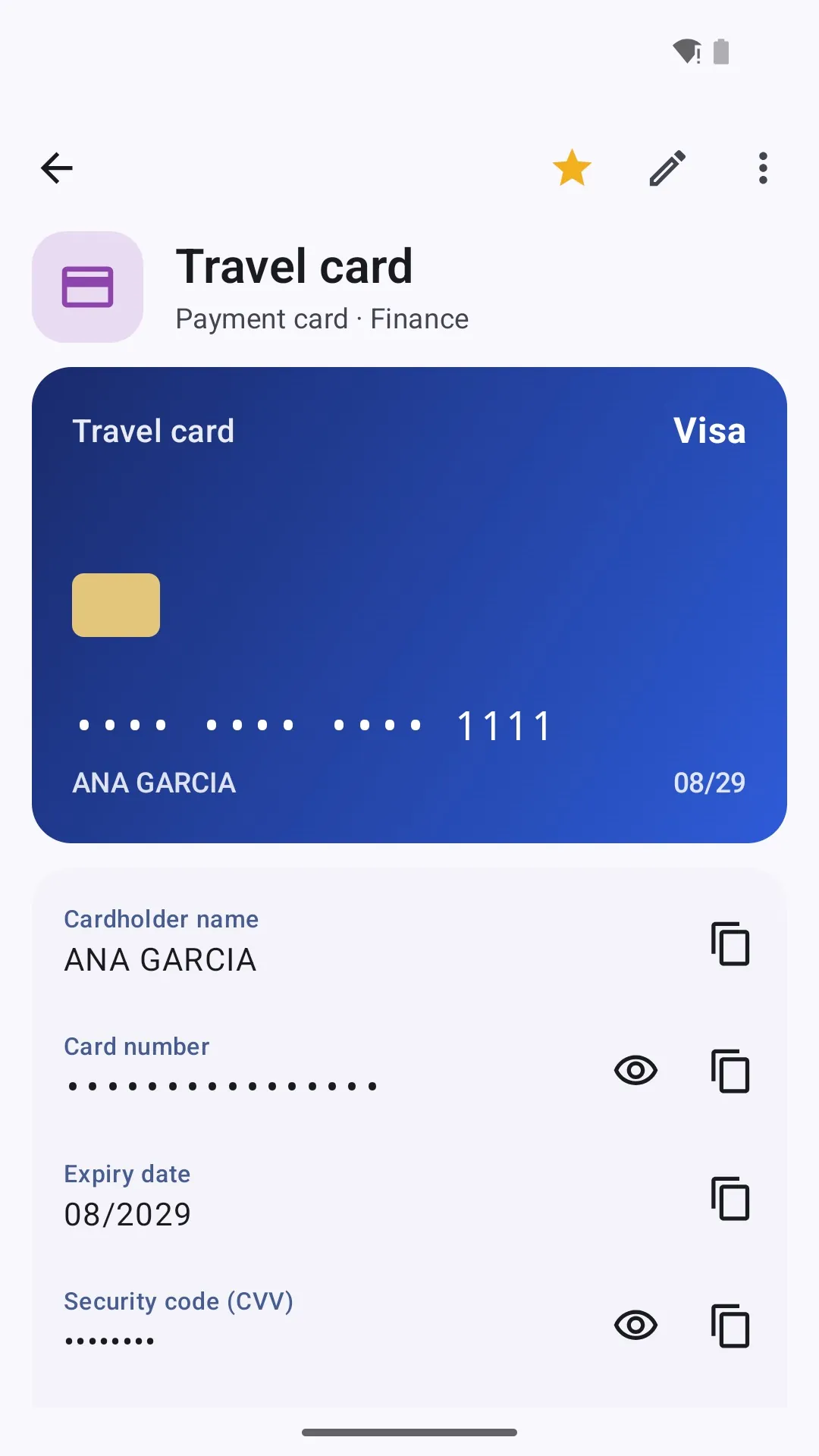
The card brand is recognised and the number is checked for typos.
Locks itself
Auto-lock, clipboard clearing, screenshots blocked and an incognito keyboard while you type.
See it in action
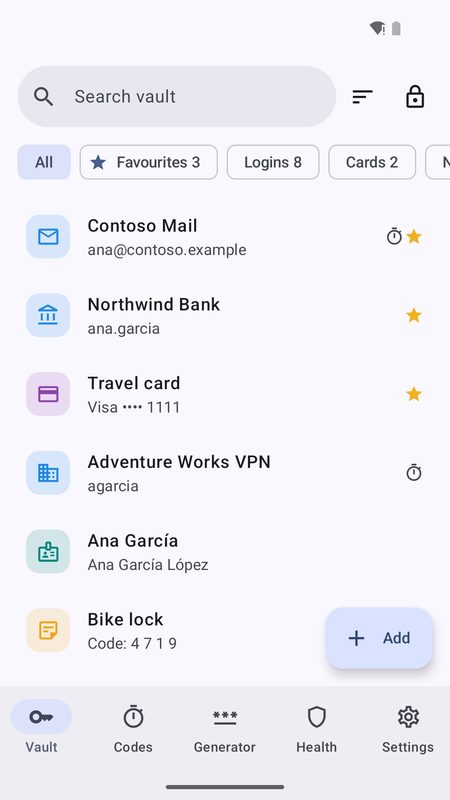
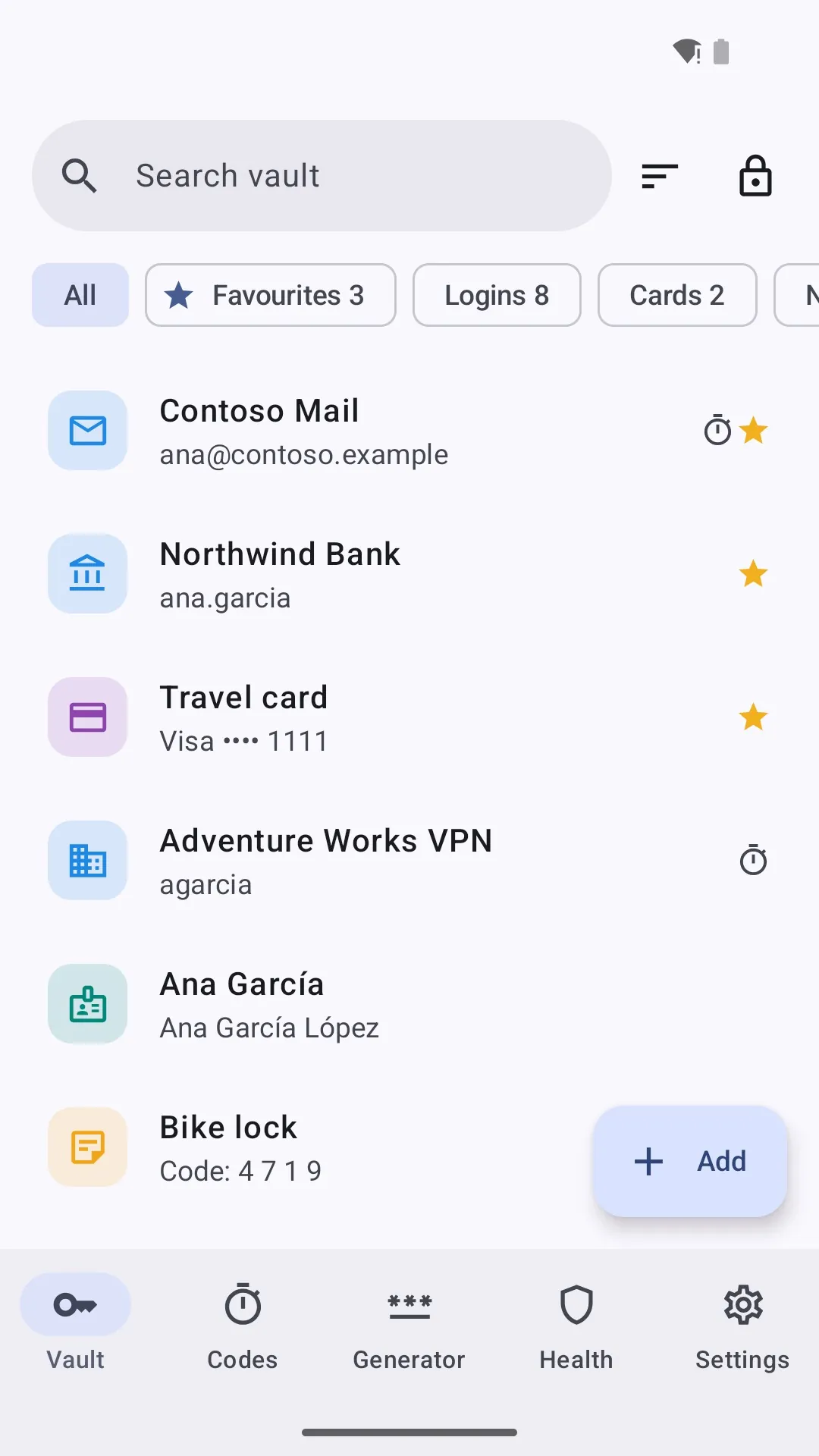
Your vault: logins, cards, notes and more
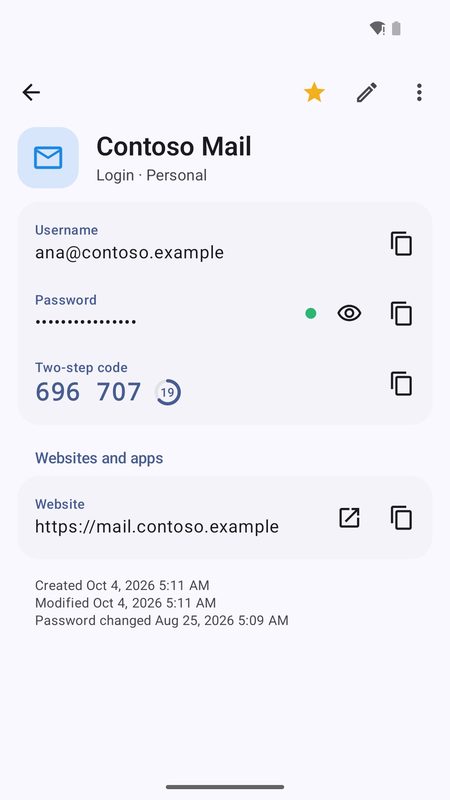
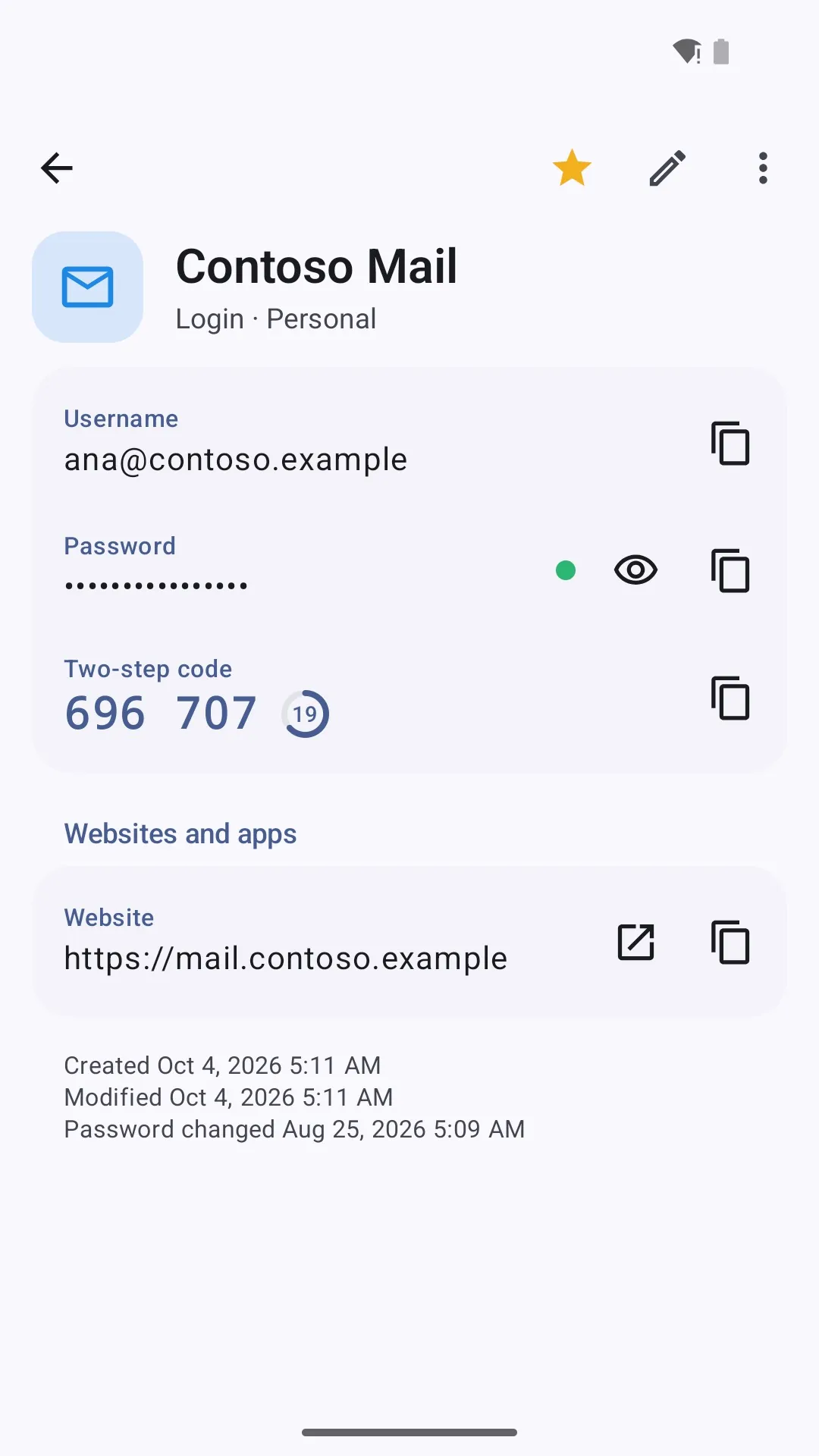
A login with its two-step code
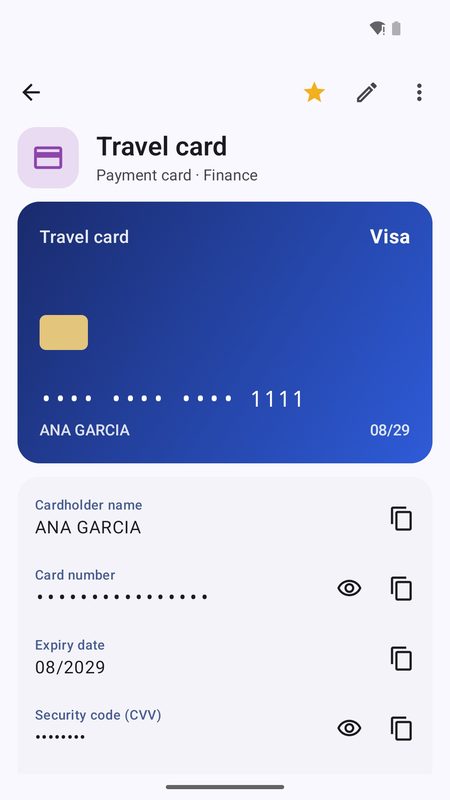
Payment cards
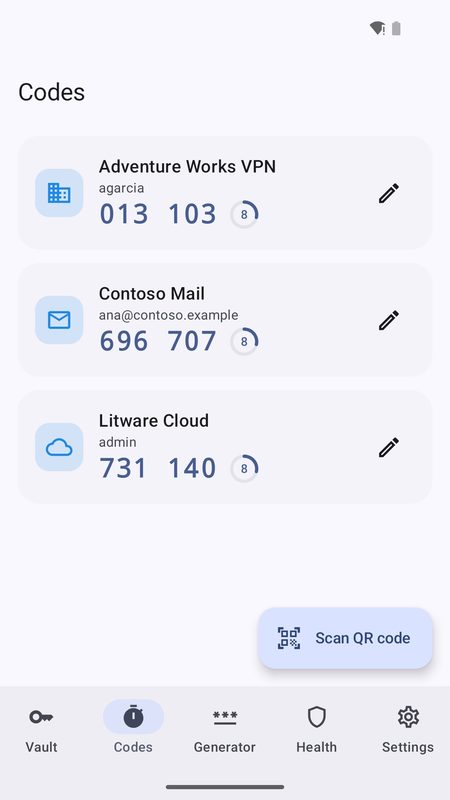
Built-in authenticator
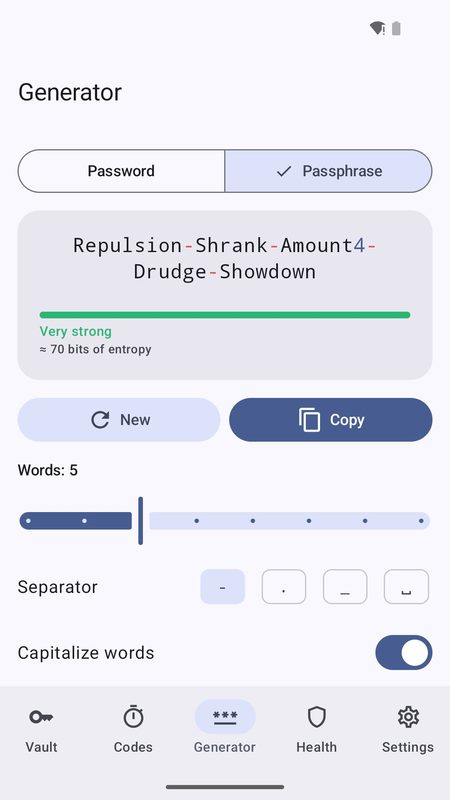
Password and passphrase generator
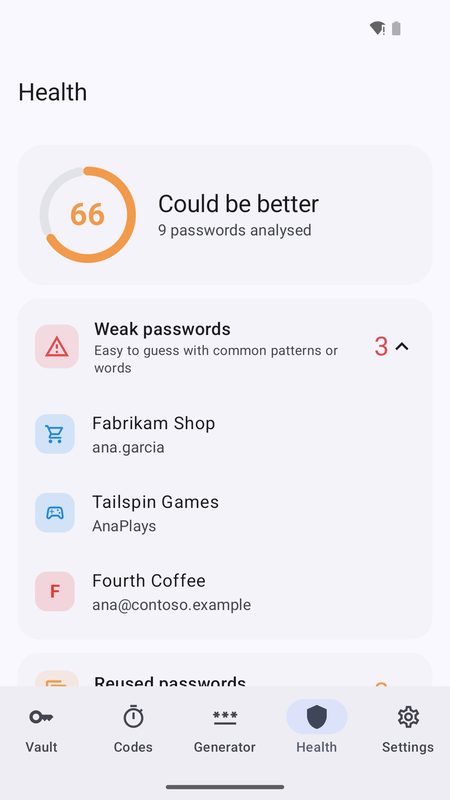
Password health check
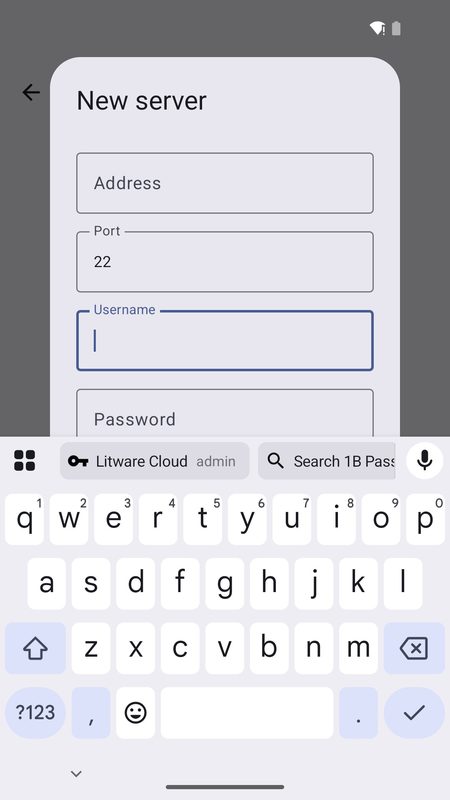
Autofill suggestions right above your keyboard
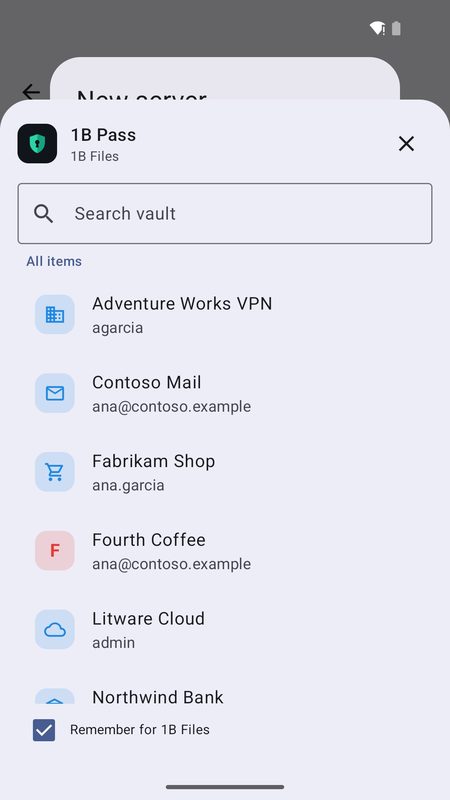
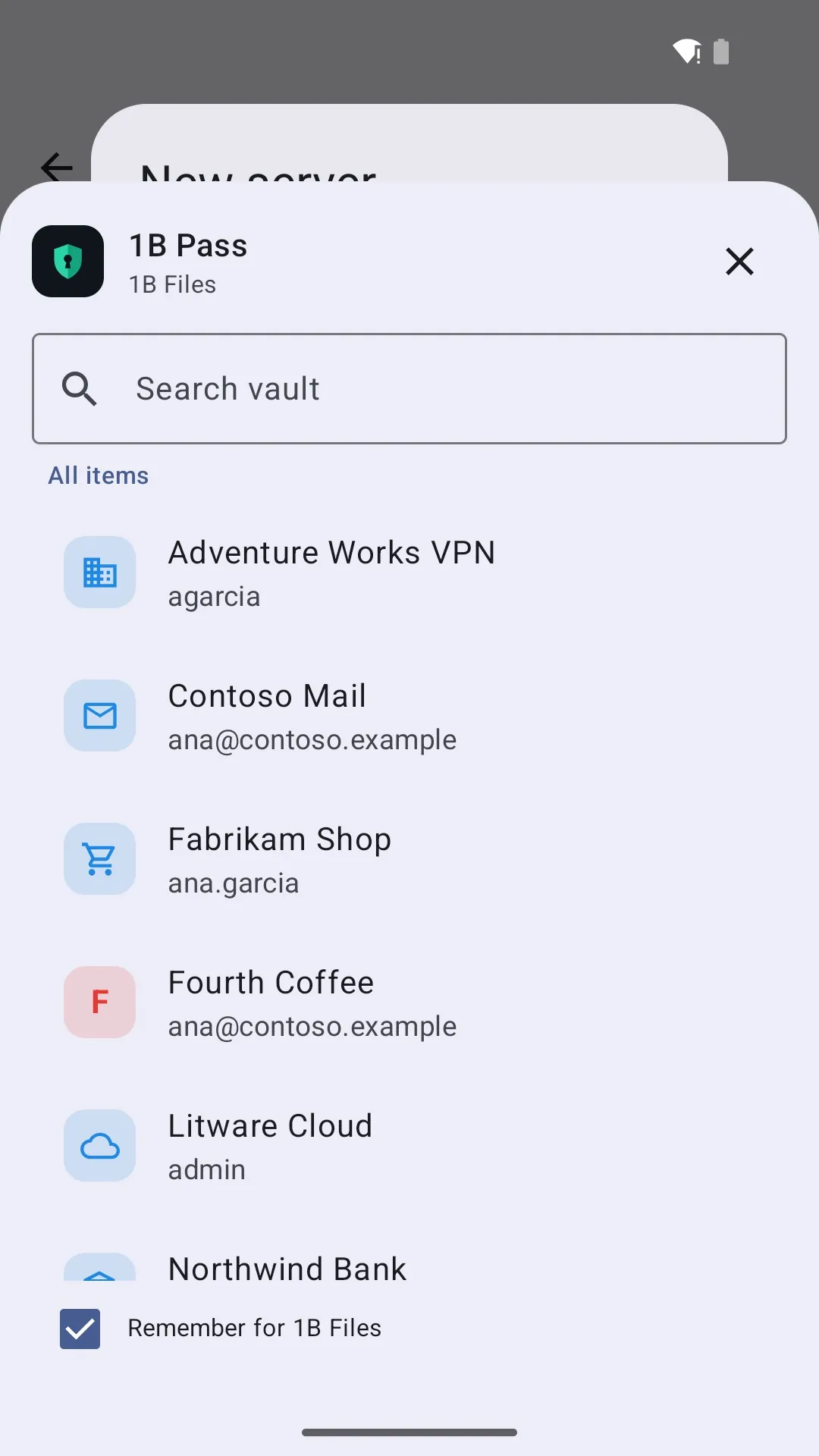
Search your vault while autofilling
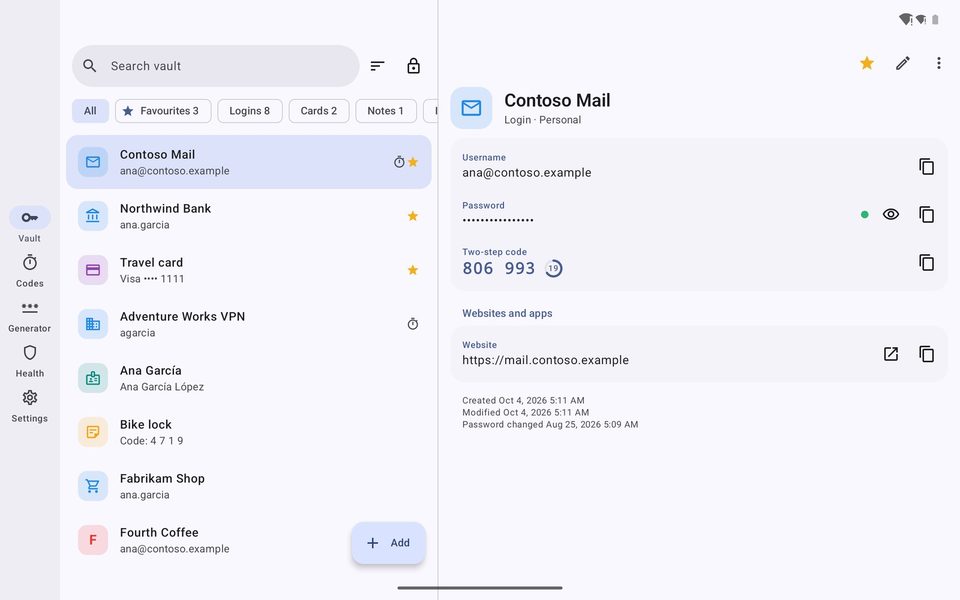
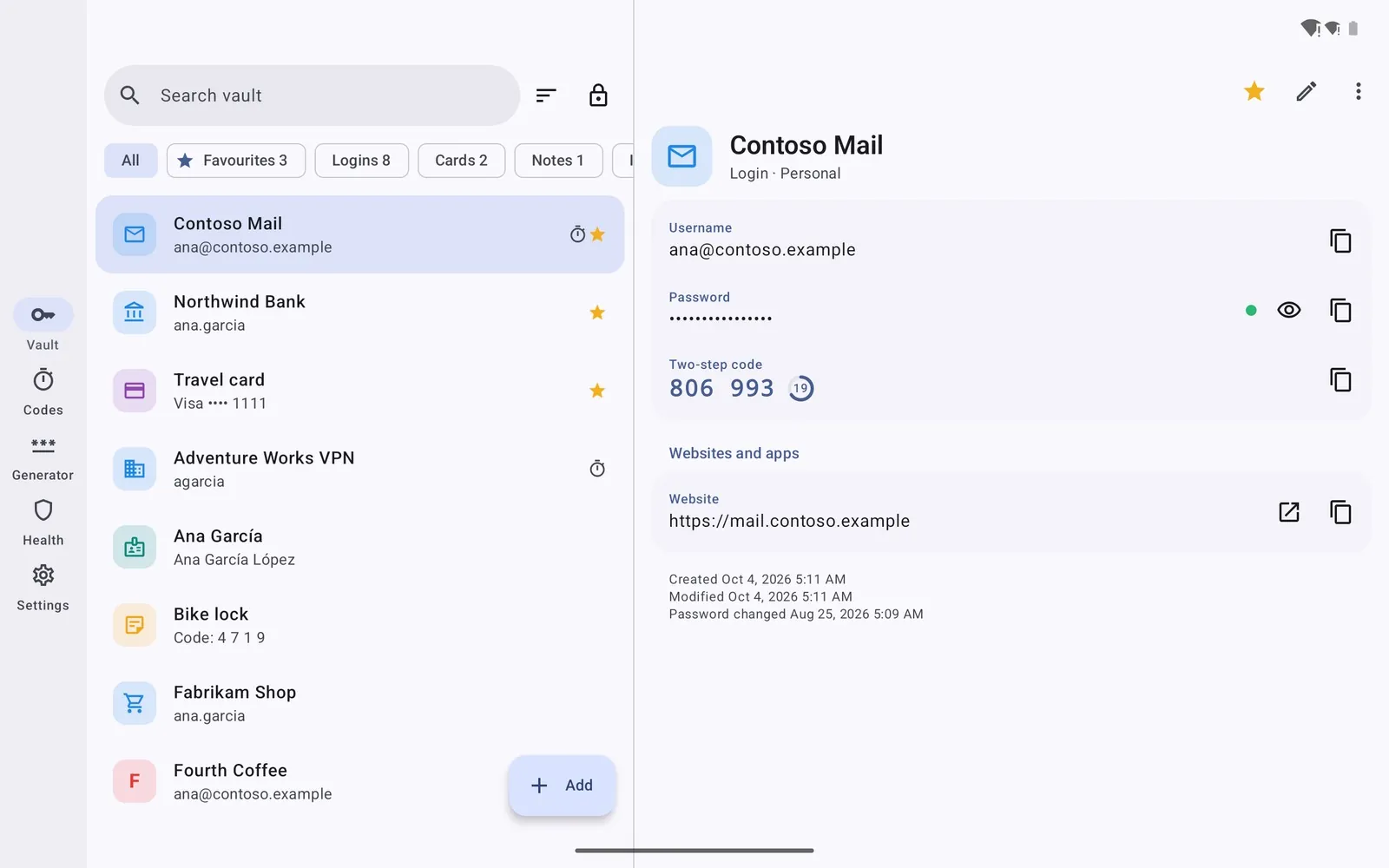
List and details side by side on tablets
Lock your passwords away — for real
1B Pass is in closed testing on Google Play. Ask for an invite, then install it from the test page.
The test page works once your Google account is on our tester list.
Public release on Google Play: coming soon
Privacy at a glance
- No Internet permission: your vault never leaves your device — the app cannot send it anywhere.
- Every item is encrypted with AES-256-GCM; your master password is protected with Argon2id and never stored.
- Backups and exports go only where you choose, through the Android file picker.
Details
- Early access
- Closed testing on Google Play
- Requires
- Android 11 or later
- Languages
- 21 languages
- Price
- Free download
- Package
com.onebytesystems.pass


