1B MailEmail for Windows, Linux and Android
Early access 0.1.4Now available for Windows and Linux
Your email, the way you know it. All your accounts. Nobody's cloud.
1B Mail looks and works like the Outlook you're used to, but it talks straight to your own mail servers: IONOS, Gmail or any IMAP provider. Your mail, your passwords and your search index stay on your computer — no ads, no tracking, and no AI pushed on you.
- Real conversations
- One unified inbox
- Any IMAP account
- Imports Thunderbird and Outlook
- Trackers blocked
AvailableVersion 0.1.4 · early access
Unlimited accounts, no ads and no sign-up. Have 1B Mail Pro? Sign in for your licence.
Download 1B Mail
The full email program with all its features and unlimited accounts. Updates install themselves from inside the app.
Windows
Windows 10 (22H2) and 11, 64-bit. Installs for your user only, no administrator rights needed. Updates over the top and keeps your data.
Download .msi · 305.3 MBMicrosoft Store: coming soonLinux
x86-64. RPM for Fedora, RHEL and derivatives; Flatpak for any other distribution. Uses your desktop's keychain.
Download .rpm · 222.1 MBDownload Flatpak · 209.7 MBAndroid
Same engine, same accounts. Bring your accounts over from the computer with a QR code, straight over your own network.
Coming soon to Google PlaySHA-256 checksumsSource codeLicence terms
1B Mail Pro One payment
For people who live in their inbox. One licence for your computers and your phone. Same download — Pro switches on with your licence.
- Templates
- Send later
- Snooze
- Advanced rules
- Newsletter clean-up
- Themes
Everything where you expect it
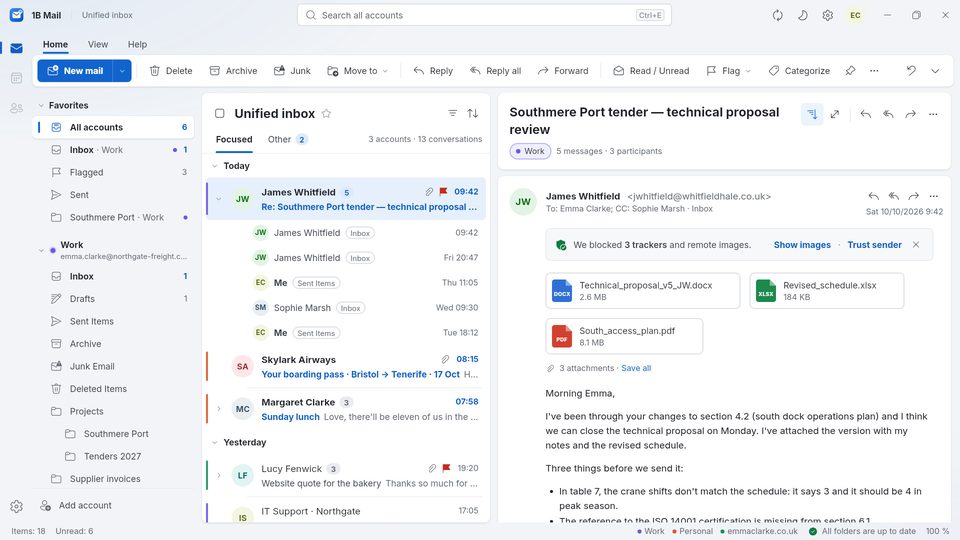
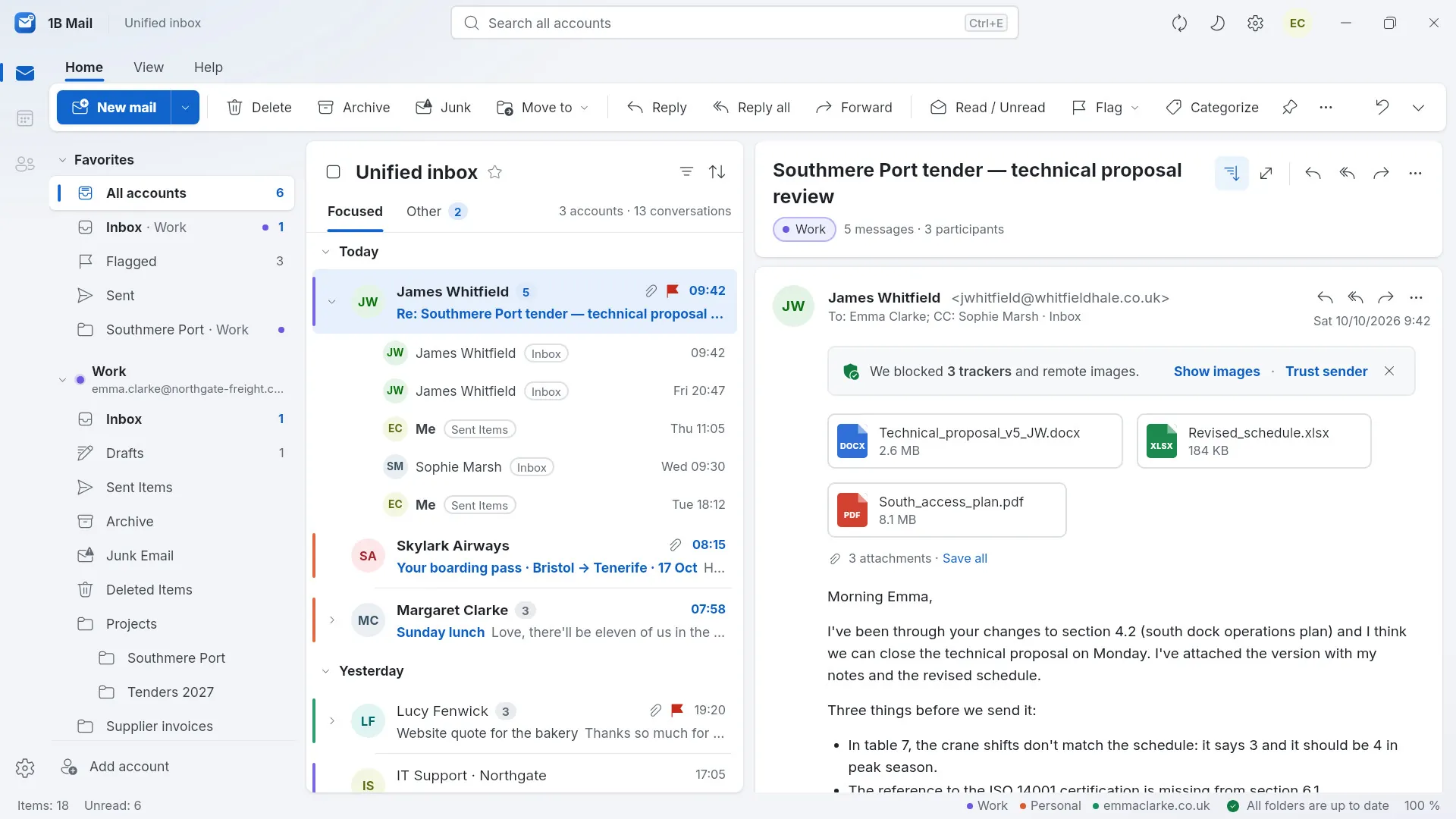
Ribbon, folder pane, message list and reading pane — the layout millions already know, with the details done properly. These are real screenshots of our current build, with sample data.
A whole conversation, in order
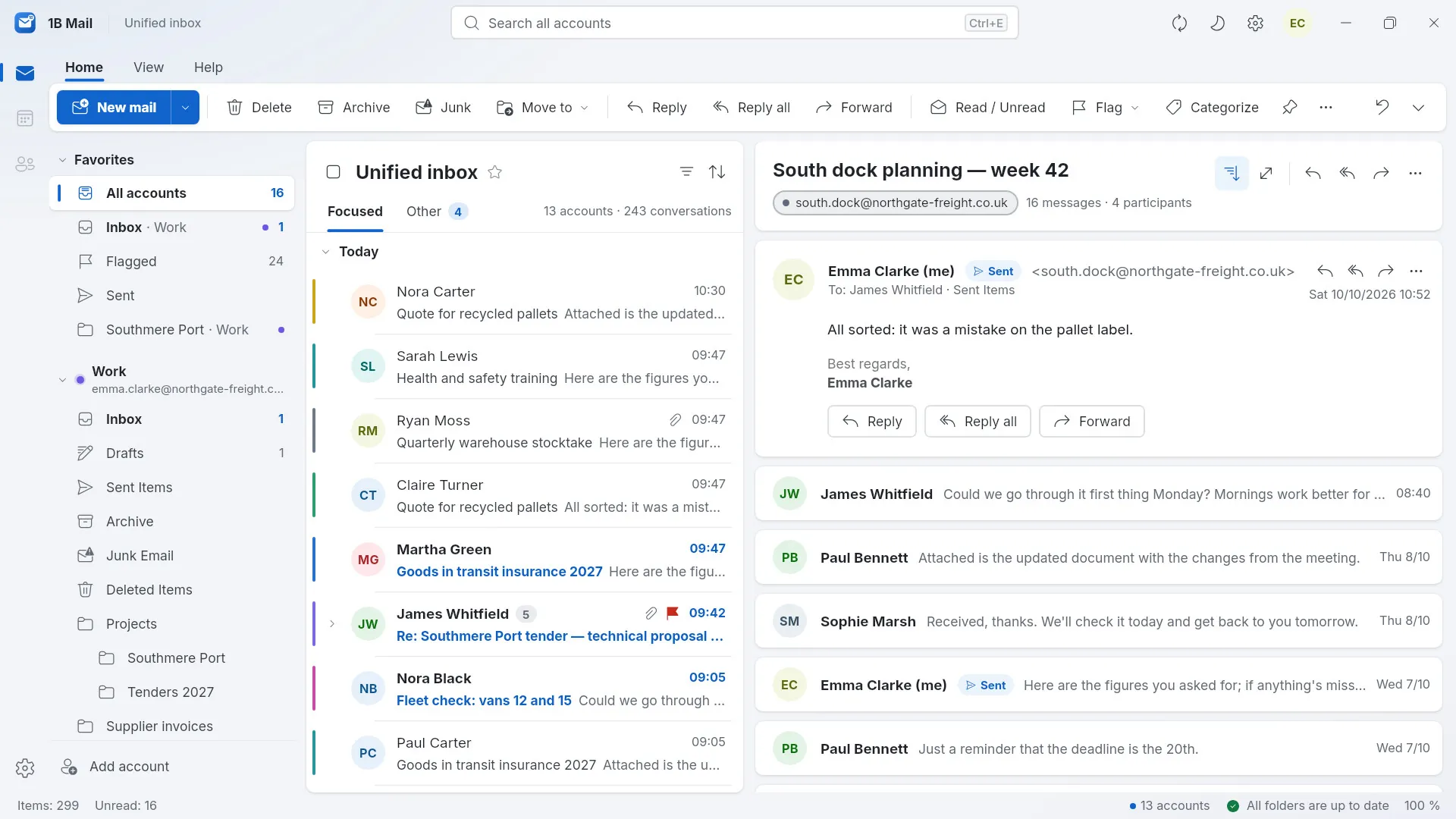
Replies are grouped into one conversation even when they live in different folders, so your answer from Sent sits right next to the message it answers. Expand it in the list to jump to any message.
All your accounts in one inbox
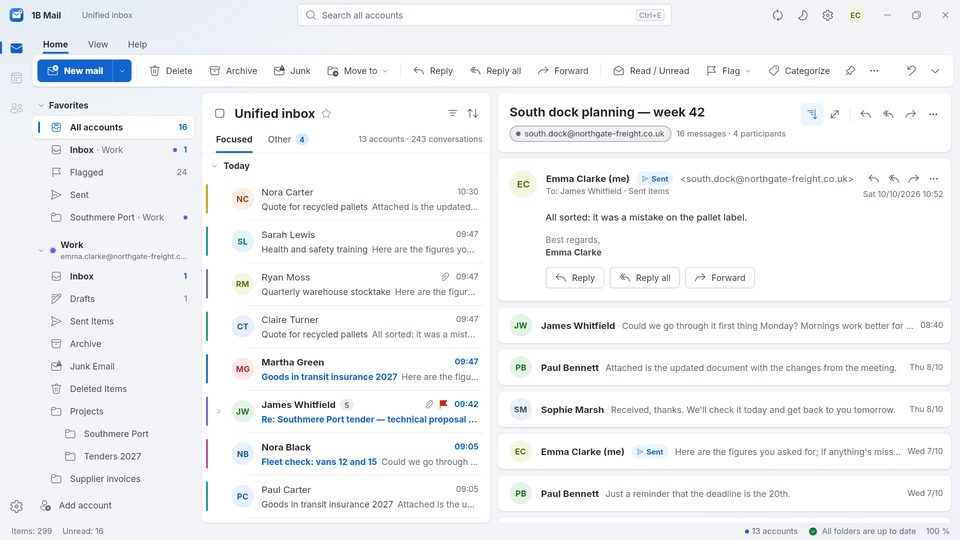
Work, personal and that old domain you still check: one inbox for all of them, split into Focused and Other, with each account in its own colour. Every account keeps its own folders, too.
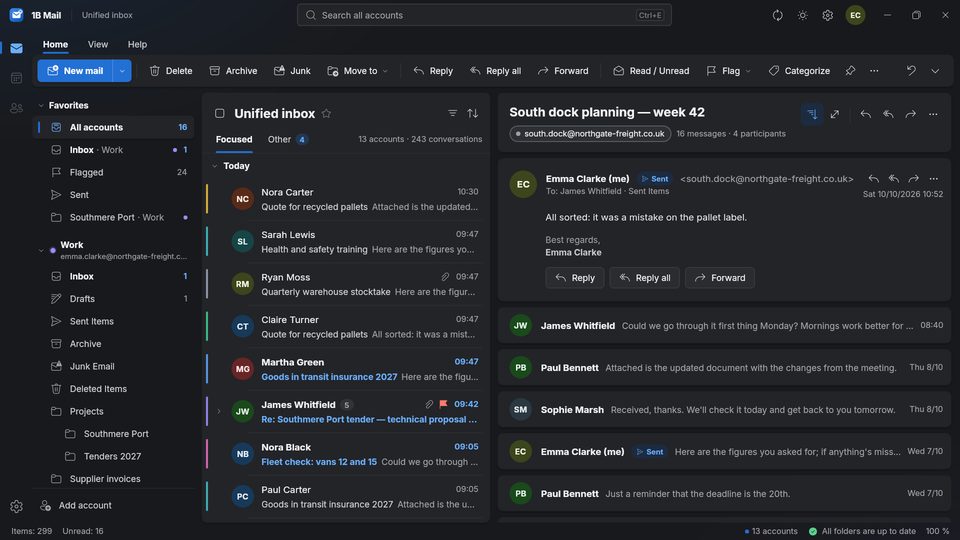
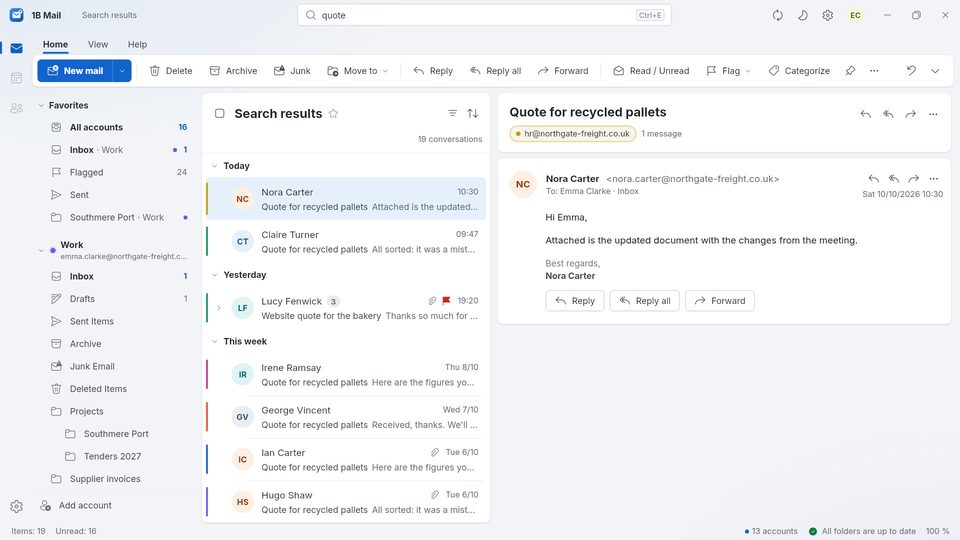
Search that answers before you finish typing
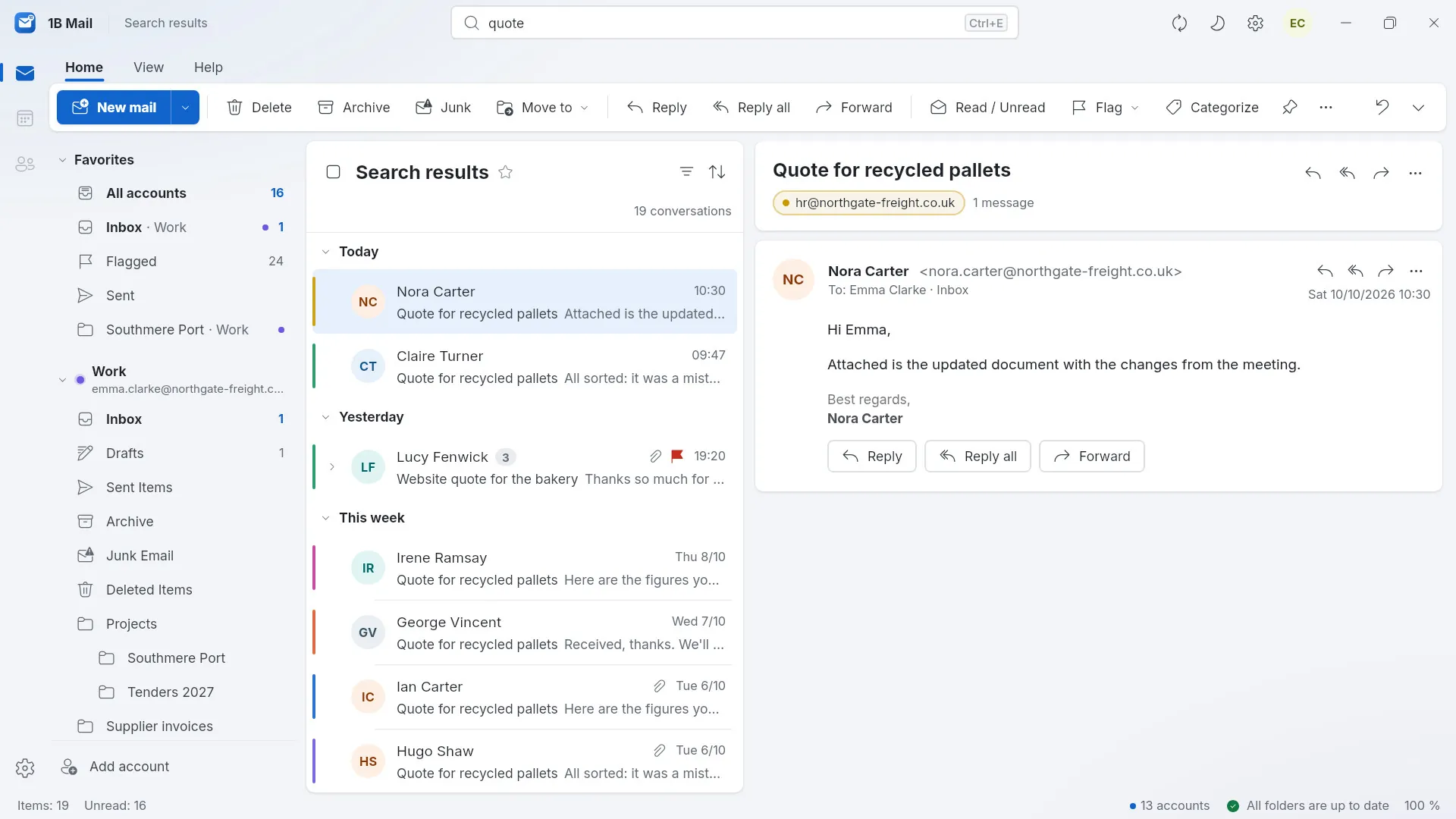
Search every account at once, on your own computer, with filters for sender, recipient, attachments, flagged and unread. The index never leaves your PC.
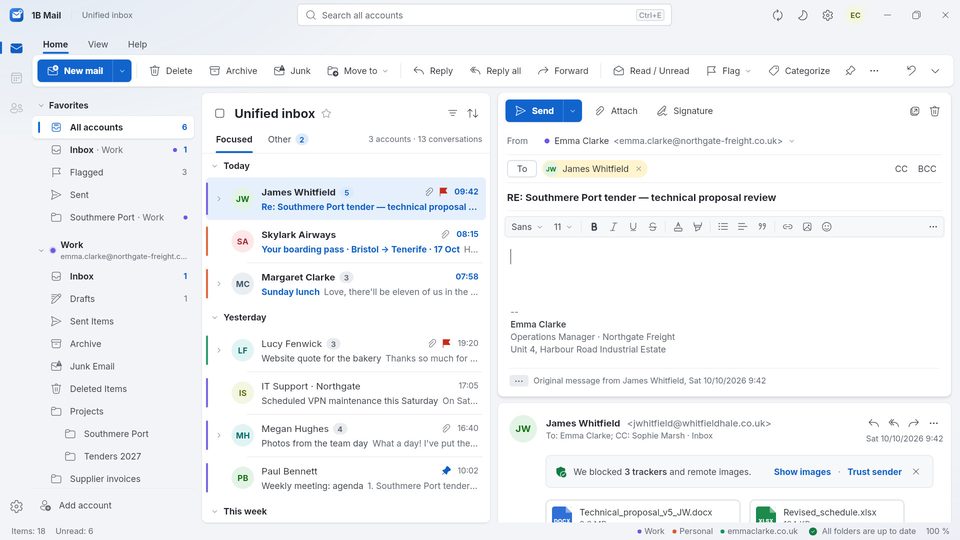
Reply right where you're reading
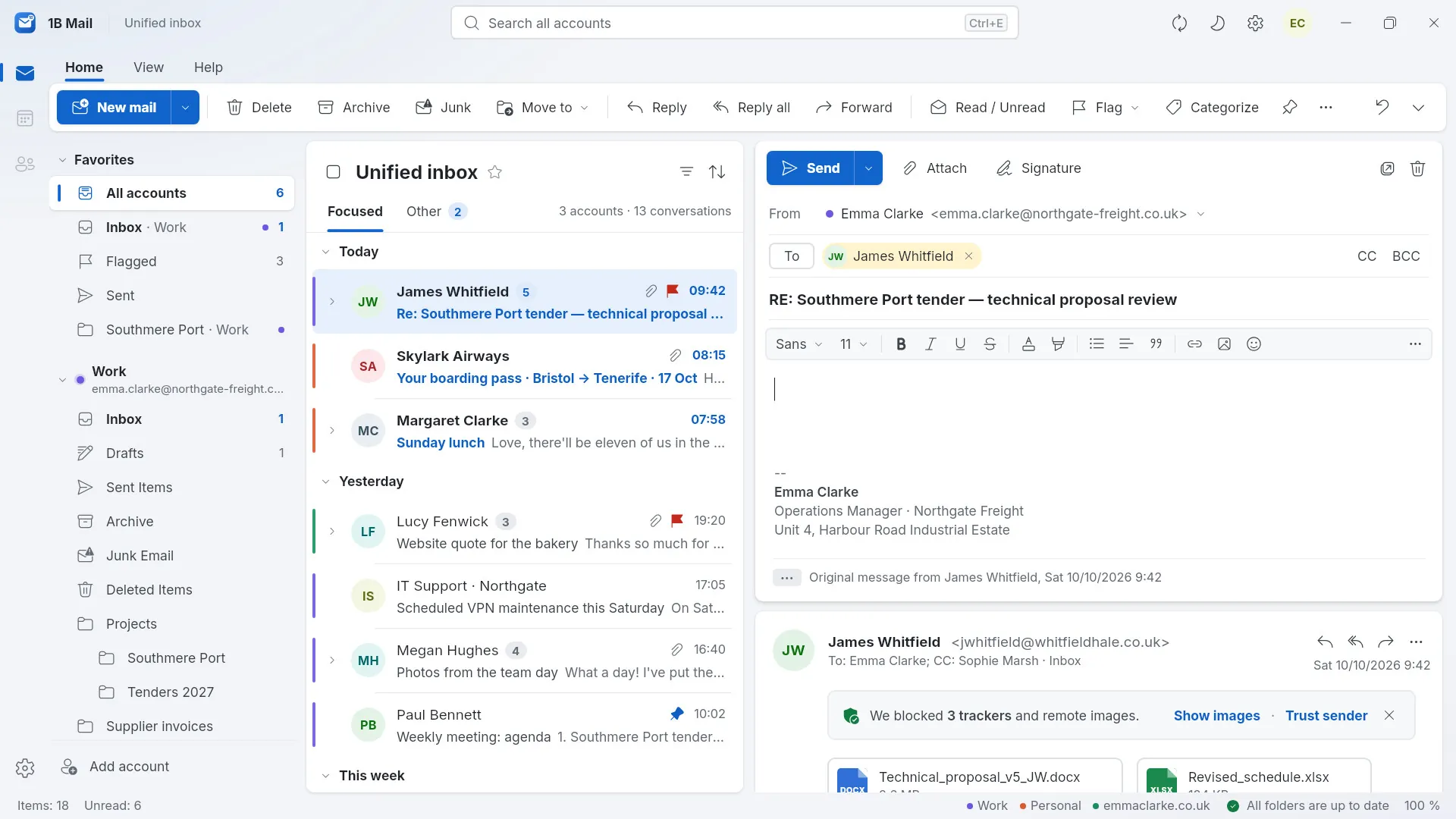
Write in the reading pane or in its own window, with formatting, attachments, signatures and one identity per account. Ctrl+R, Ctrl+Shift+R and Ctrl+F do what you expect.
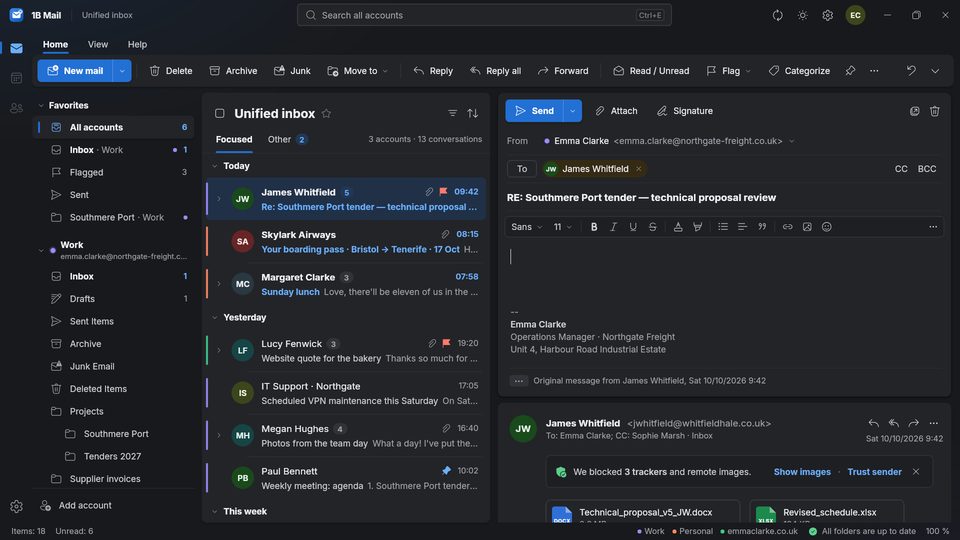
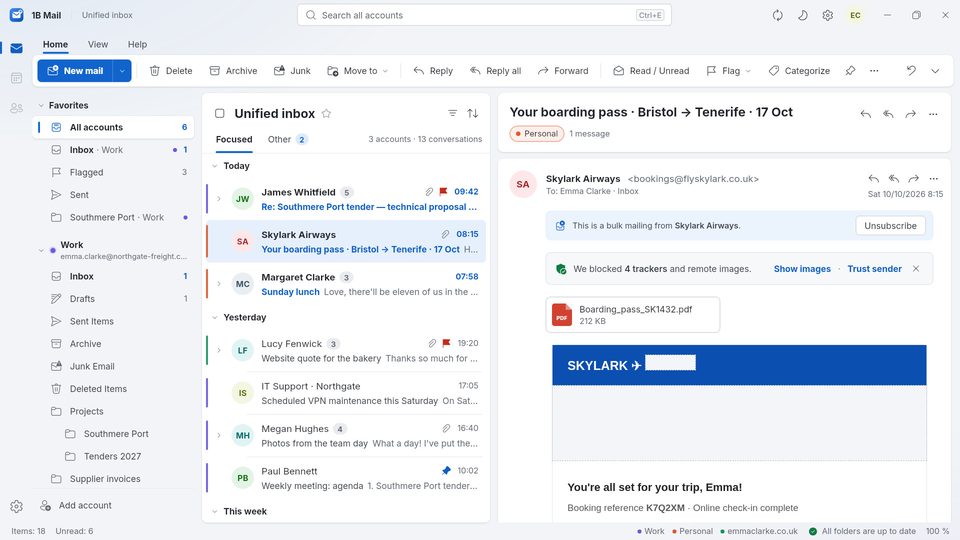
Read your mail without being watched
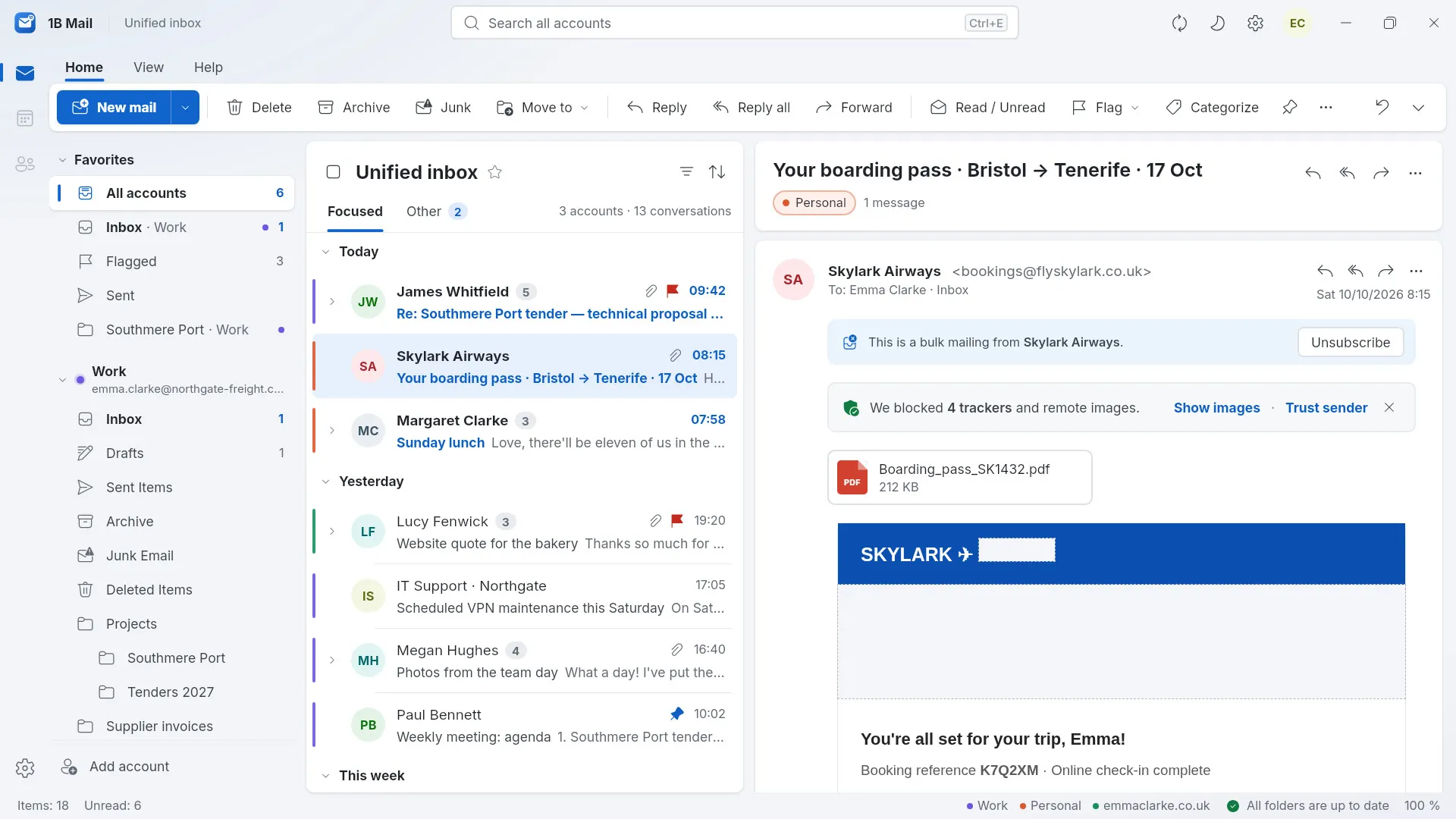
Remote images and tracking pixels are blocked until you say otherwise, so senders don't learn when — or whether — you opened their message. Show images once, or trust a sender for good.
- < 1 sfrom click to window
- 23 msto search 50,000 emails
- 30 msto open the next message
- 0servers of ours in between
Measured on our development PC with Linux: start-up of the packaged build to the first window; search = median of 15 queries over a 50,000-message mailbox; next message = median full-window redraw with 49,792 real messages synced.
Move in, in a minute
No new account to create and nothing to configure by hand in the usual cases.
Bring what you have
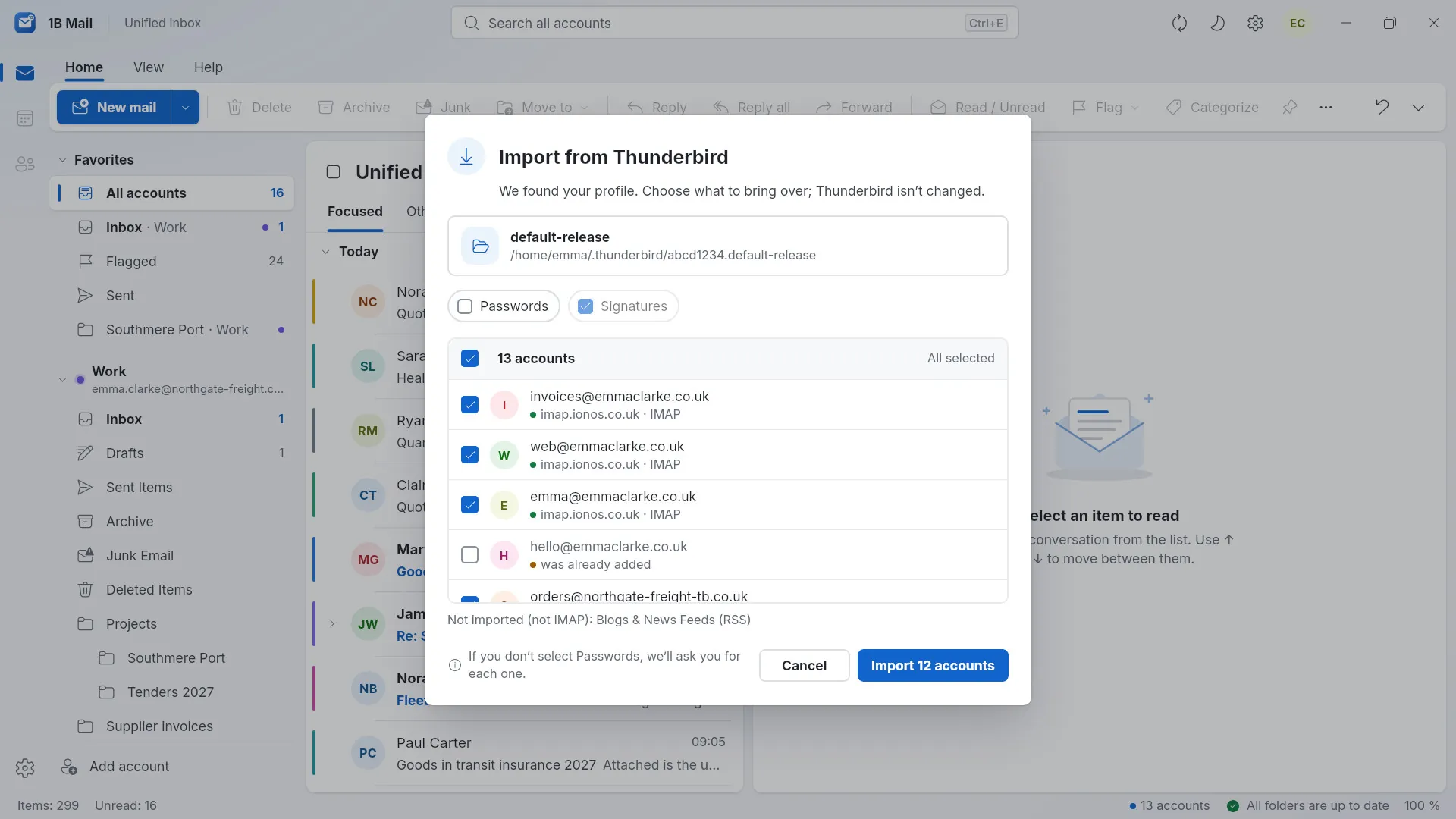
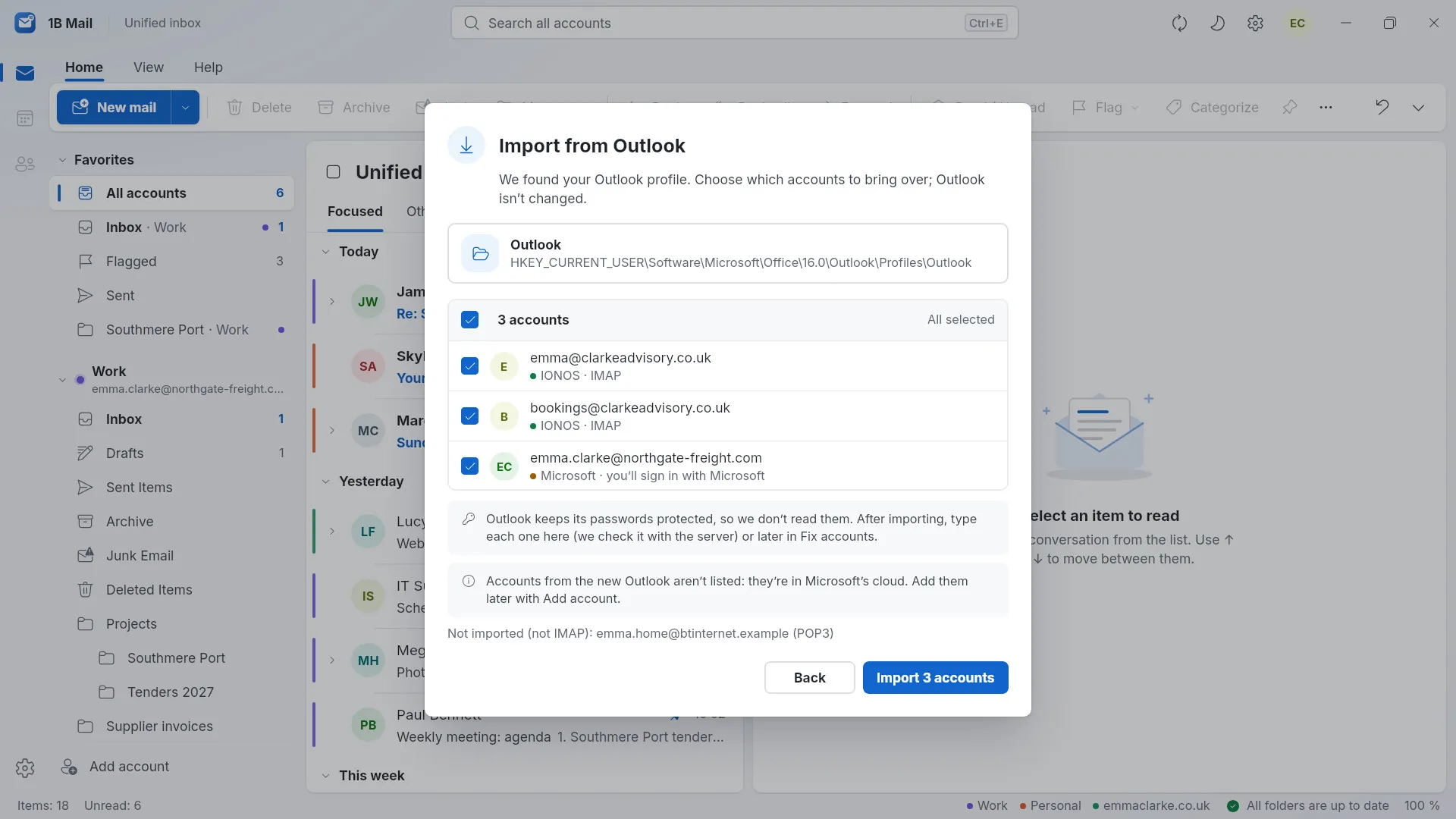
Import your accounts from Thunderbird, or from classic Outlook on Windows: servers, identities and signatures come over, and your old program isn't touched.
Or just type your address
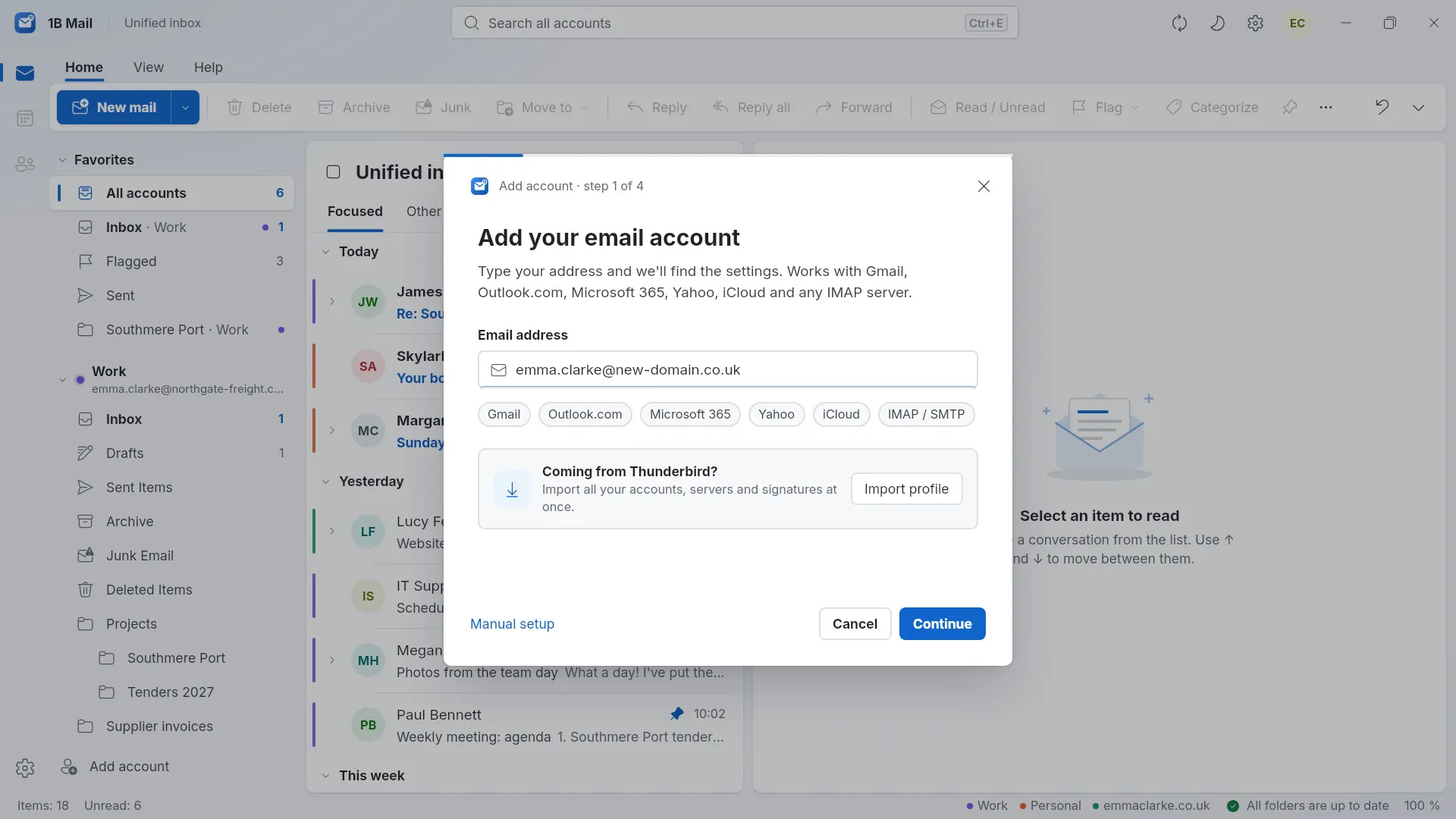
1B Mail finds the settings by itself — for IONOS, Gmail, Yahoo, iCloud, GMX and any provider that publishes them — and tests the connection before saving.
Passwords in your keychain
Passwords go into an encrypted vault whose key lives in your system's keychain: Windows Credential Manager or the Linux Secret Service.
Then it's all local
Mail syncs to your computer and stays readable offline. Actions are queued and sent when you're back, and almost everything can be undone.
Private by design, not by promise
1B Mail has no account of ours, no servers of ours and no analytics. It connects to your mail servers and nowhere else.
- No ads, no analytics, no telemetry
- Your mail and search index stay on your computer
- Remote images and tracking pixels blocked until you allow them
- Messages are cleaned up before they're shown; scripts never run
- A warning when a link's text doesn't match where it really goes
- Strict TLS; certificate exceptions only with the fingerprint shown
- No AI pushed on you: nothing reads your mail to “help”
Works with
- IONOS
- Gmail
- Yahoo
- iCloud
- GMX
- WEB.DE
- Strato
- Fastmail
- Zoho
- Any IMAP / SMTP
Imports from
- Thunderbird
- Outlook (classic, Windows)
The details you'd miss
Focused and Other
Newsletters and notifications go to Other with local rules, so Focused shows what matters.
Outlook shortcuts
Delete, Ctrl+R, Ctrl+N, Insert to flag, arrows to move: the keys your hands already know.
Undo almost anything
Deleted, moved or archived by mistake? Undo it from the notice at the bottom of the window.
Works offline
Read and sort without a connection; changes are queued and synced when you're back online.
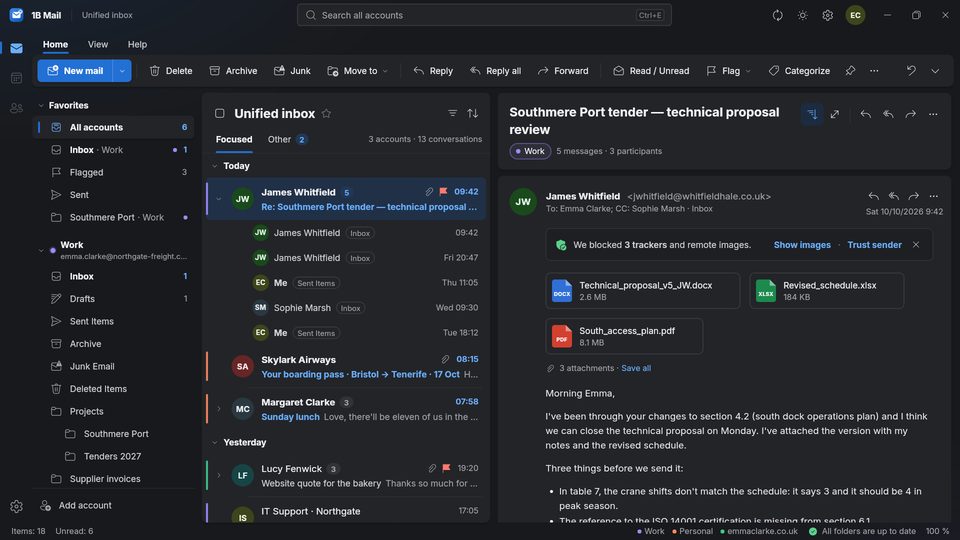
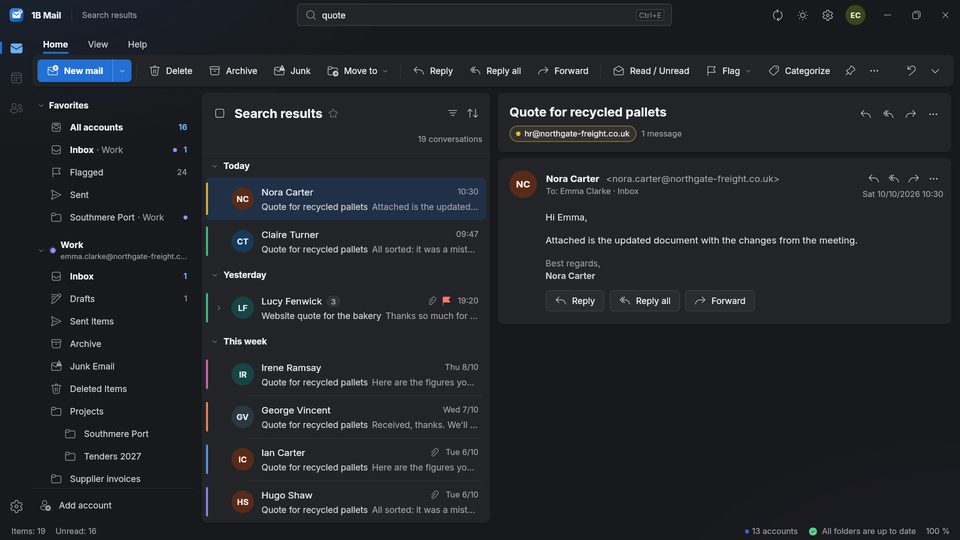
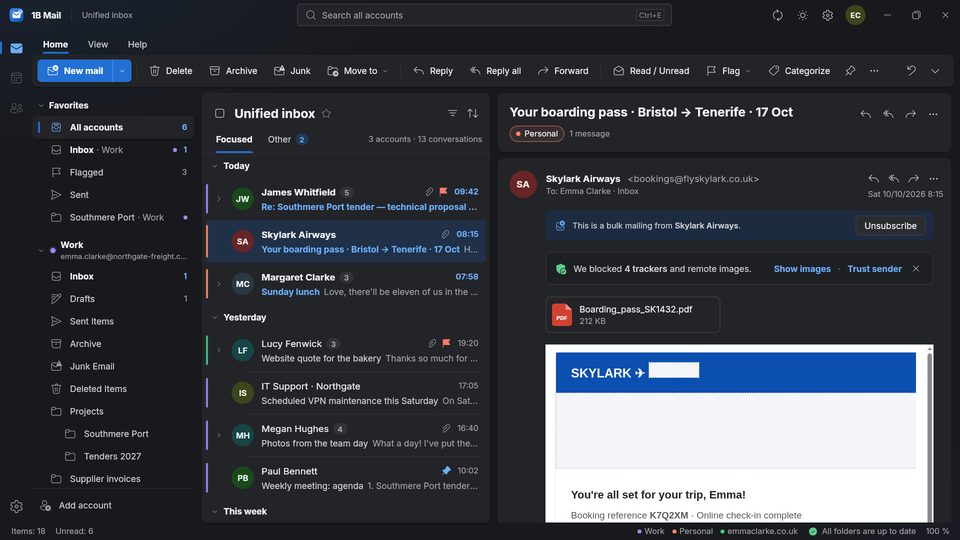
Light, dark and your size
Light, dark or system theme, three densities, reading pane right, bottom or off, and text size from 80 to 200 %.
Simplified or classic ribbon
A clean single-row ribbon, or the classic one with big buttons and labels — your choice.
Your default mail app
Click a mailto: link anywhere and 1B Mail opens a new message; notifications and a tray icon tell you what arrived.
21 languages
The whole program in 21 languages, with the terms each language's Outlook uses.
Real screenshots
A conversation with attachments and blocked trackers
Thirteen accounts in one unified inbox
Searching every account at once
Replying in the reading pane
A newsletter with four trackers blocked
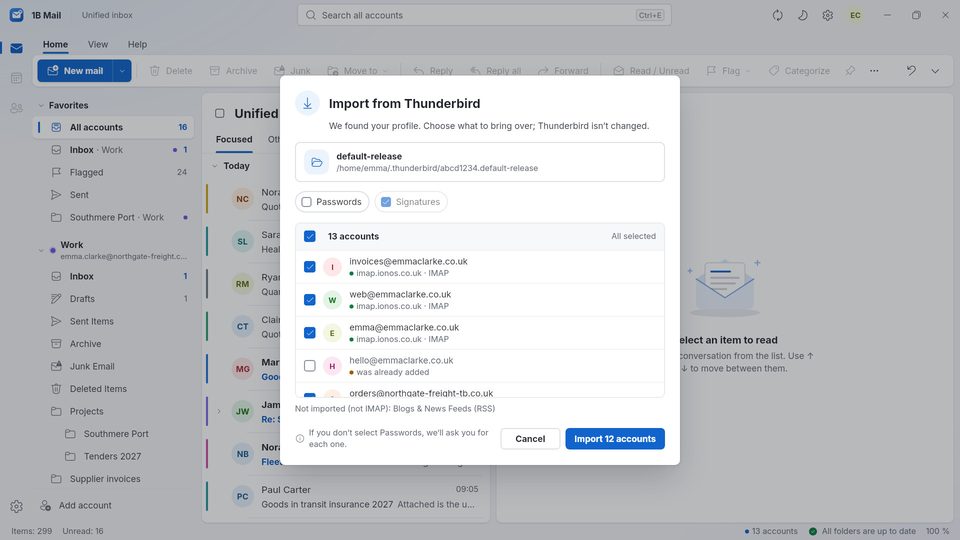
Importing 13 accounts from Thunderbird
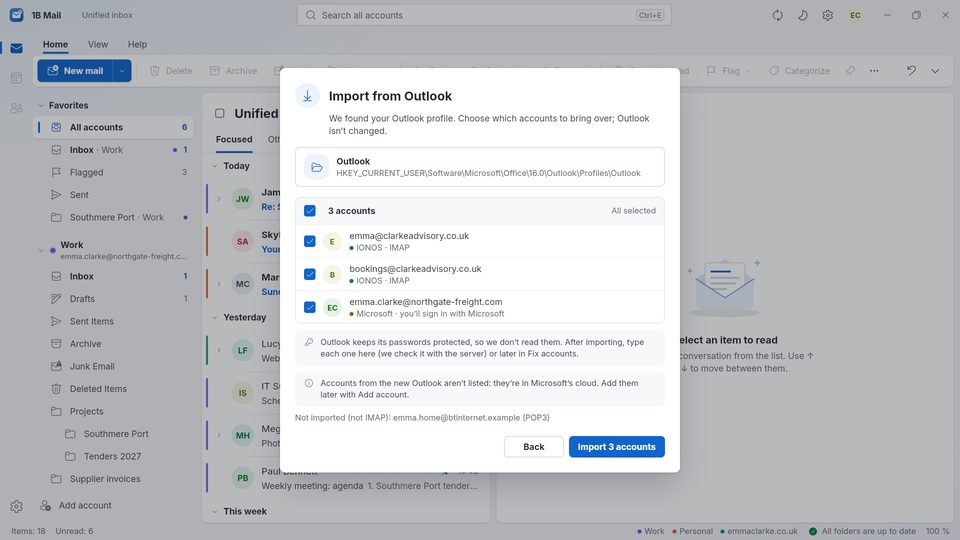
Importing accounts from classic Outlook on Windows
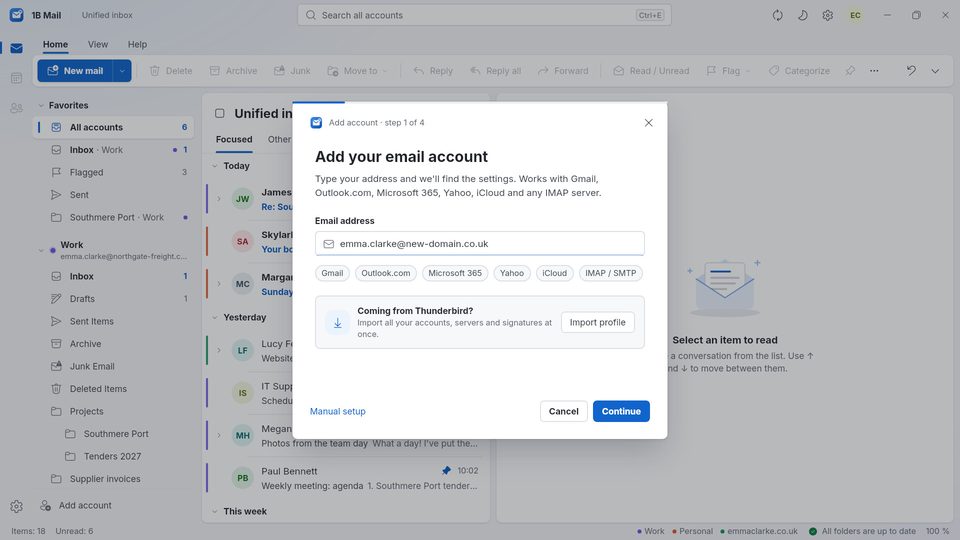
Adding an account: just type the address
The same conversation in dark mode
Unified inbox in dark mode, with a long conversation
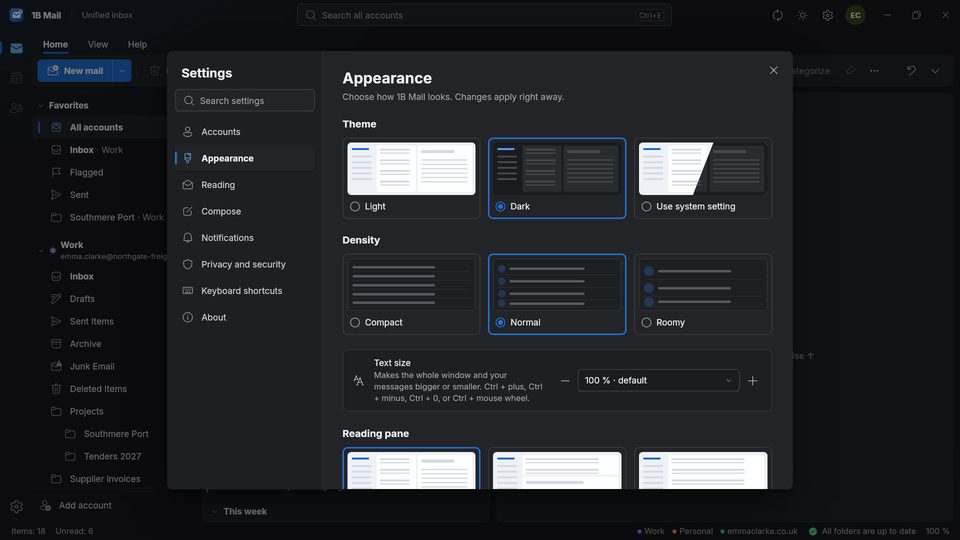
Settings › Appearance in dark mode
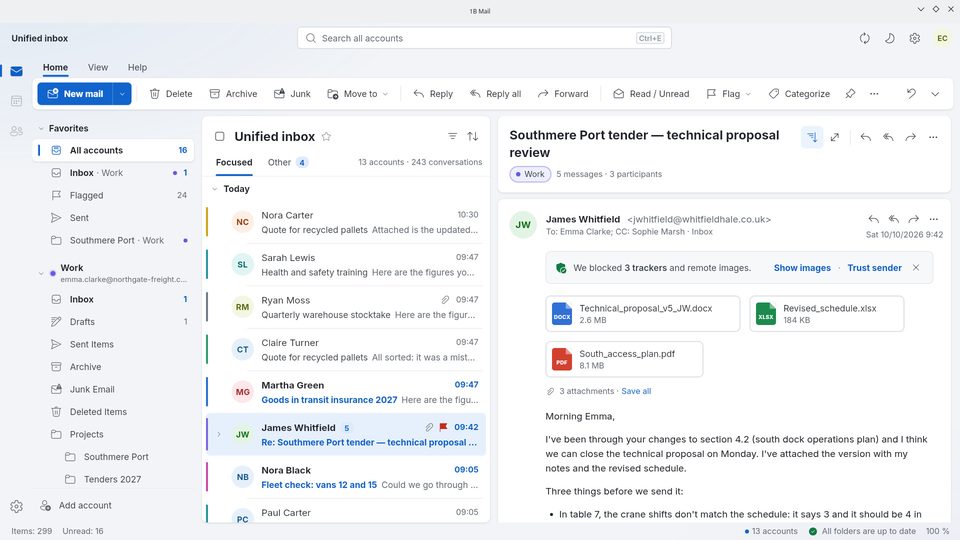
On Linux, with your desktop's own title bar
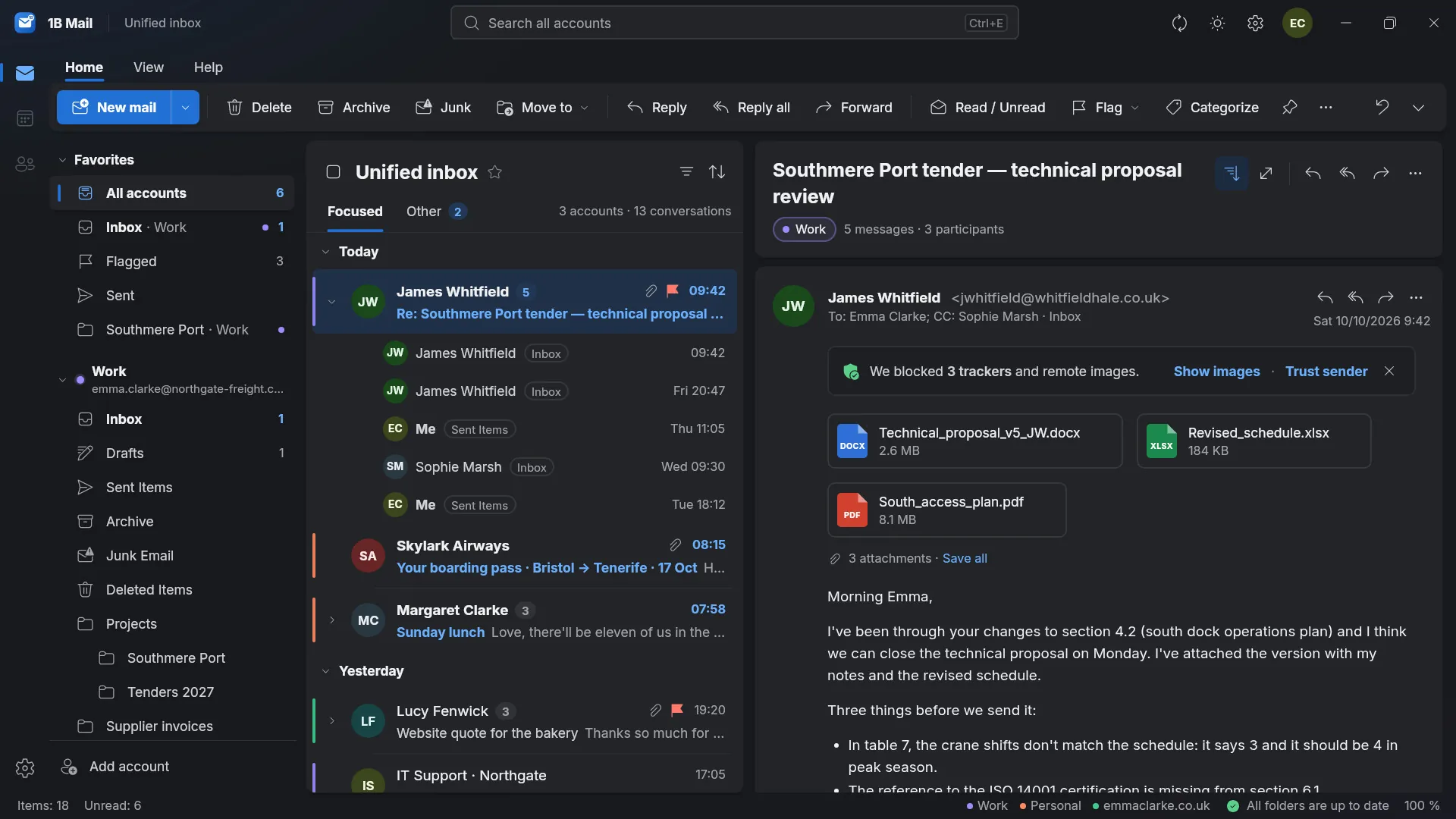
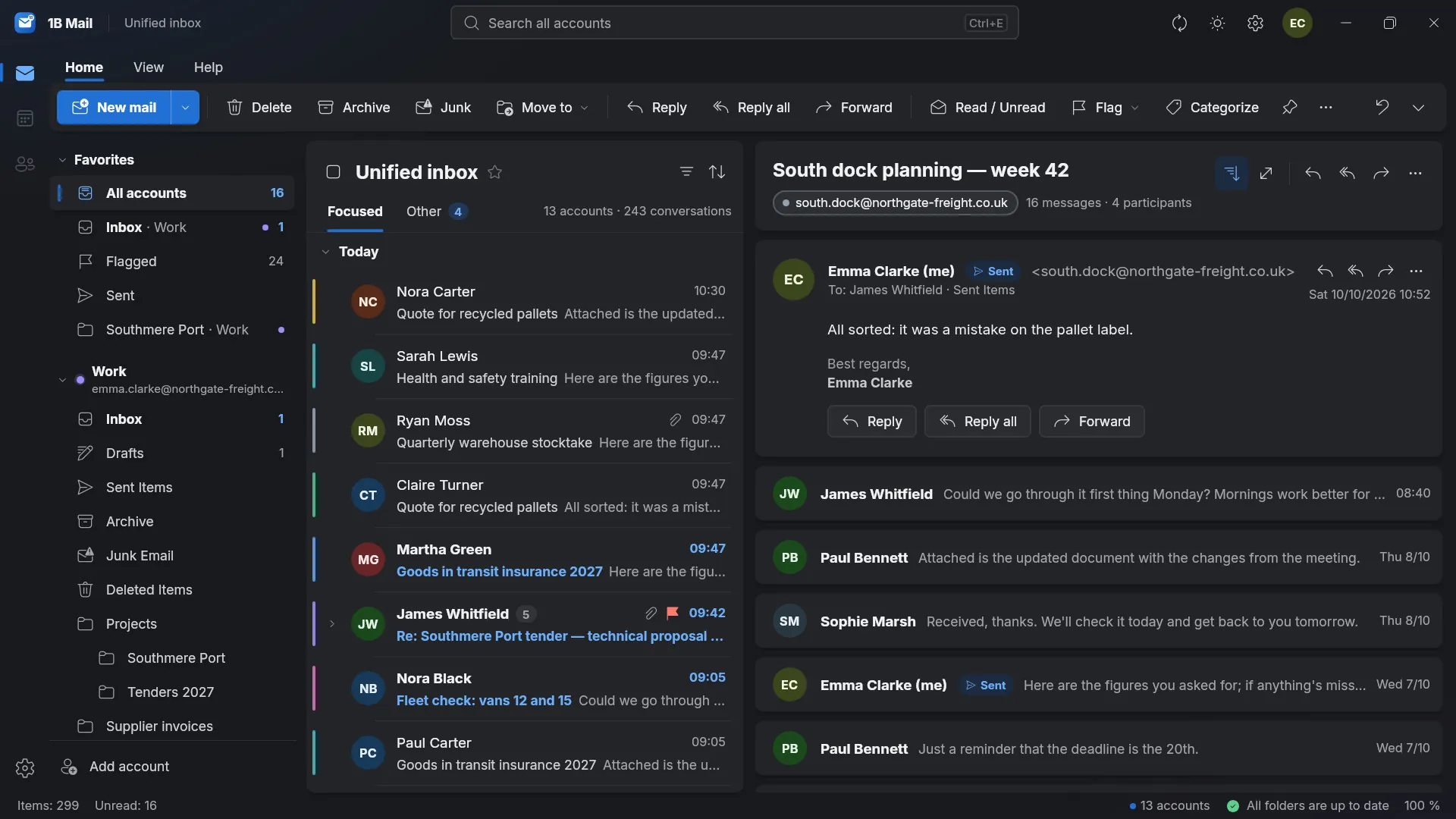
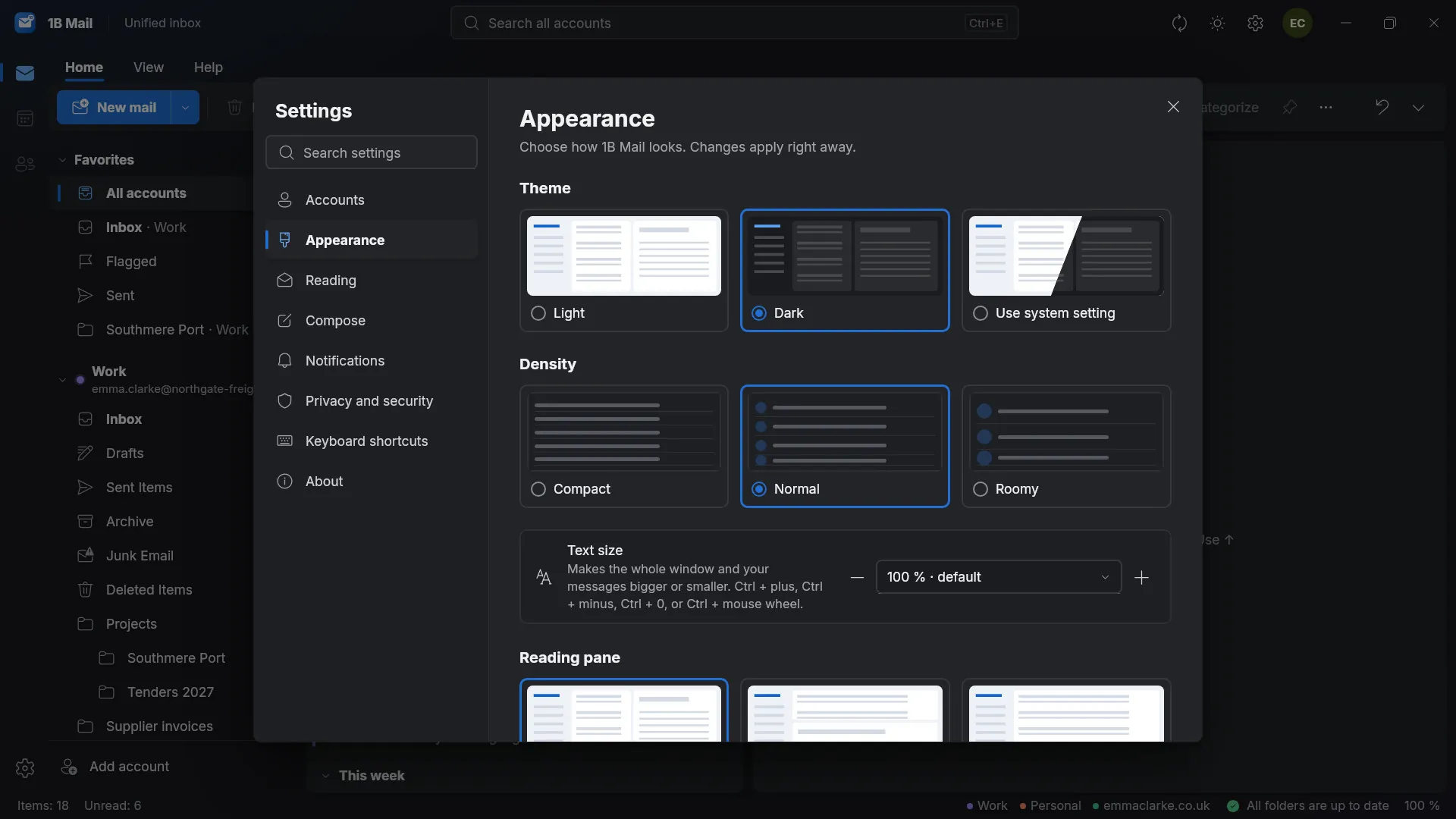
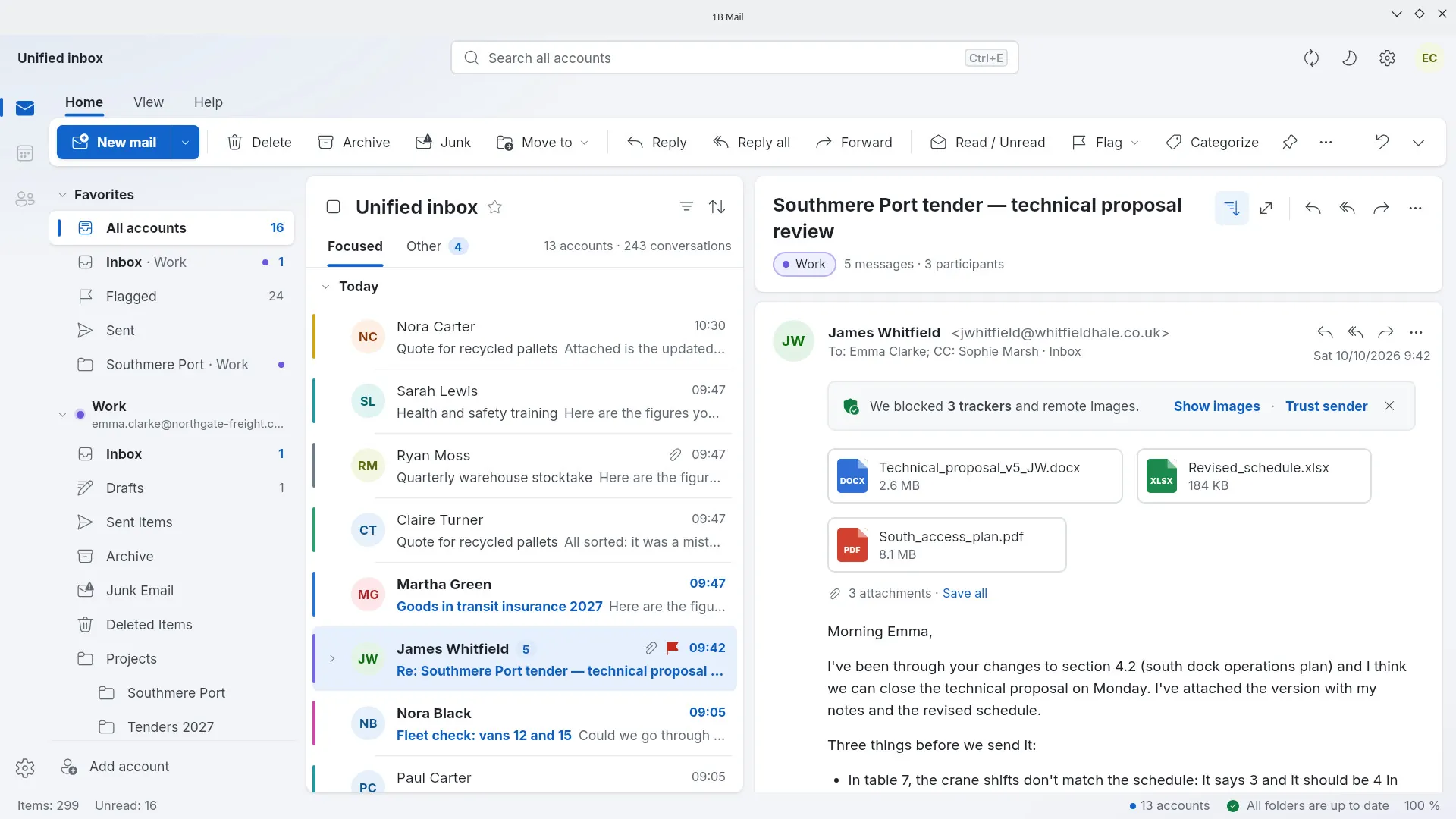
Real screenshots of our current builds, filled with sample data.
Coming soon to Windows, Linux and Android
1B Mail 0.1 is in early access and already running in our own builds. When it's ready for you, it'll be right here — no sign-up needed.
- WindowsMicrosoft Store
- LinuxRPM · Flatpak
- AndroidGoogle Play
Privacy at a glance
- No account with us and no servers of ours
- Connects only to your mail servers (and, while setting up an account, to public auto-configuration directories)
- No ads, no analytics, no crash reports sent anywhere
- Passwords in an encrypted vault, key in your system keychain
Details
- Status
- Early access 0.1 · coming soon
- Platforms
- Windows 10 and 11 · Linux (x86-64) · Android
- Will be available from
- Microsoft Store · RPM · Flatpak · Google Play
- Languages
- 21 languages
- App ID
com.onebytesystems.mail
Good to know
- Early access 0.1: there will be rough edges, and we'll fix them.
- Gmail connects with an app password for now (the program guides you through it); signing in with Google comes later.
- Microsoft accounts (Outlook.com, Microsoft 365, Exchange) need Microsoft sign-in, which is coming in a later version.
- IMAP only: POP3 isn't supported. No calendar or contacts yet.
- No macOS version yet.


