1B NoteEncrypted workspace for Windows and Linux
Early access 0.7Coming soon to Windows and Linux
Pages, databases and teams. Encrypted end to end.
1B Note is a Notion-style workspace: pages built from blocks, databases you can see as a table, a board or a calendar, and team spaces you invite people into. Every page is encrypted on your own devices before it syncs, so the server that keeps them in step can't read a word of it.
- Pages built from blocks
- Six database views
- Team spaces
- Real-time editing
- End-to-end encrypted
Coming soonNot available to download yet
Windows as an MSI installer and Linux as an RPM package. We'll announce it here when it's ready.
A workspace that feels familiar
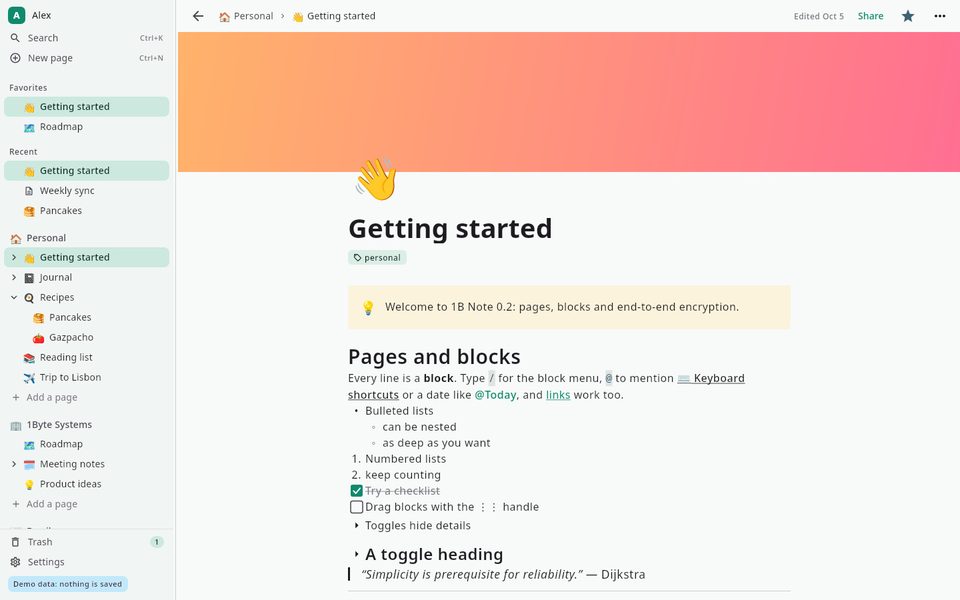
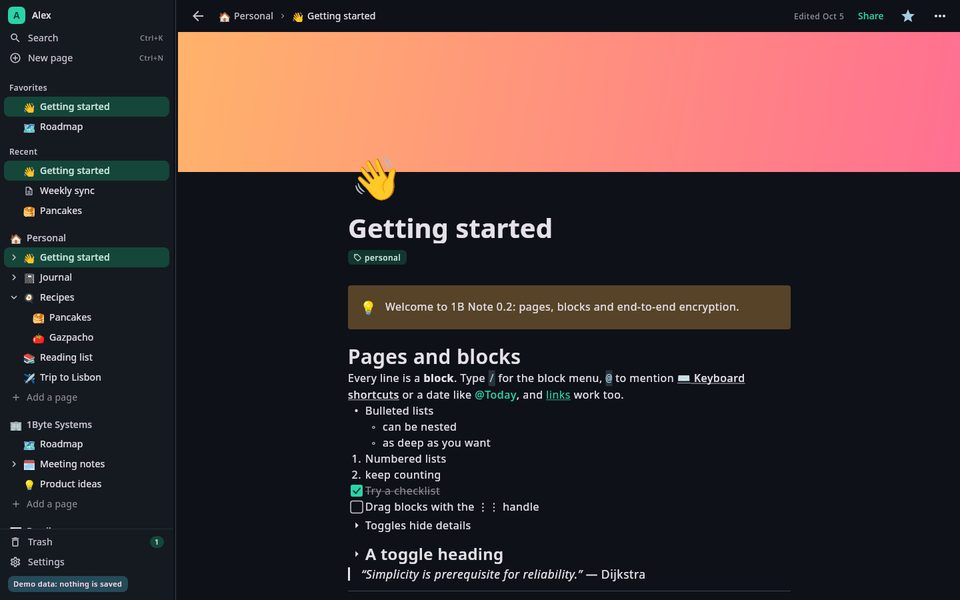
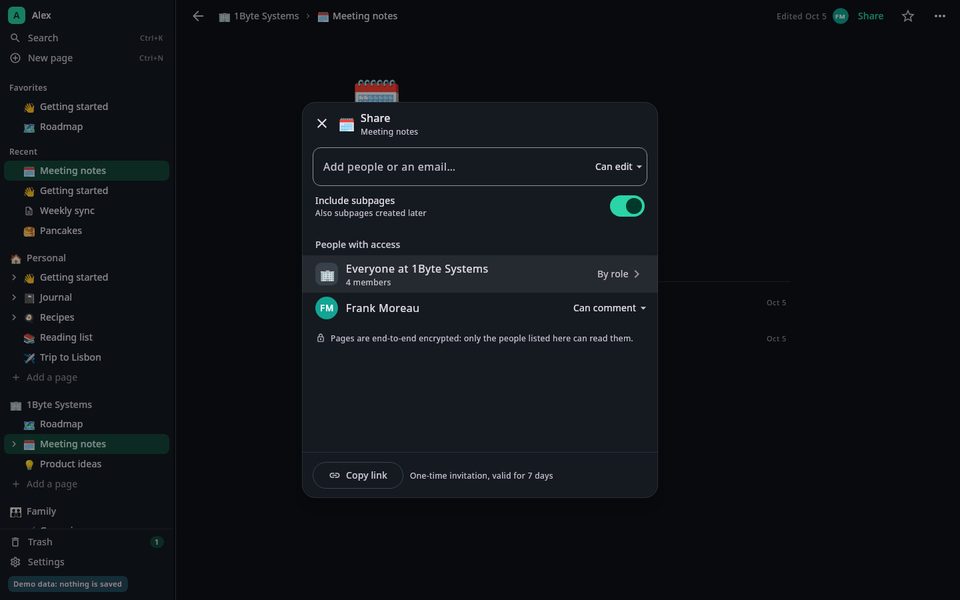
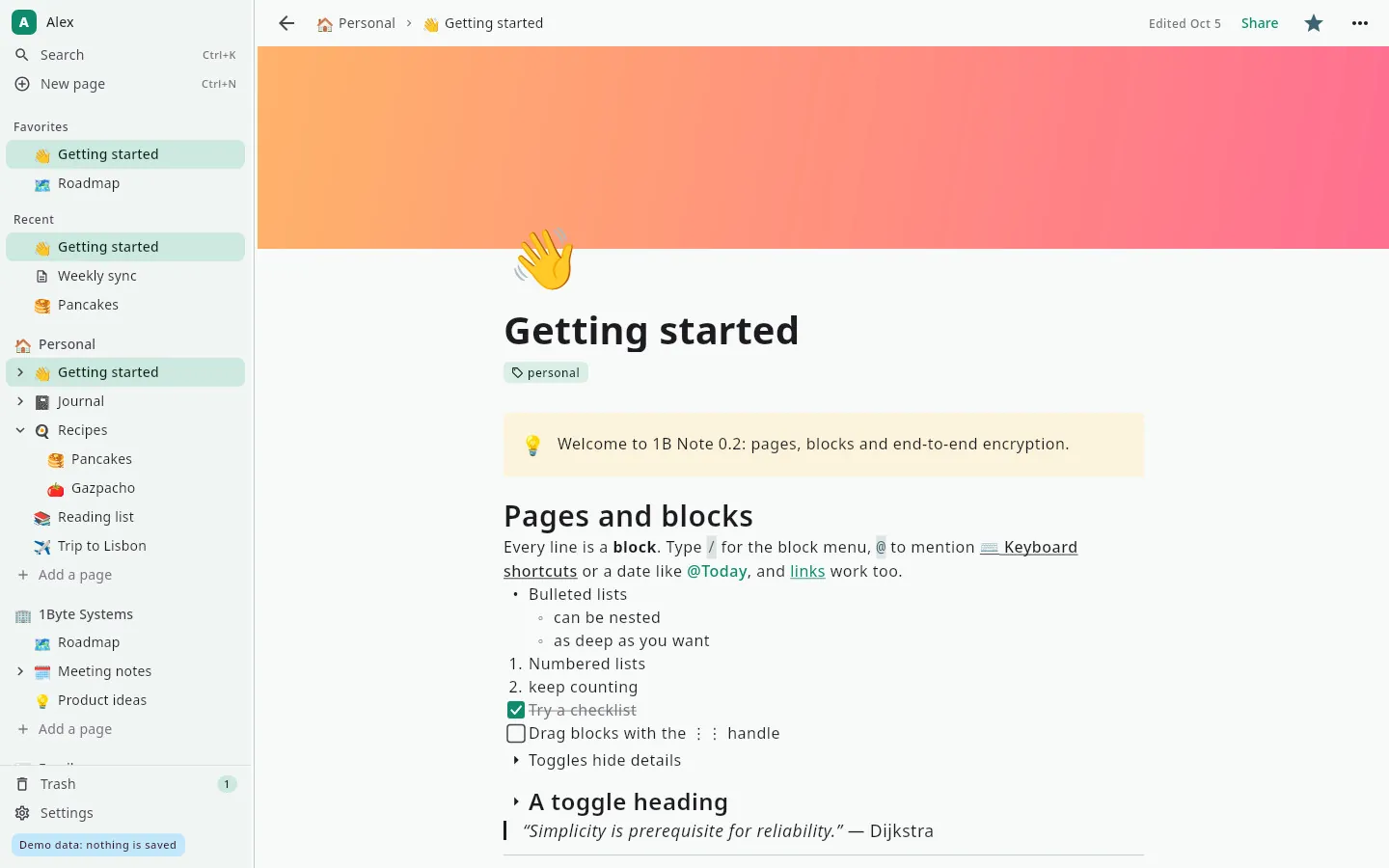
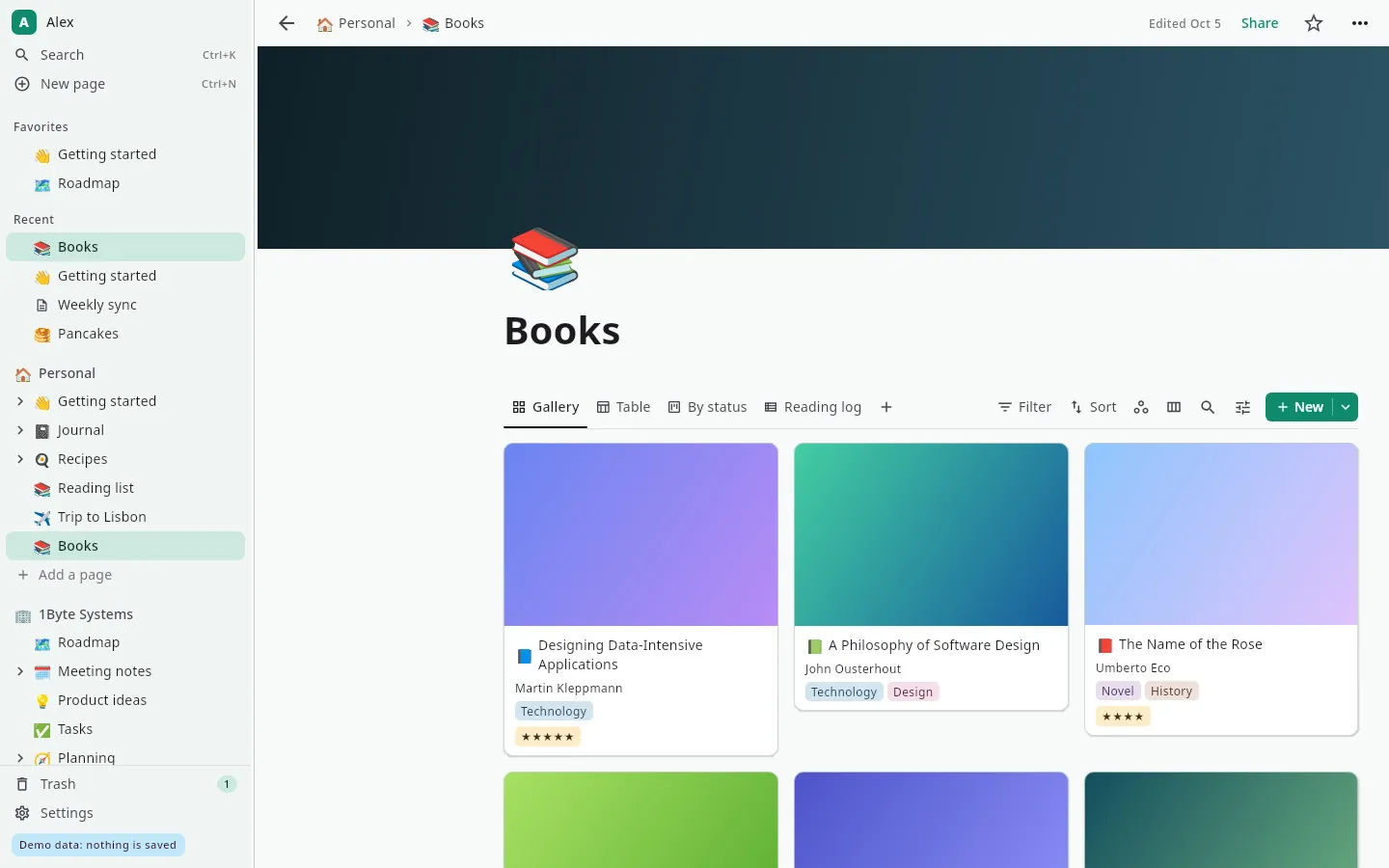
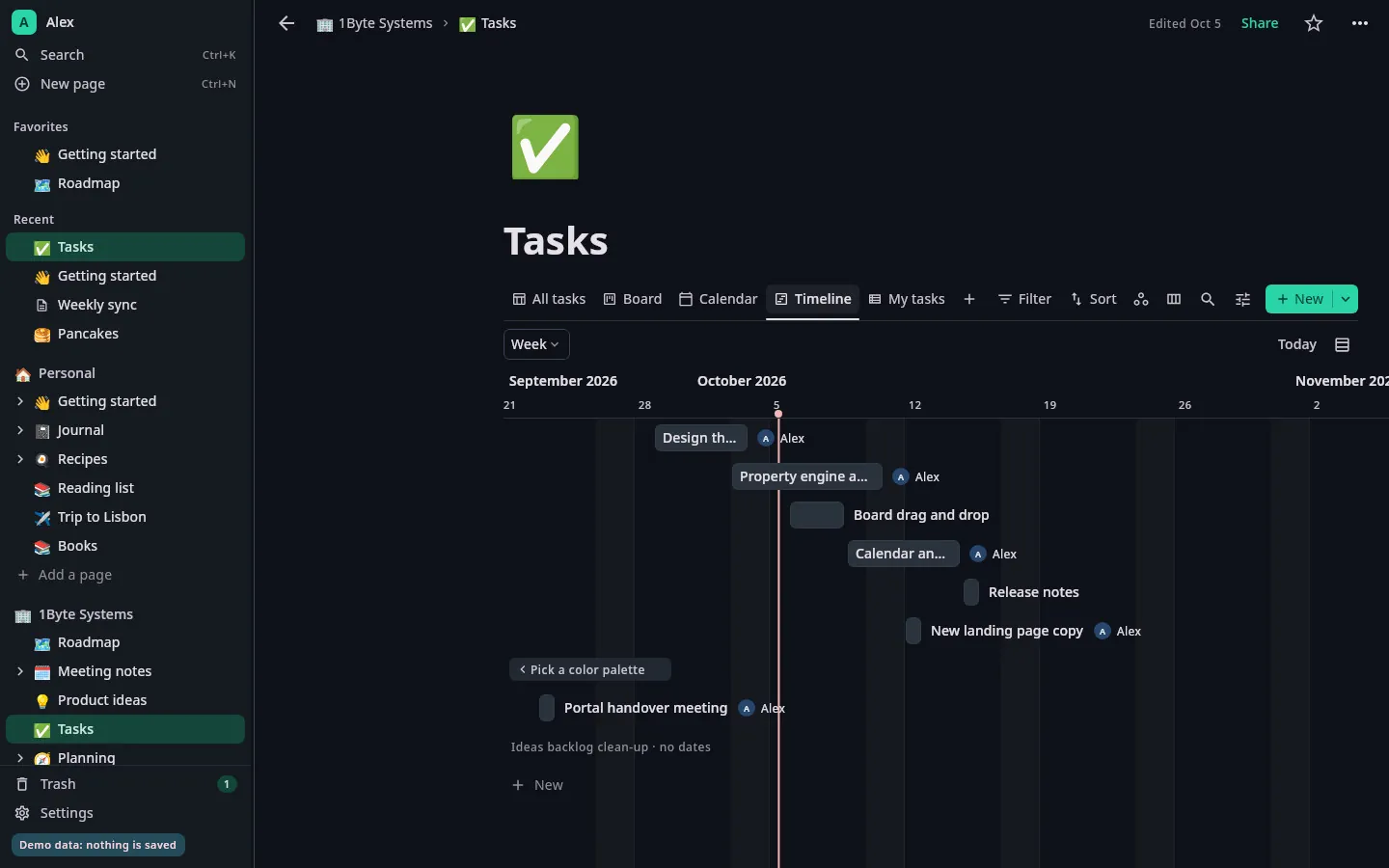
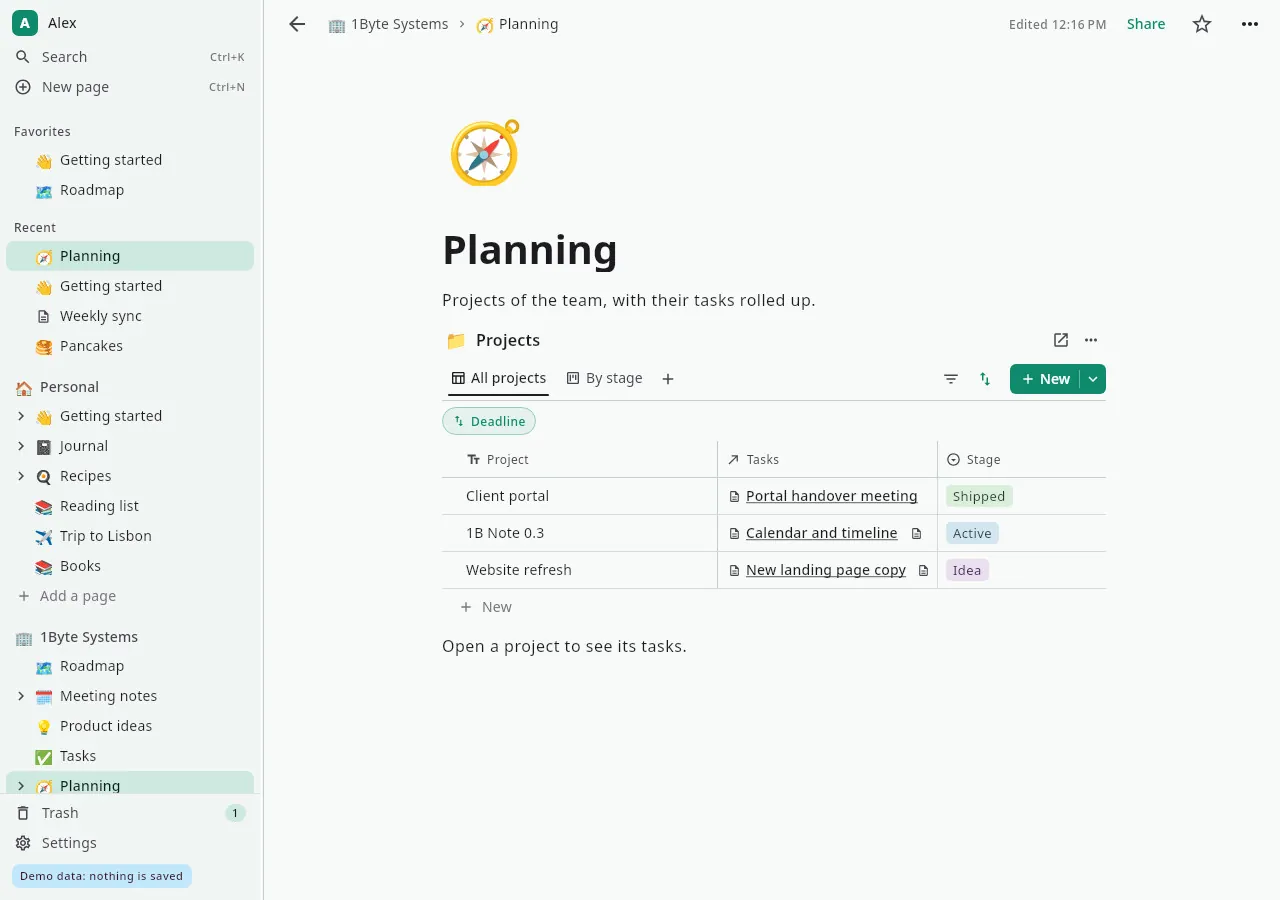
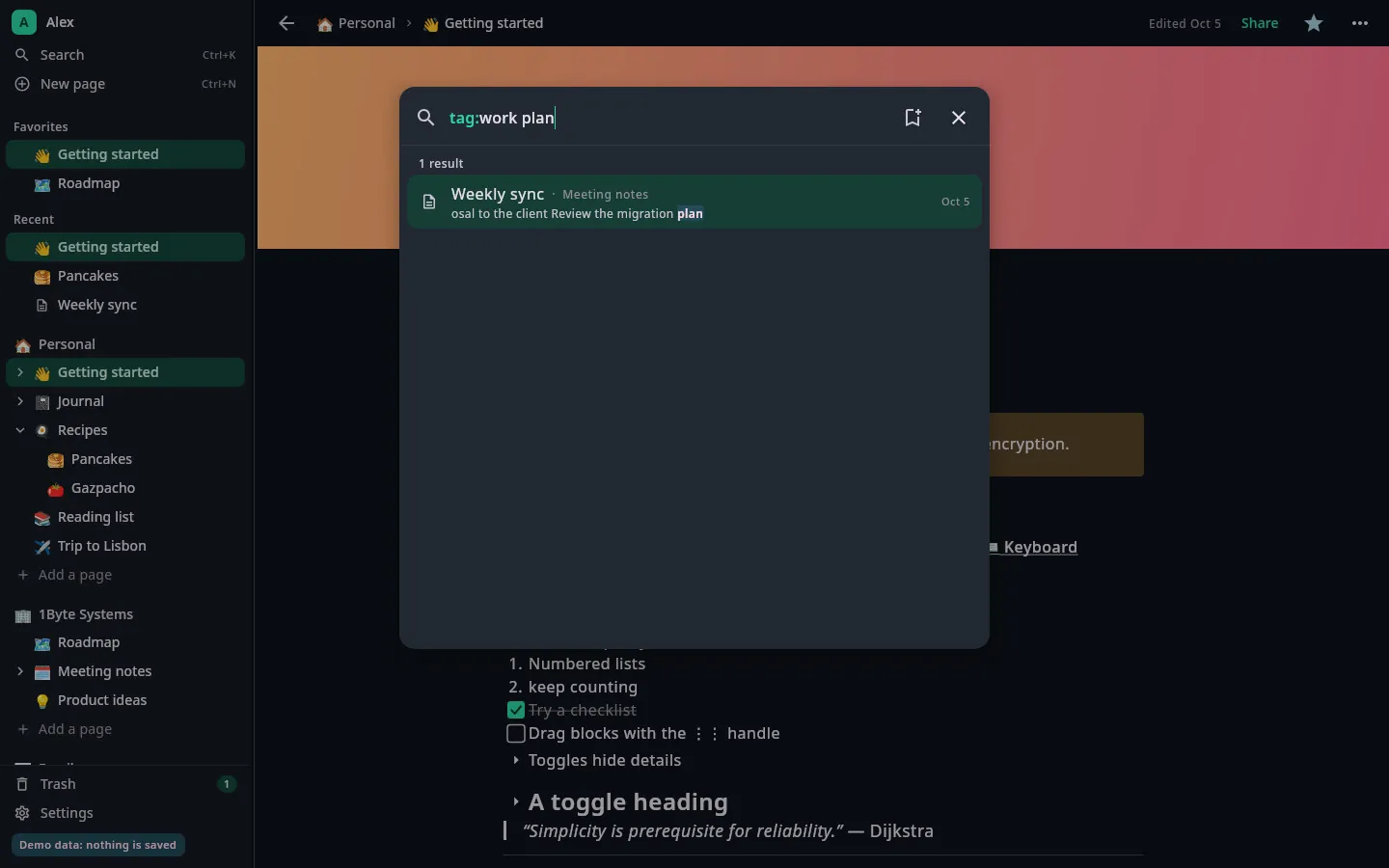
A sidebar of nested pages, a / menu for every kind of block and databases one click away. These are real screenshots of our current build, with sample data.
Everything is a block
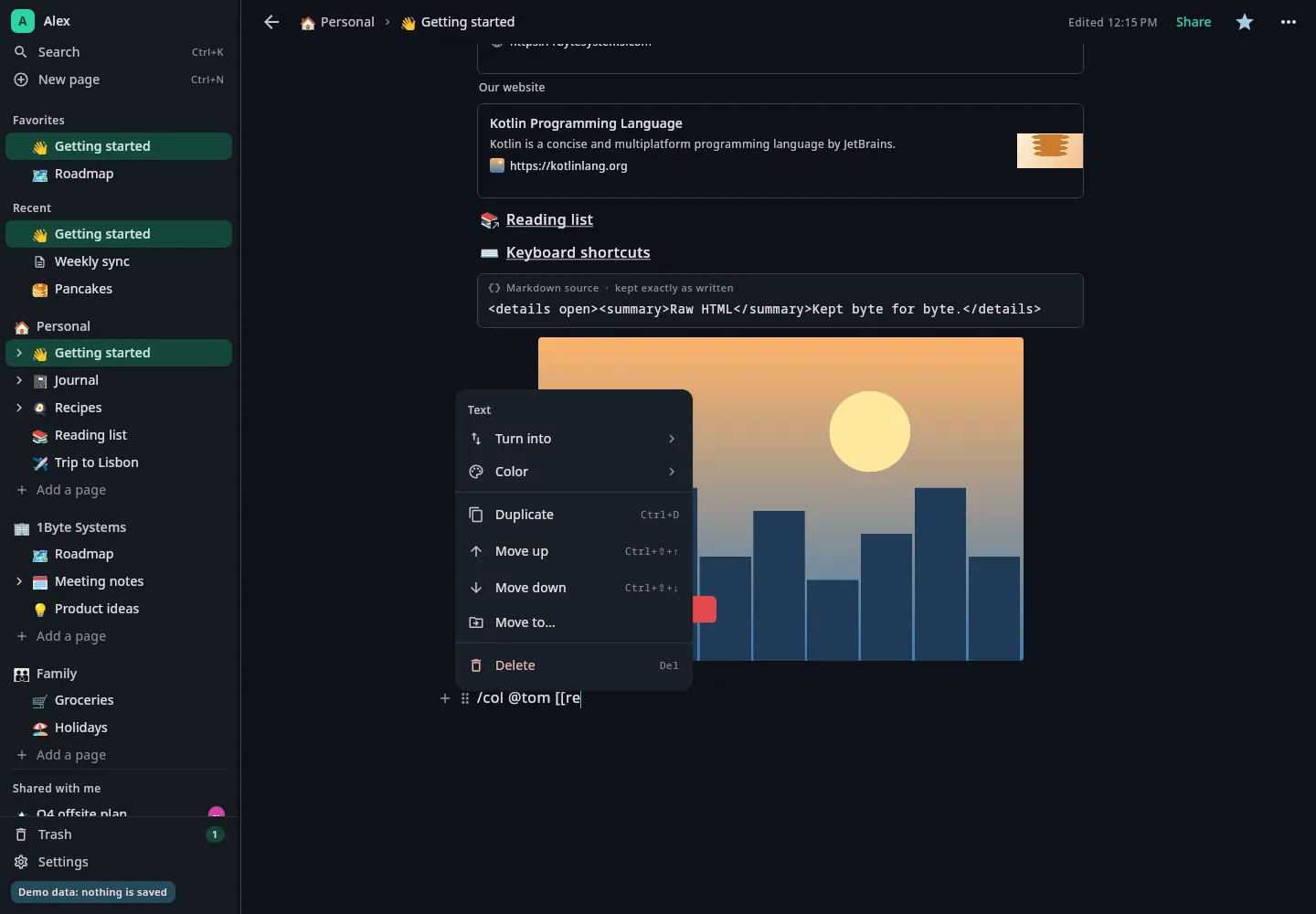
Type / to add headings, to-do lists, toggles, quotes, code, maths, tables, images and more. Drag blocks by their handle, nest pages as deep as you like, and link them with @ and [[.
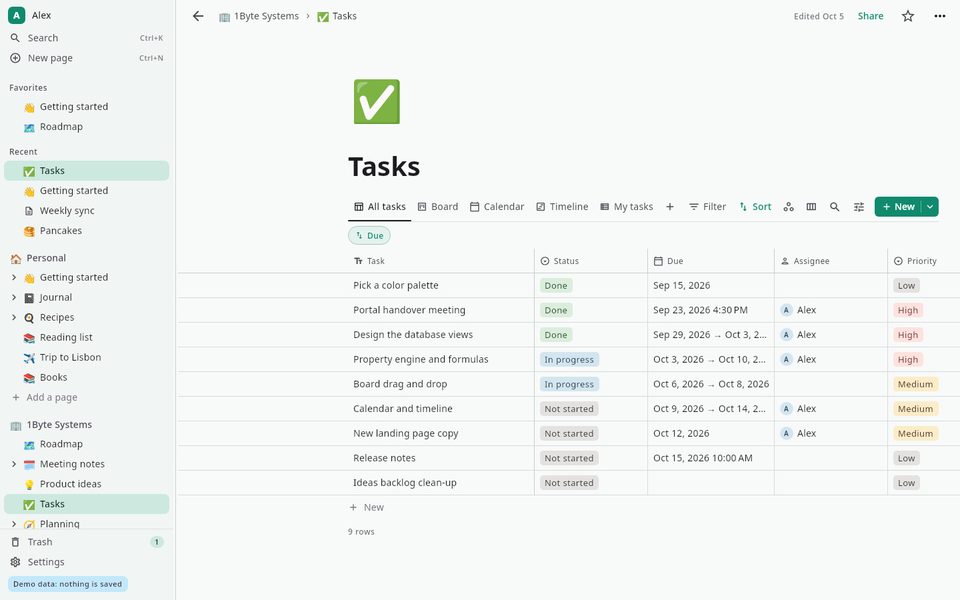
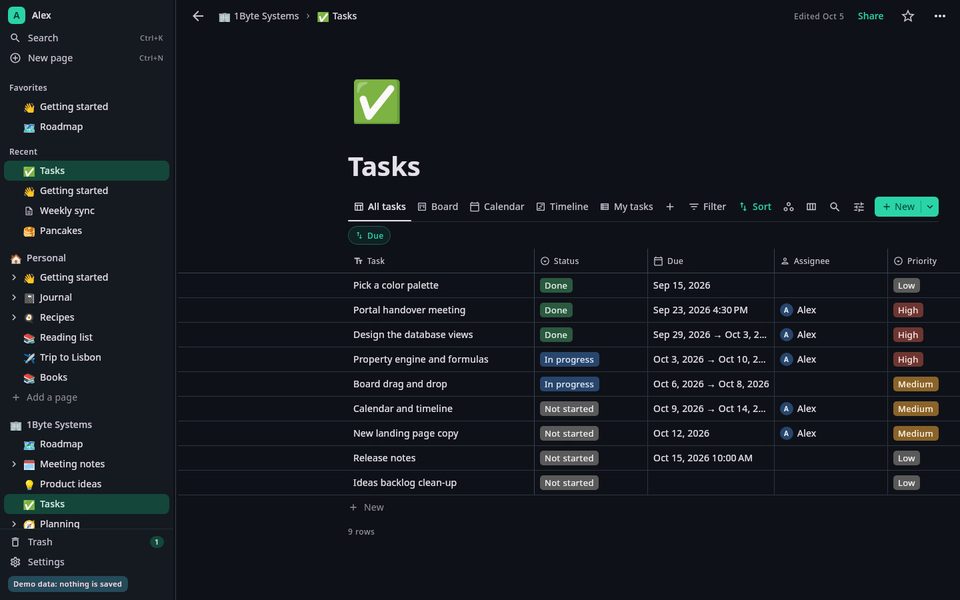
One database, six ways to see it
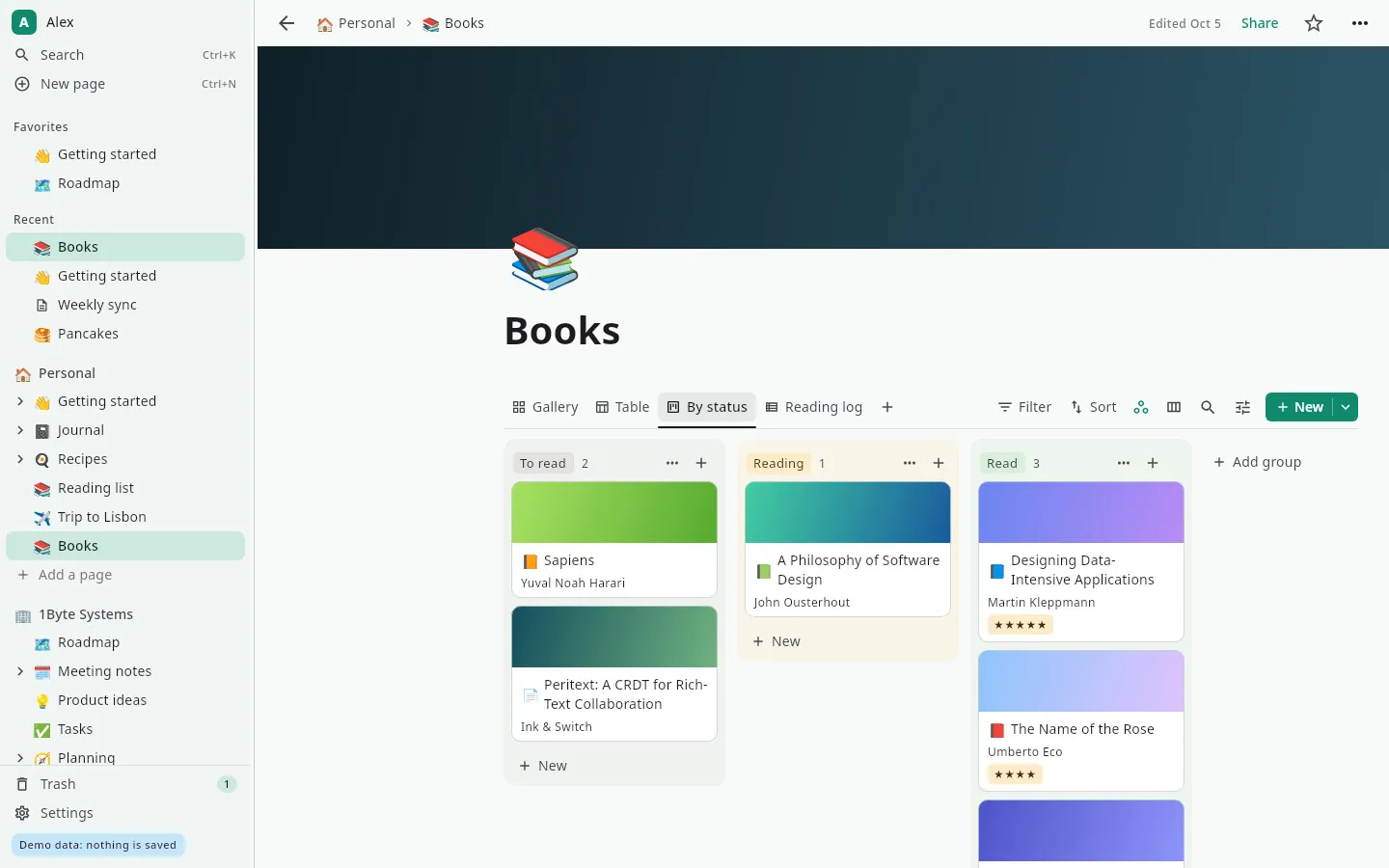
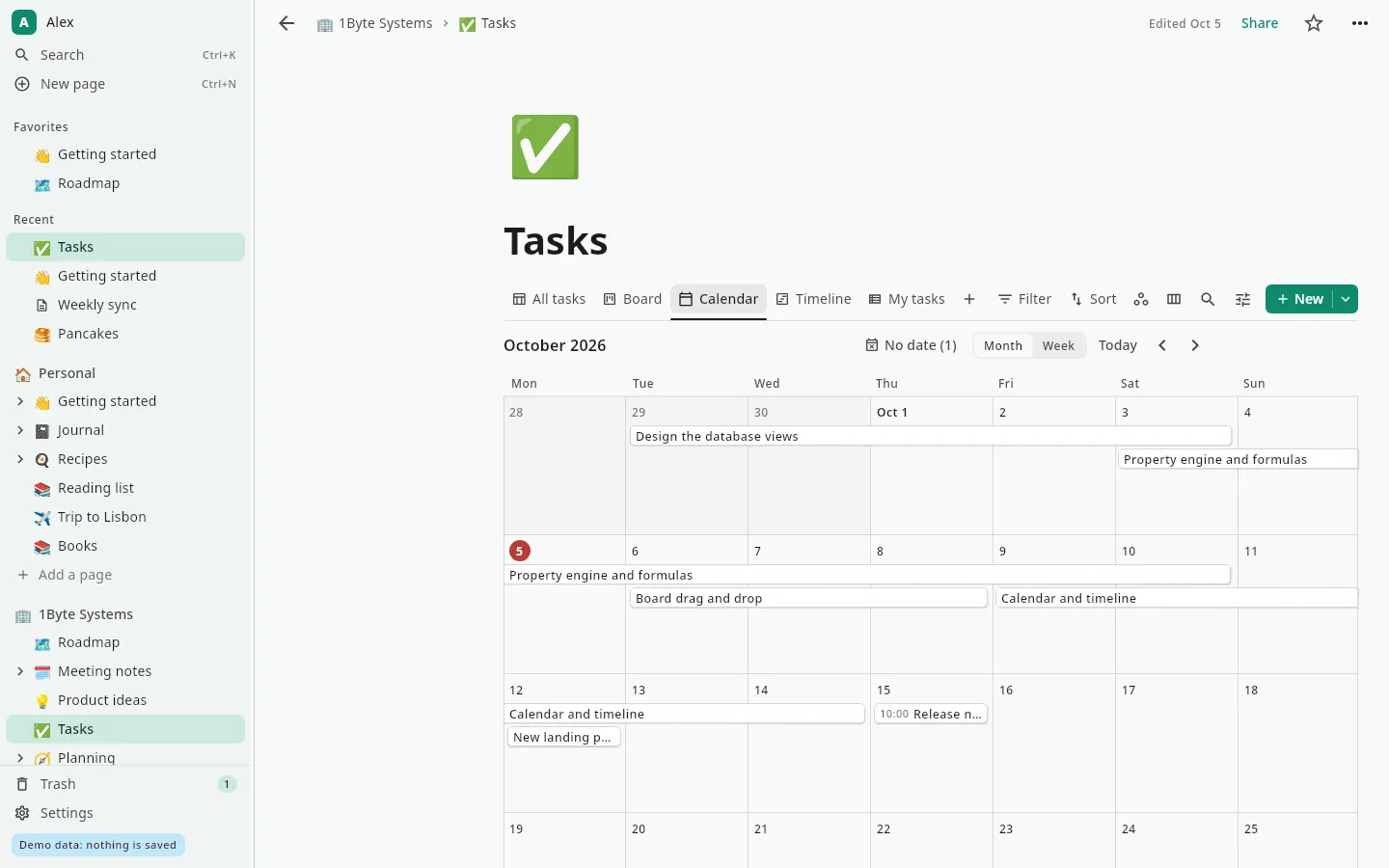
Table, board, list, calendar, gallery and timeline views over the same rows, with filters, sorting and grouping. Nineteen property types, formulas, relations and rollups when you need them.
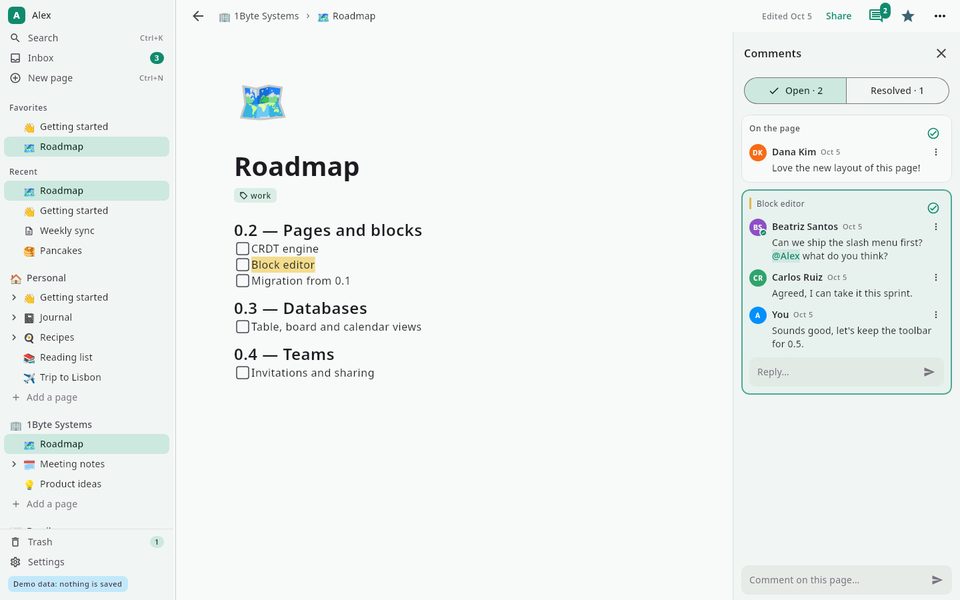
Talk it over on the page
Comment on a whole page or on a single block, reply in threads, mention people with @ and resolve the thread when you're done. Mentions land in your inbox.
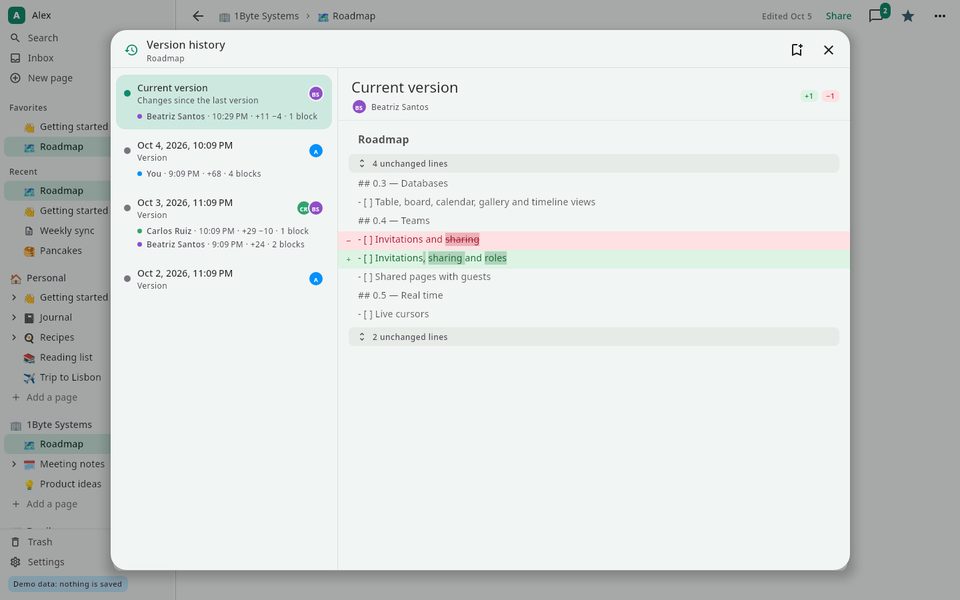
See who changed what
Version history shows each version's changes line by line, and who made them. Restoring an old version doesn't throw away what came after: it comes back as a new change.
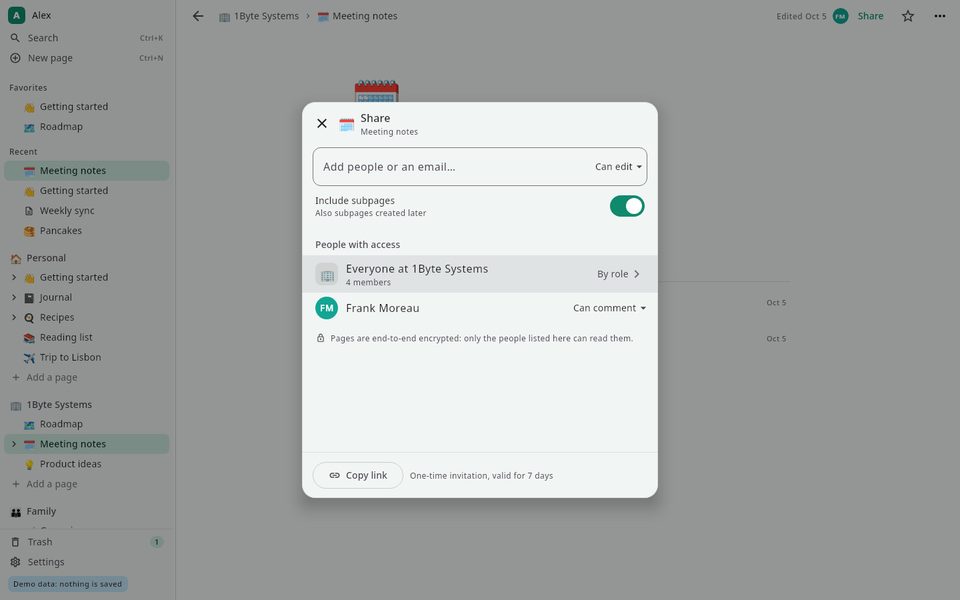
Share a page, not your password
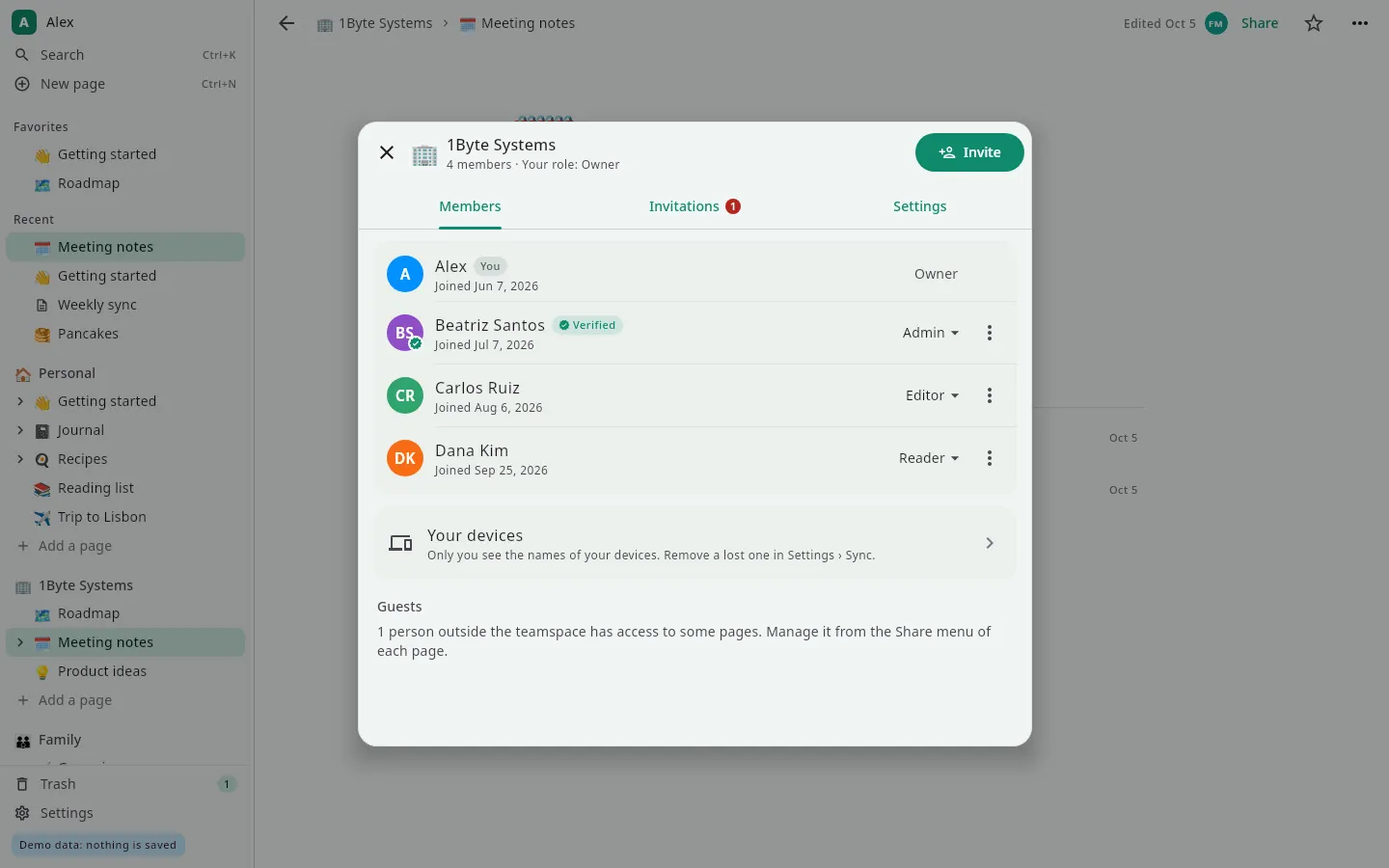
Invite people to a team space as admin, editor, commenter or reader, or share a single page with a guest. Only the people on the list can decrypt it.
- ~6 msfrom keystroke to screen, on a page of 2,000 blocks
- 10–35 msto search 5,000 pages
- 121 msfor a collaborator to see what you type
- 6views for every database
Measured on our development PC with Linux, in our automated tests: keystroke = from key press to the redrawn page; search = over 5,000 generated pages; collaborator = median time for an edit to reach the open page on a second device through a local server, 100 ms of which is the deliberate pause before saving.
How the encryption works
You don't have to trust the server: all it ever handles are locked boxes.
Your keys start on your device
Your account keys are created on your own device and protected by a recovery phrase that only you hold. The server never sees them unencrypted.
Every page has its own key
Each page is encrypted with its own key before it leaves your device, and every change is signed by the device that made it.
Sharing means handing over a key
Sharing a page or a team space gives its keys to the people you choose, wrapped for each of them. Remove someone and the keys are rotated.
The server only relays
It stores and passes on encrypted changes and checks who's allowed to write. It can't read titles, text or databases, and it can't fake who a page is shared with.
The server keeps your pages in sync. It can't read them.
Sync goes through a 1B Note server — your own, or one you've been invited to. Either way, everything it stores was encrypted on your devices first.
- End-to-end encryption for pages, databases, comments and attachments
- Every change is signed by the device that made it
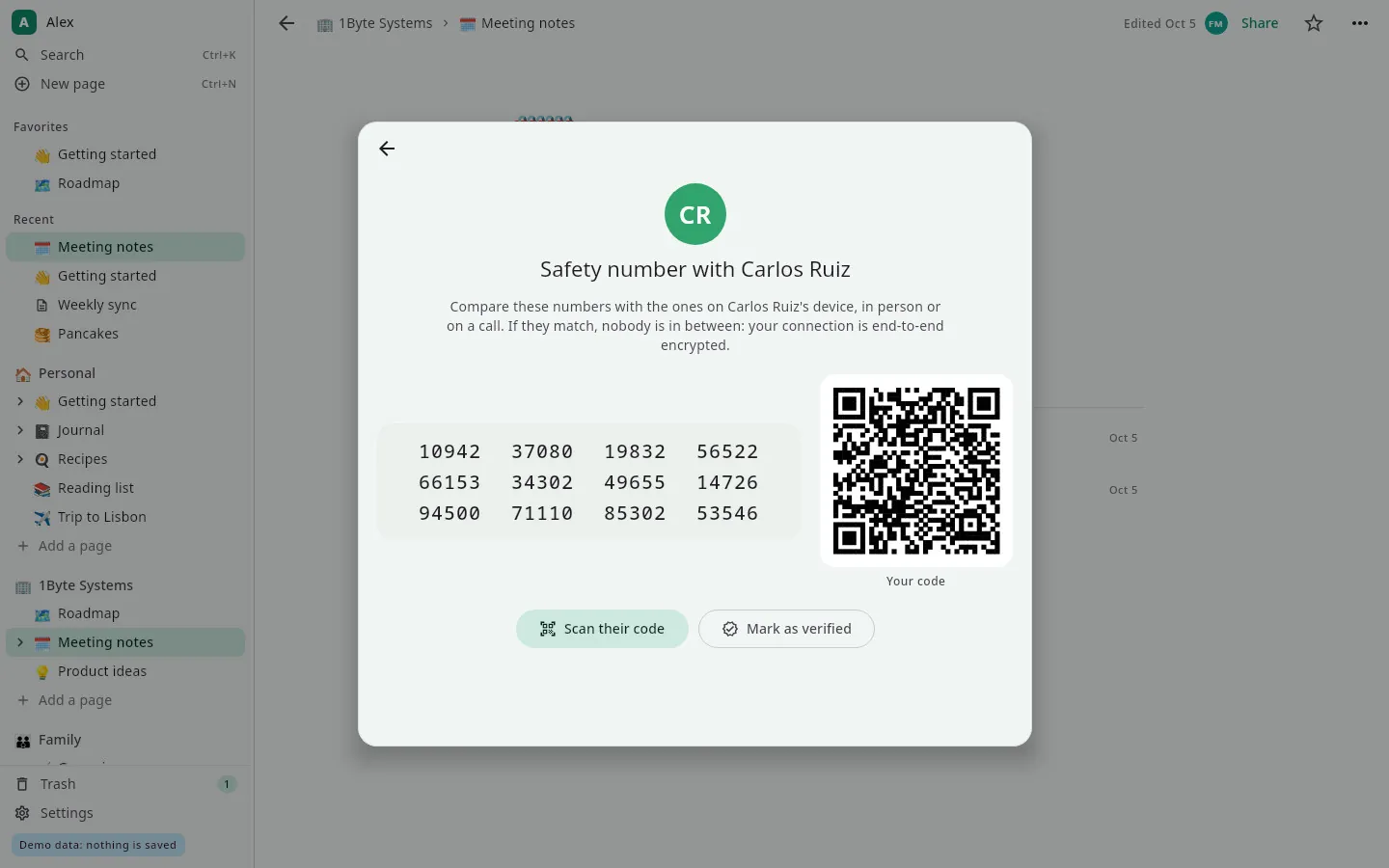
- Safety numbers to check, in person or on a call, that nobody is in between
- Edits made offline merge when you're back, with no conflicted copies
- Photos lose their location and camera data before they're encrypted
- No ads, no analytics, no telemetry
Imports from
- Notion (.zip)
- Markdown
- Evernote (.enex)
- CSV
Exports to
- Markdown
- Markdown (.zip)
- CSV
The details you'd miss
Made for the keyboard
Ctrl+K to search, Ctrl+N for a new page, Markdown shortcuts as you type and / for everything else.
Search with operators
Find pages by words, tags, dates or where they live, across your whole workspace.
Photos and galleries
Drop images onto a page: they line up in galleries and open in a full-screen viewer.
Voice notes
Listen to voice notes recorded on your phone, with their waveform and transcript, right on the page.
Reminders
Set a reminder on any page and get a system notification on time.
At home on the desktop
A tray icon, system notifications for comments and invitations, and a window that remembers where you left it.
Works offline
Everything is stored on your computer; changes sync when you're back online.
21 languages
The whole app in 21 languages.
Real screenshots
Pages built from blocks, with a cover and an icon
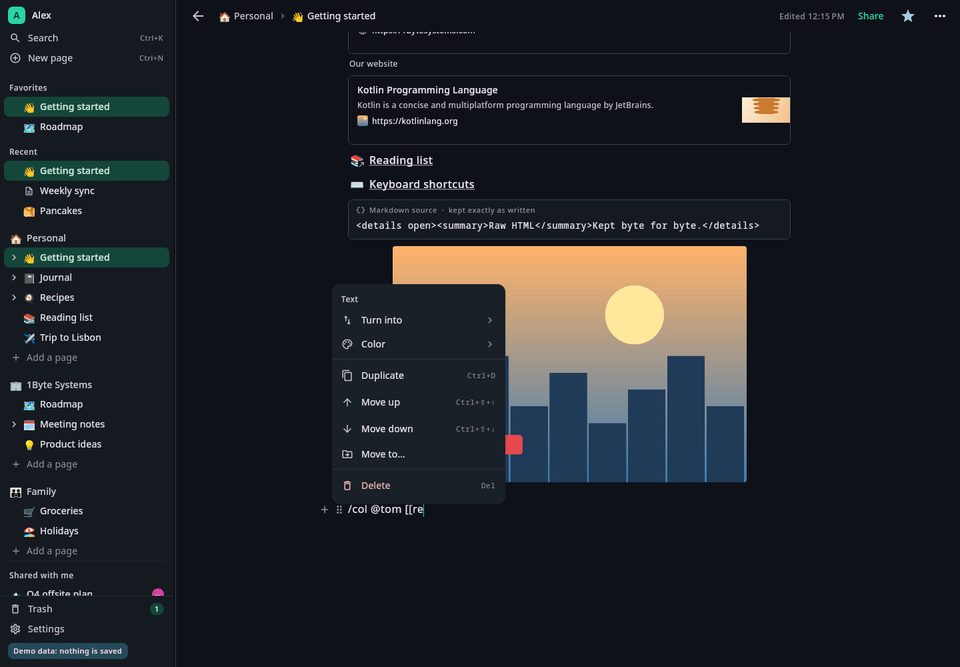
The block menu: turn into, colour, move or duplicate
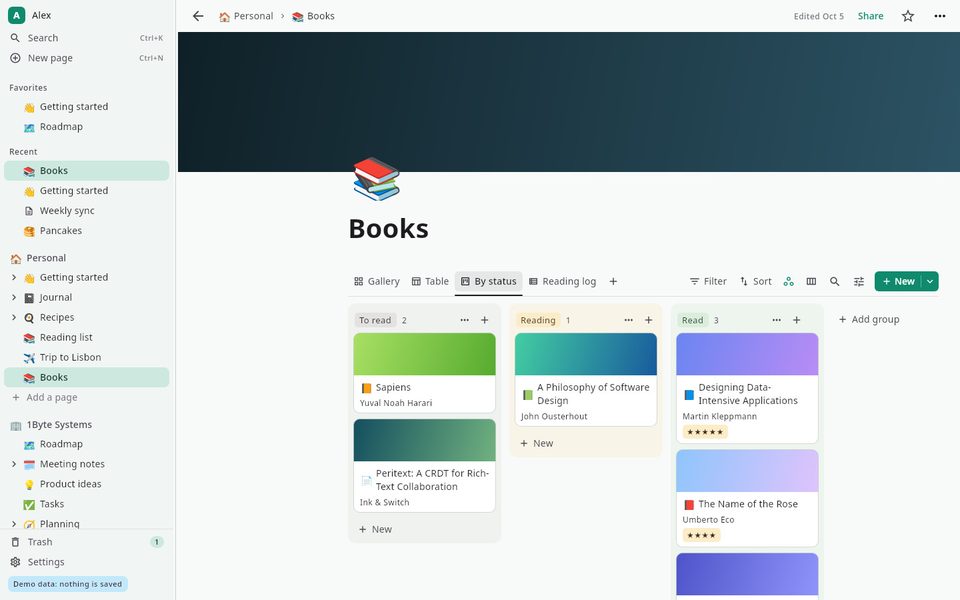
A reading list as a board, grouped by status
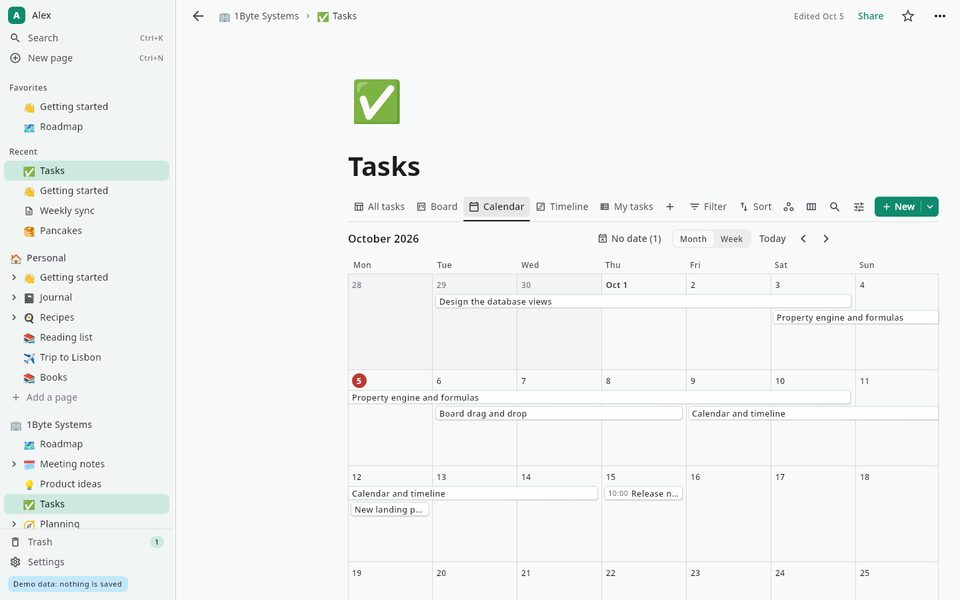
Tasks in a calendar view
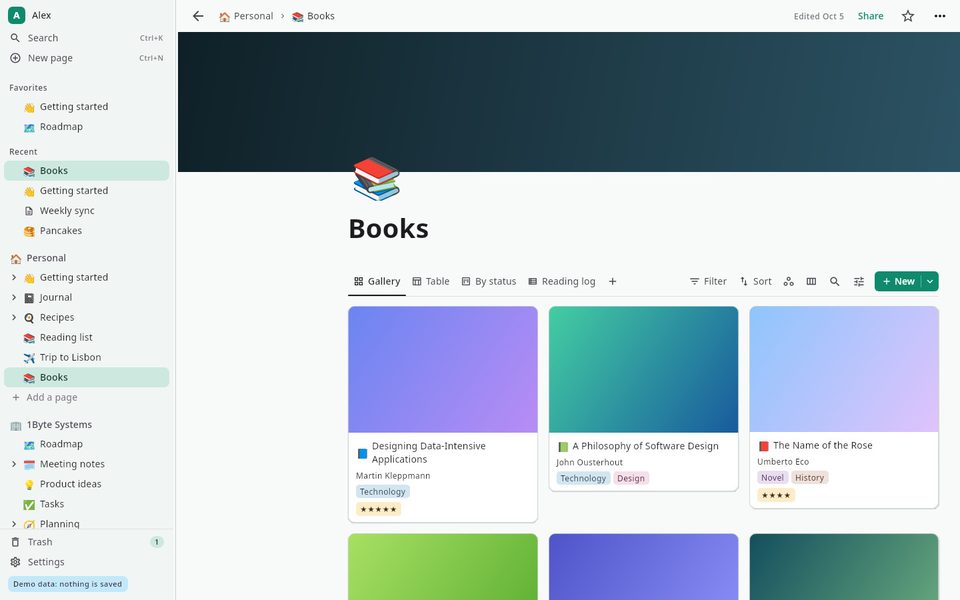
Books in a gallery view
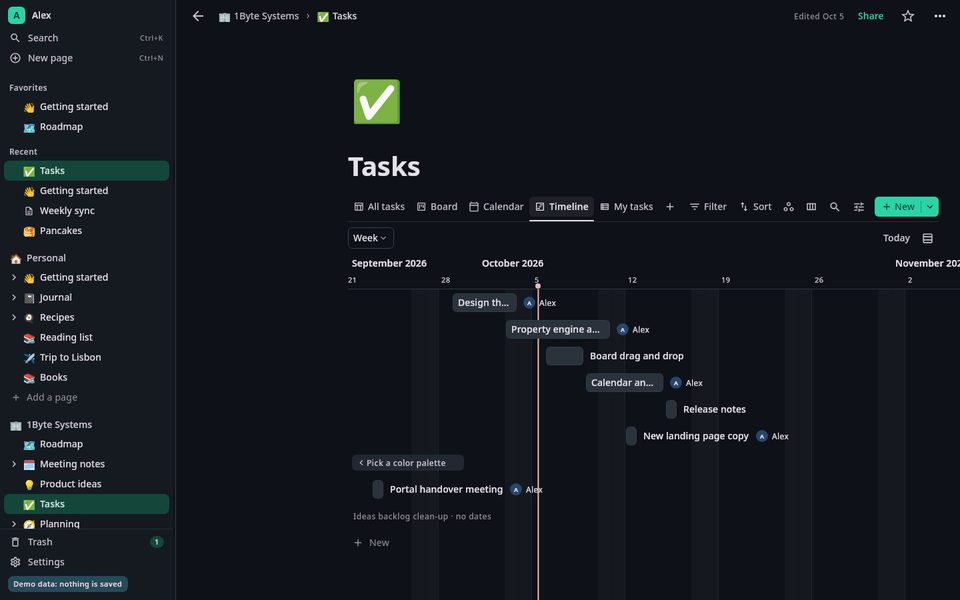
Tasks on a timeline, in dark mode
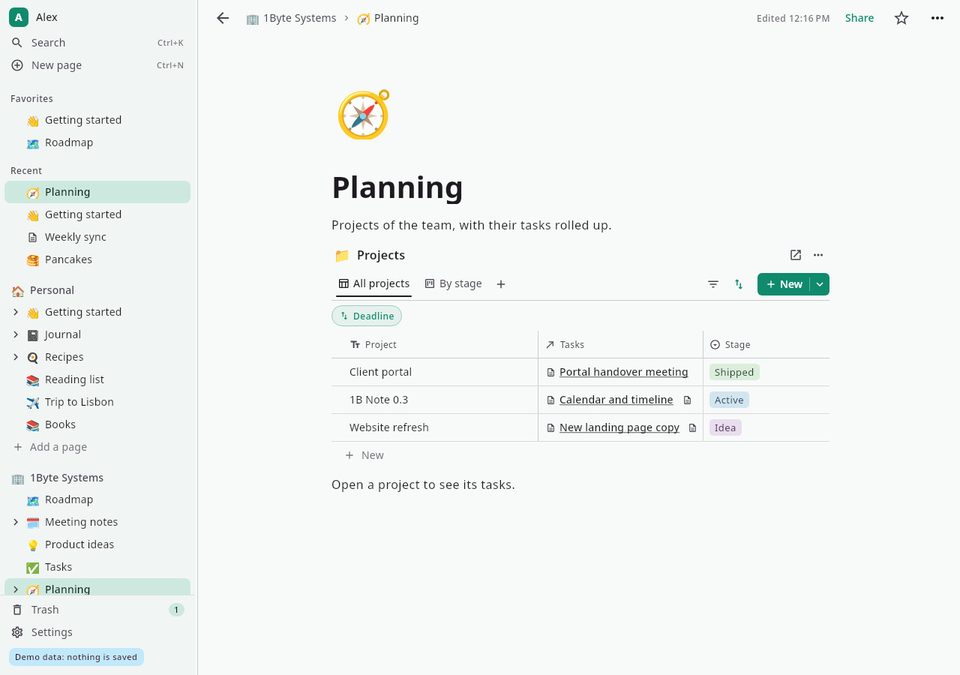
A database inside a page, with its tasks rolled up
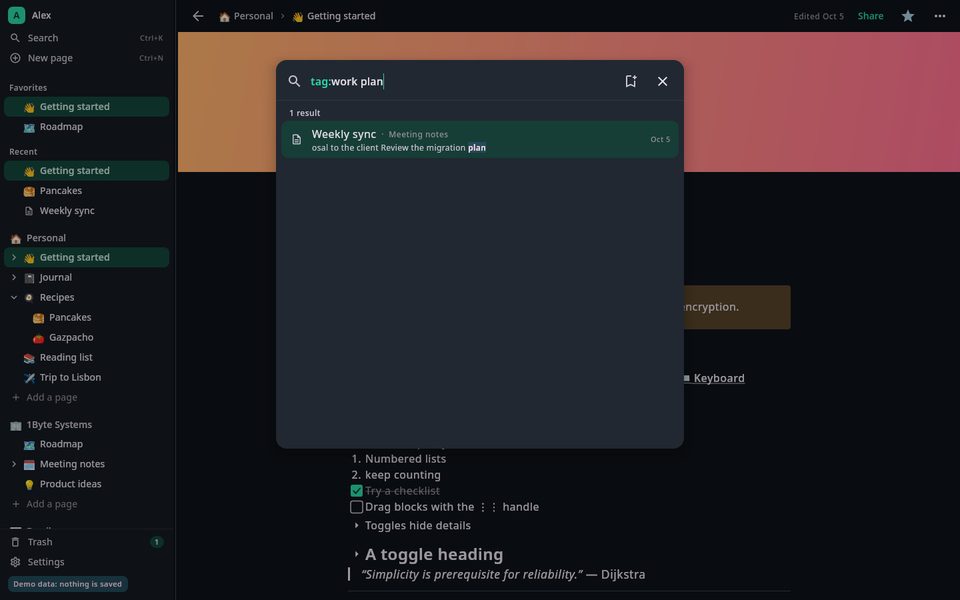
Searching the whole workspace by tag
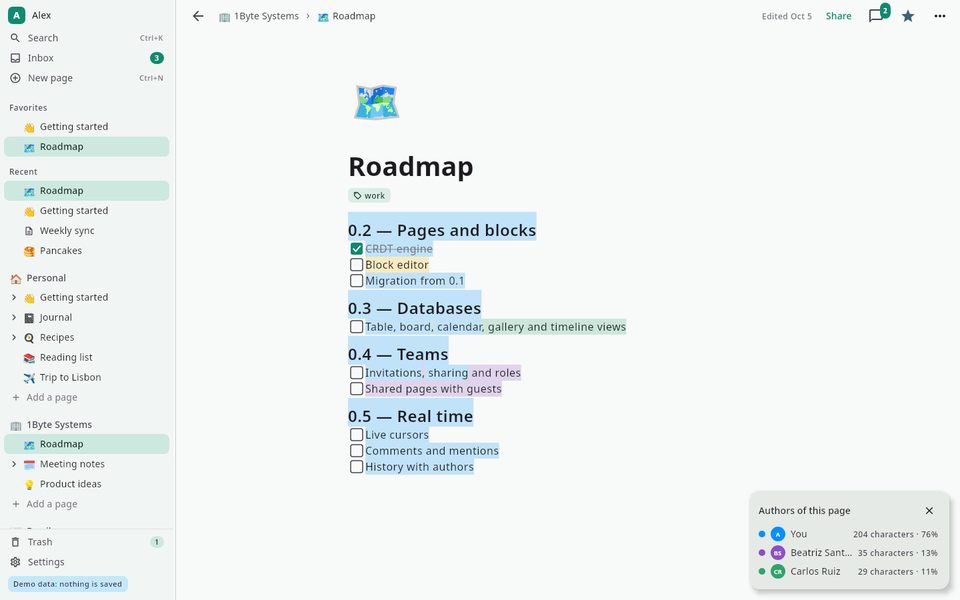
Who wrote what on a page
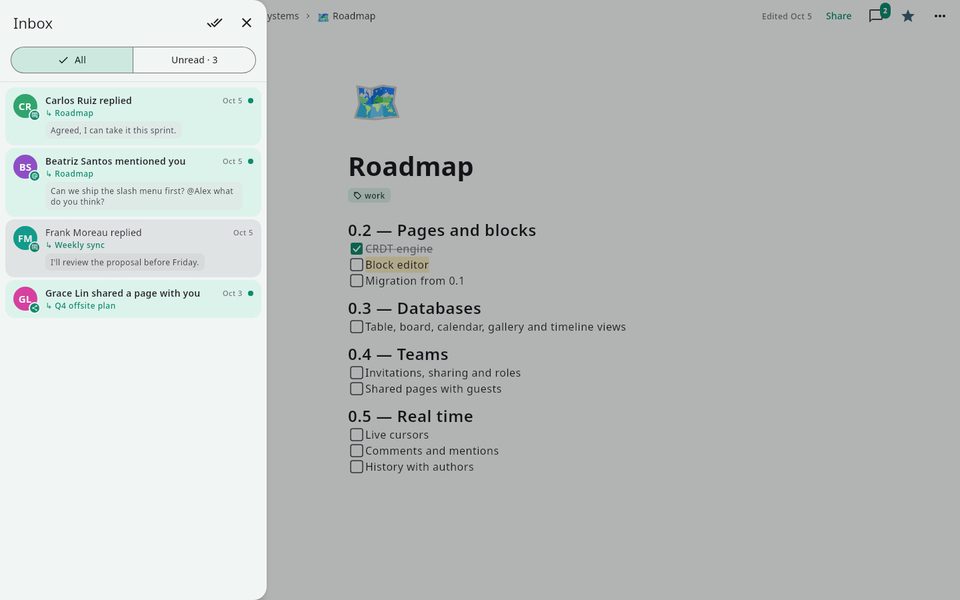
Your inbox: replies, mentions and shared pages
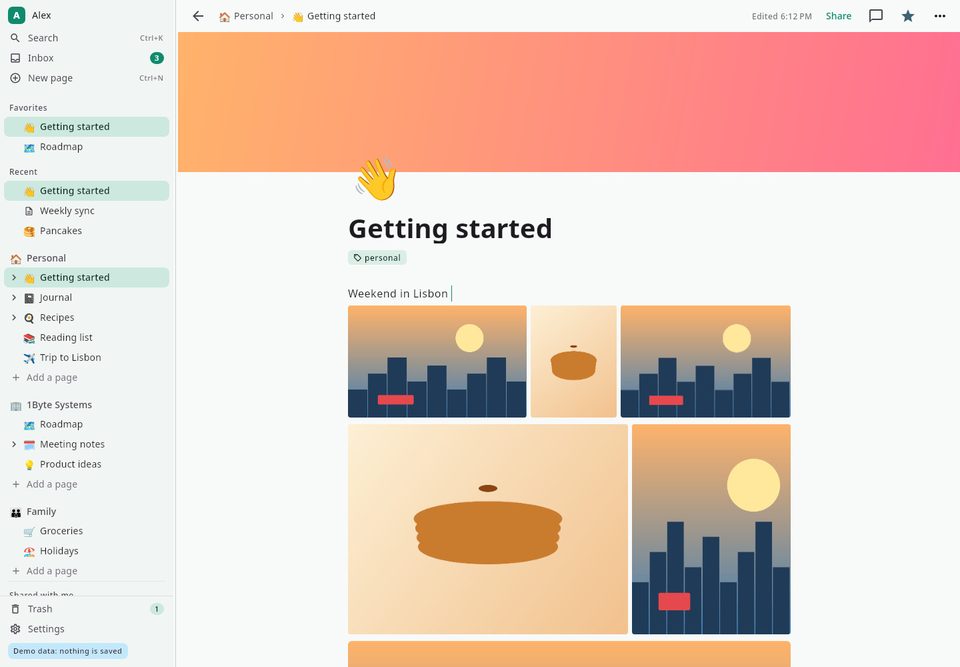
A photo gallery inside a page
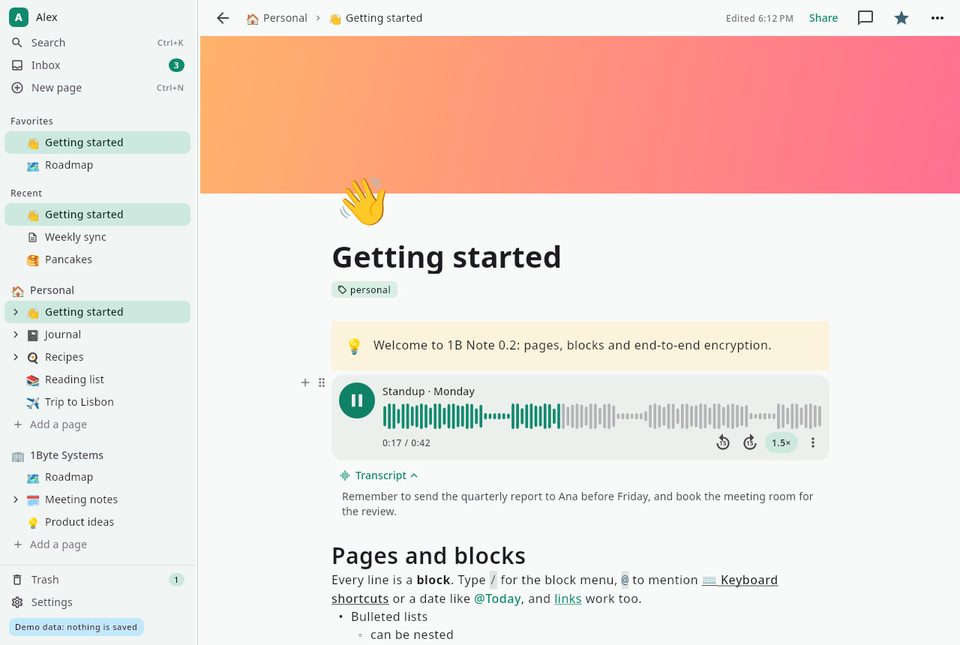
A voice note with its transcript
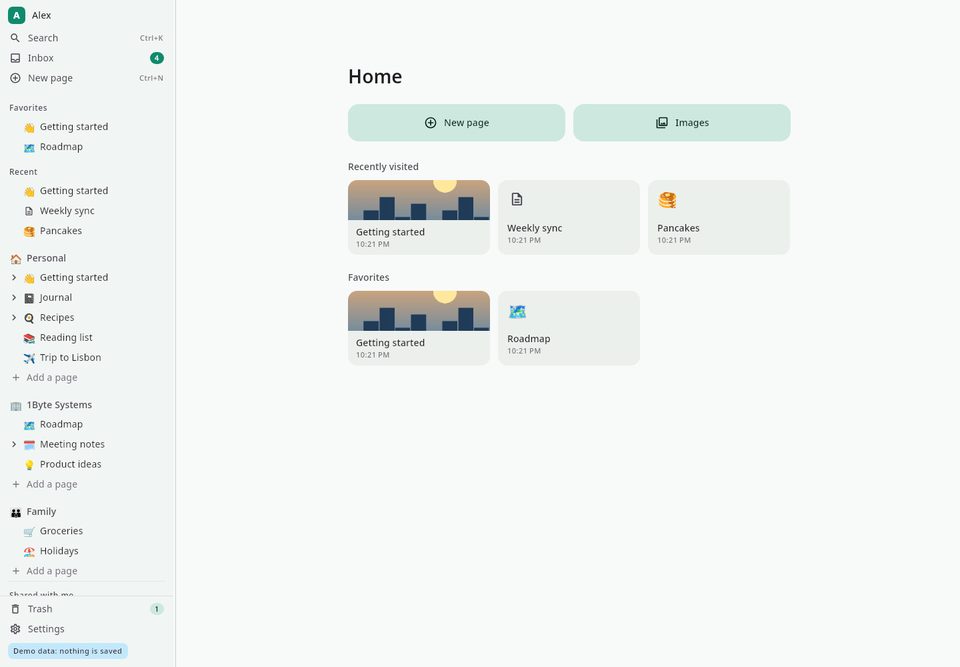
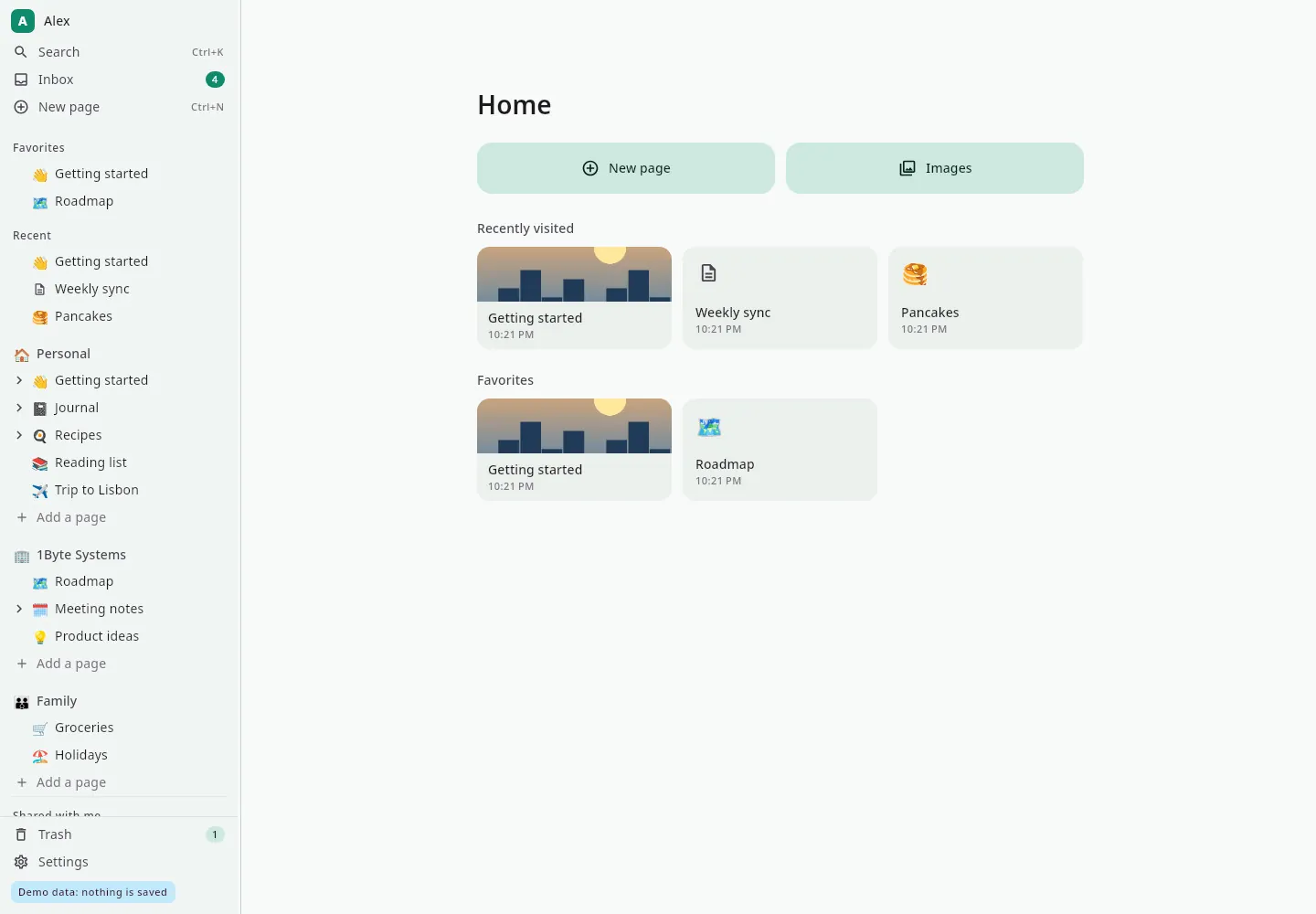
Home: a new page, images and recent pages
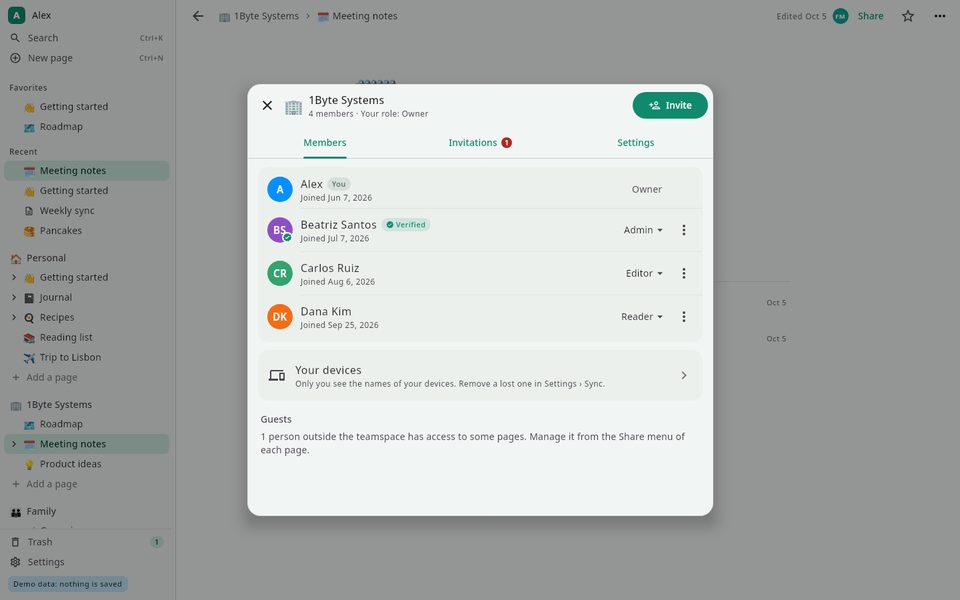
A team space with its members and roles
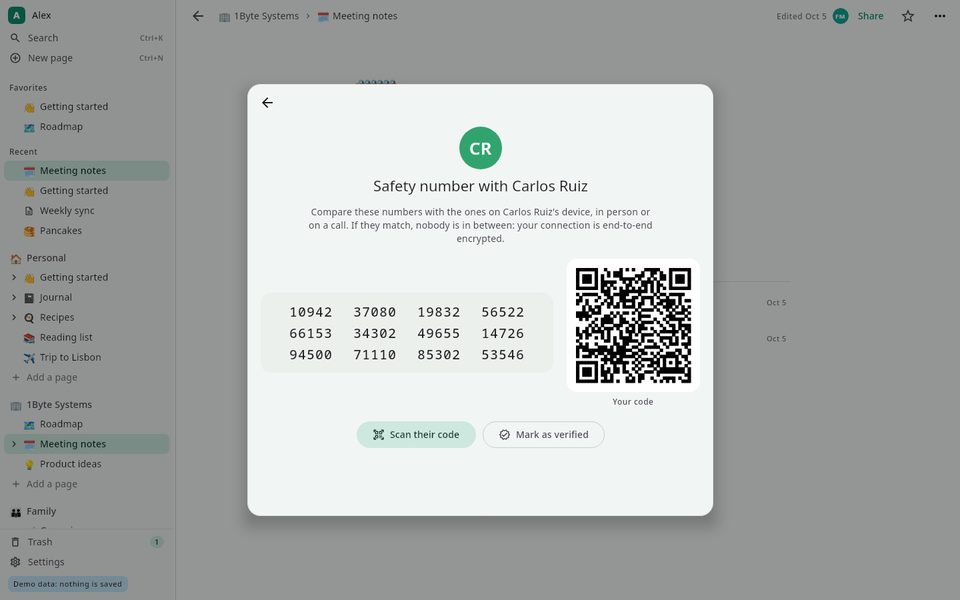
Safety number to verify a teammate
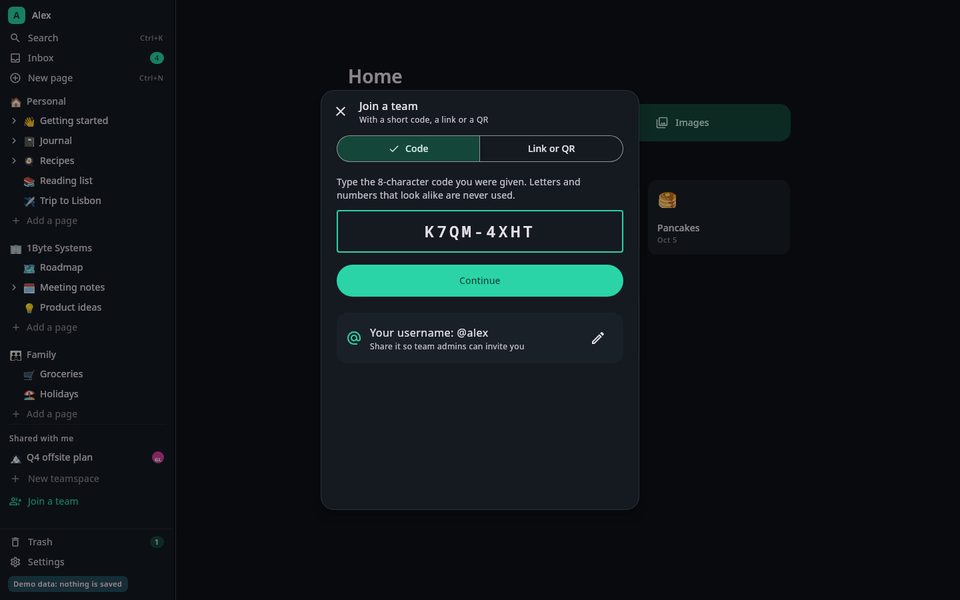
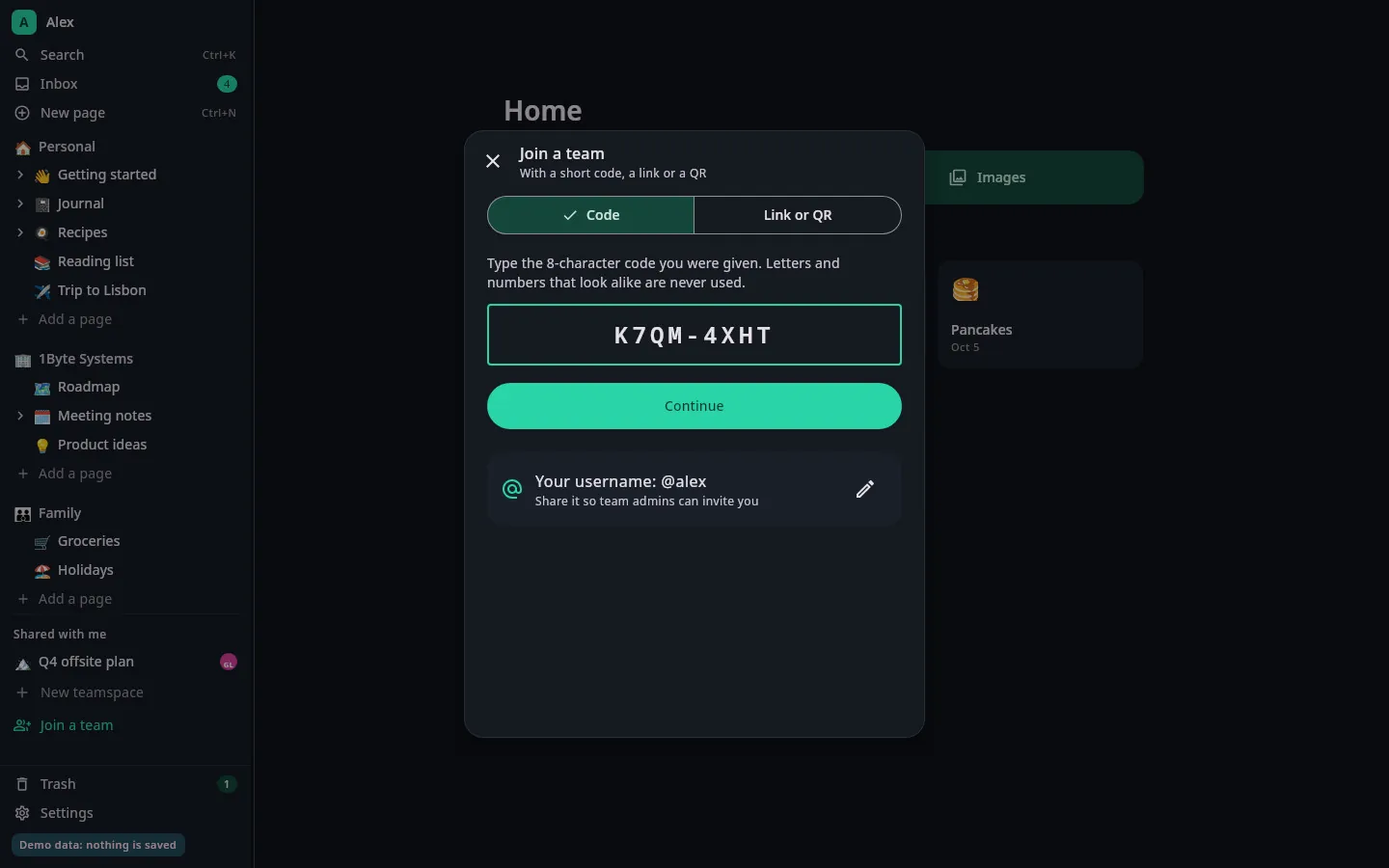
Joining a team with a short code
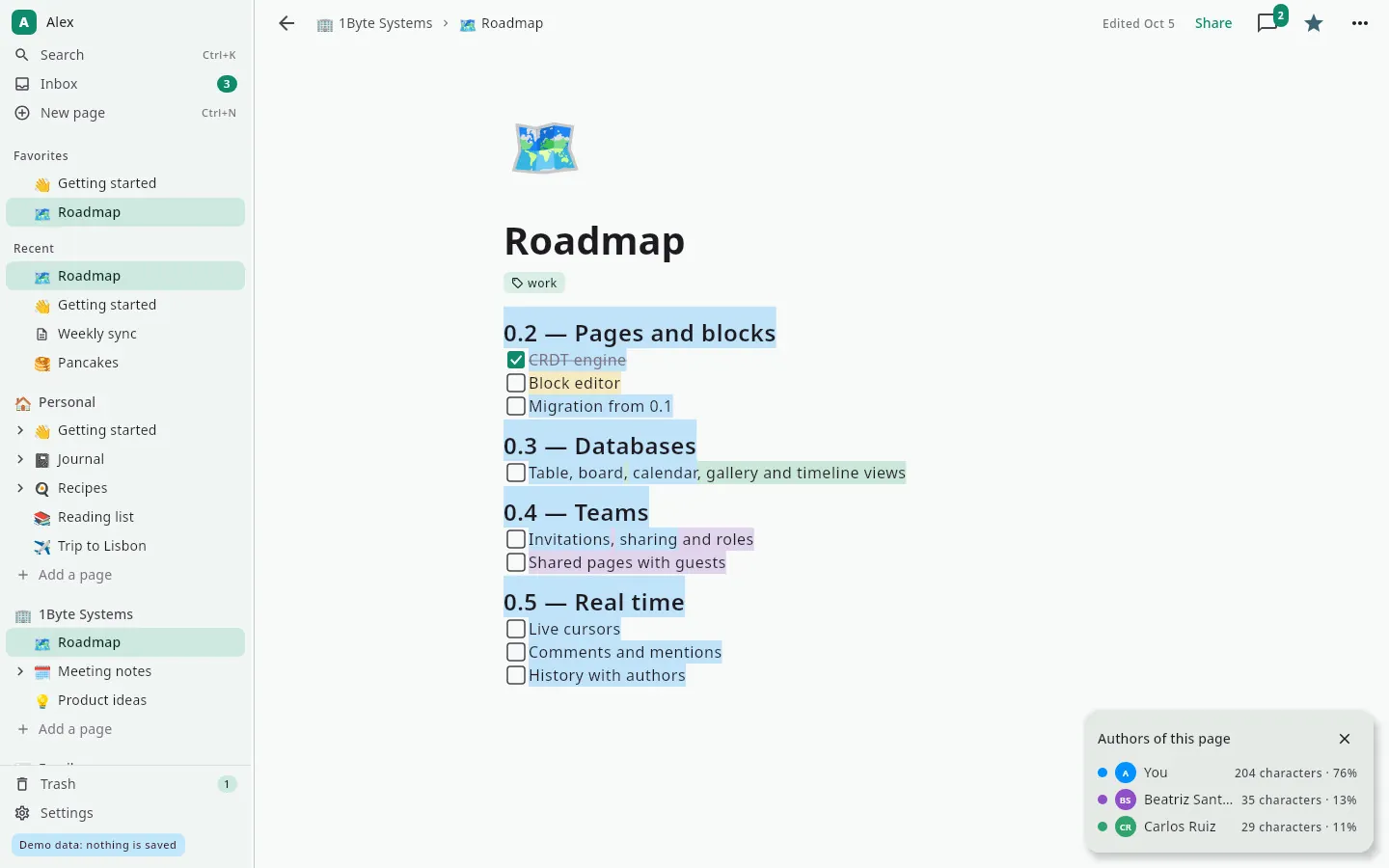
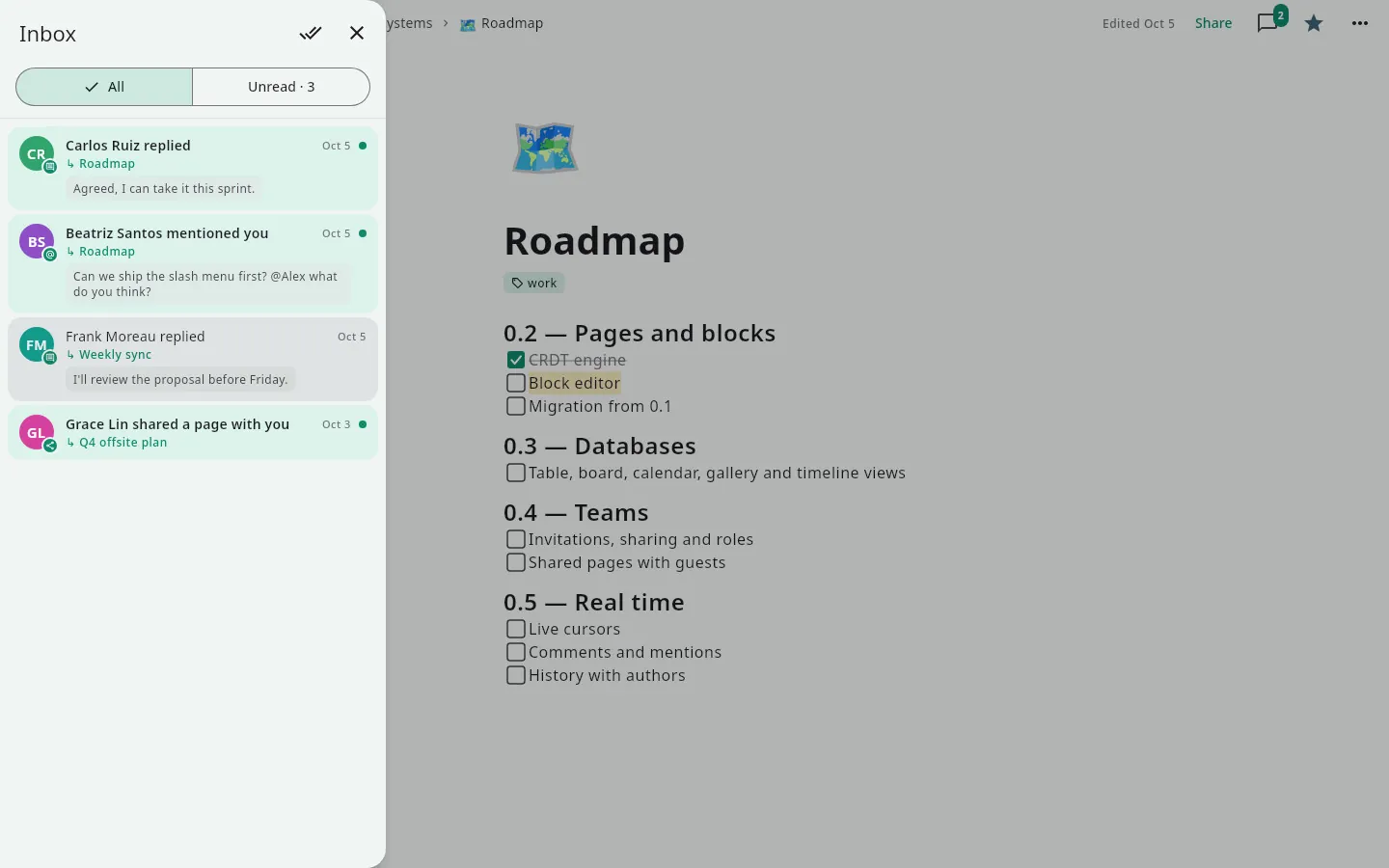
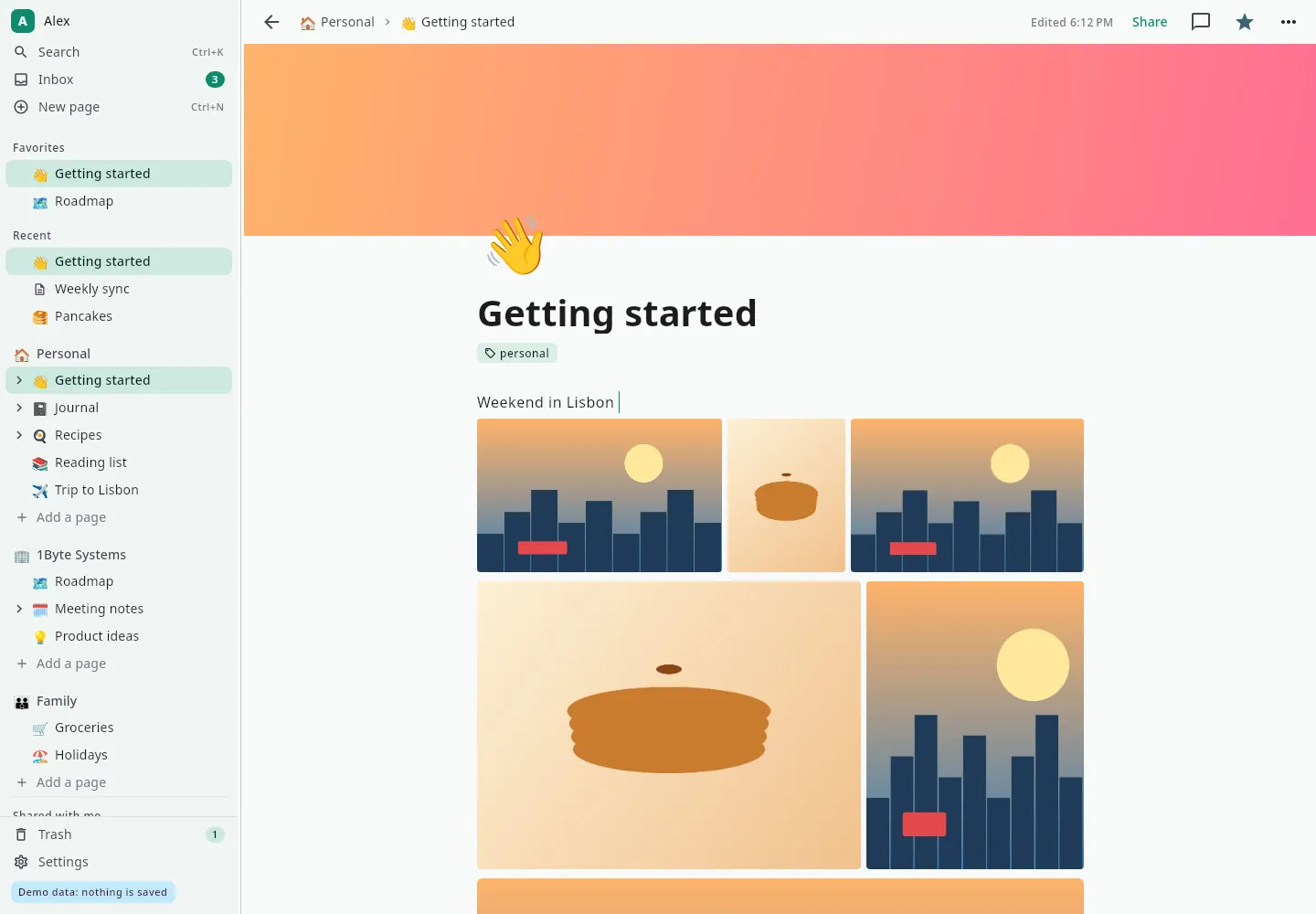
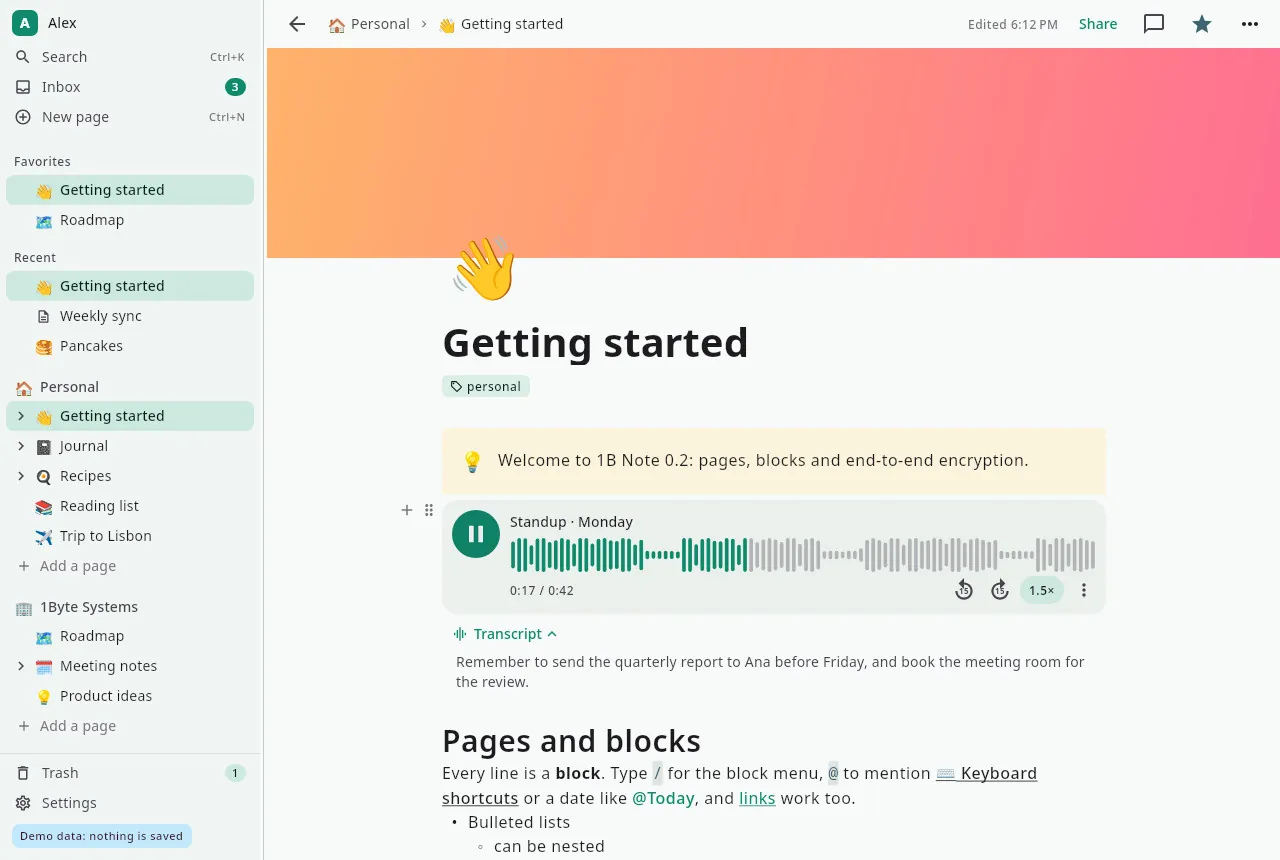
Real screenshots of our current builds, filled with sample data.
Coming soon to Windows and Linux
1B Note 0.7 is in early access and already running in our own builds. When it's ready for you, it'll be right here — no sign-up needed.
- WindowsMSI
- LinuxRPM
Privacy at a glance
- Pages, comments and attachments encrypted end to end
- Only you hold the recovery phrase that unlocks your account
- No ads, no analytics, no crash reports sent anywhere
- Works without an account if you don't need sync
Details
- Status
- Early access 0.7 · coming soon
- Platforms
- Windows · Linux (x86-64)
- Will be available from
- MSI · RPM
- Languages
- 21 languages
- App ID
com.onebytesystems.note
Good to know
- Early access 0.7: there will be rough edges, and we'll fix them.
- Syncing needs a 1B Note server: your own, or one you've been invited to. Without one, 1B Note works on a single computer.
- Voice notes are recorded and transcribed in the Android version, which is also in development; on the desktop you can play them.
- Keeping attachments in your own Google Drive is still in testing and isn't open to every account yet.
- Printing and PDF export simplify columns and databases.
- No macOS version yet.


