Privacy
Your voice never leaves your phone
1B Recorder doesn't ask for Internet permission — so it can't send your recordings anywhere, even if it wanted to. Check it yourself: airplane mode, and everything still works.
Included in every copy of 1B Recorder, not part of Pro.
What it is
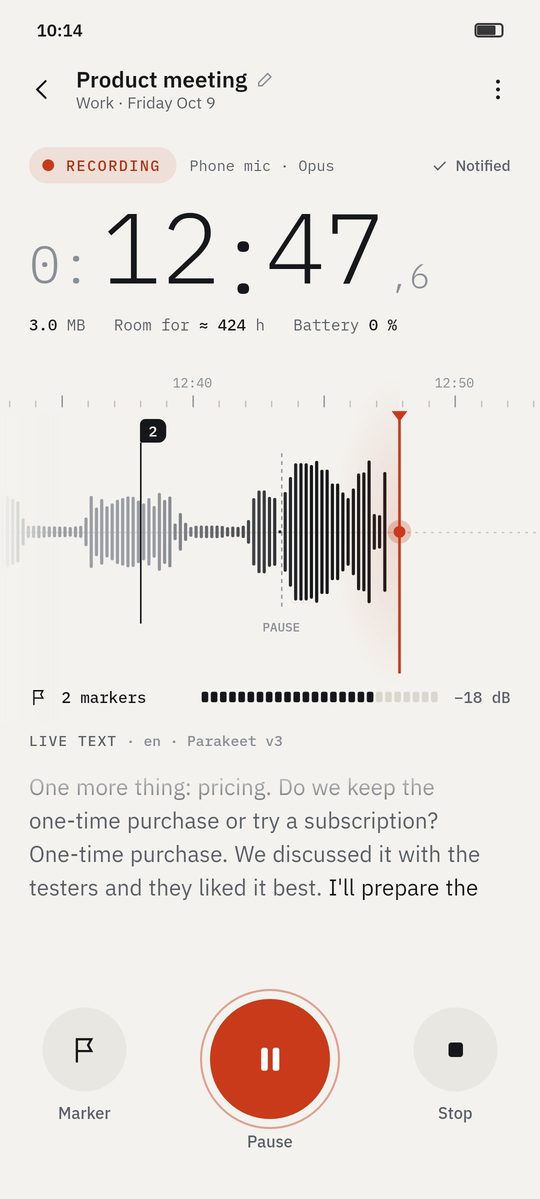
Most transcription apps upload your audio to a server. 1B Recorder does everything on the phone: transcription, speakers, summary, chapters and search. The language models arrive through Google Play (or a file you import), not through the app.
Recordings are written to disk in one-minute pieces, encrypted with a key kept in Android's Keystore. If the battery dies mid-recording, at most a second is lost.
- 0 Internet permissions
- No account
- Encrypted in 1-minute pieces
- Optional lock
How it works
- Step 1
Nothing to sign up for
No account, no analytics, no ads. Open the app and record.
- Step 2
Encrypted as you record
Each minute is encrypted and saved as soon as it's recorded.
- Step 3
Lock it
Optionally lock the app with your fingerprint or your screen lock.
- Step 4
Back up to a file you keep
An encrypted backup protected with your password, saved wherever you choose.
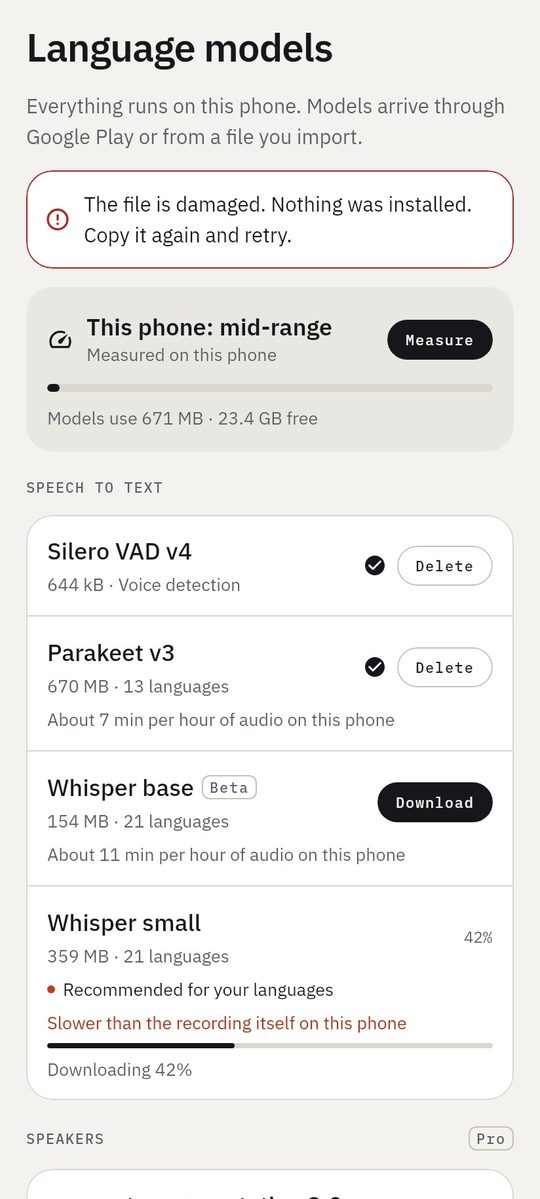
Screenshots of the real app with made-up sample data.
Who it's for
Confidential meetings
Board meetings, HR and legal conversations stay on the device.
Journalists
Sources' voices are never uploaded to anyone.
Health and personal notes
Private thoughts stay private.
Good to know
- Always tell the people present that you're recording: the app can play a spoken notice in your language.
- There's no hidden mode: Android shows the recording notification and the microphone indicator.
- If you use the watch, audio travels only from your watch to your own phone, encrypted.
Questions about this feature
How can I check it has no Internet permission?
Google Play lists the permissions of every app: 1B Recorder's list has no network access. Or turn on airplane mode: everything works.
How do language models arrive then?
Through Google Play's on-demand downloads, which Google Play itself handles, or by importing a model file.
What do you receive from me?
Nothing. We don't have a server for 1B Recorder.
Related features
Transcription without Internet
21 languages, no minute limits, with the best model your phone can run.
How it worksPro
Wear OS watch
Record on your wrist; the audio moves to your phone and is transcribed there.
How it worksDictation
Speak and the text appears, with voice commands — from the app, a tile or a widget.
How it works
Examples
See what you get from a recording
- Example
Wayfarer 3.4 release planning
Four people agree what goes into a release and when it ships: decisions, open topics and who does what.
See the example - Example
Microeconomics · Lecture 6: price elasticity
A lecture turned into key points, students' questions, homework and chapters you can jump through.
See the example - Example
Interview: beekeeping on city rooftops
A journalist's interview with the main statements, questions to follow up and every quote a tap away.
See the example - Example
Discovery call: coffee service for a design studio
An imported call recording: the client's needs, budget, objections and the follow-up, linked to each moment.
See the example
Try it yourself
Write to us and we will invite you as soon as the closed test opens. No Google Play link yet.