1B NoteNew
From the recording to your notes, in one tap
Send a recording to 1B Note and it becomes a page: summary and key points, chapters, tasks and the transcript with speakers. Tap any time on the page and 1B Recorder opens at that second.
Included in every copy of 1B Recorder, not part of Pro.
What it is
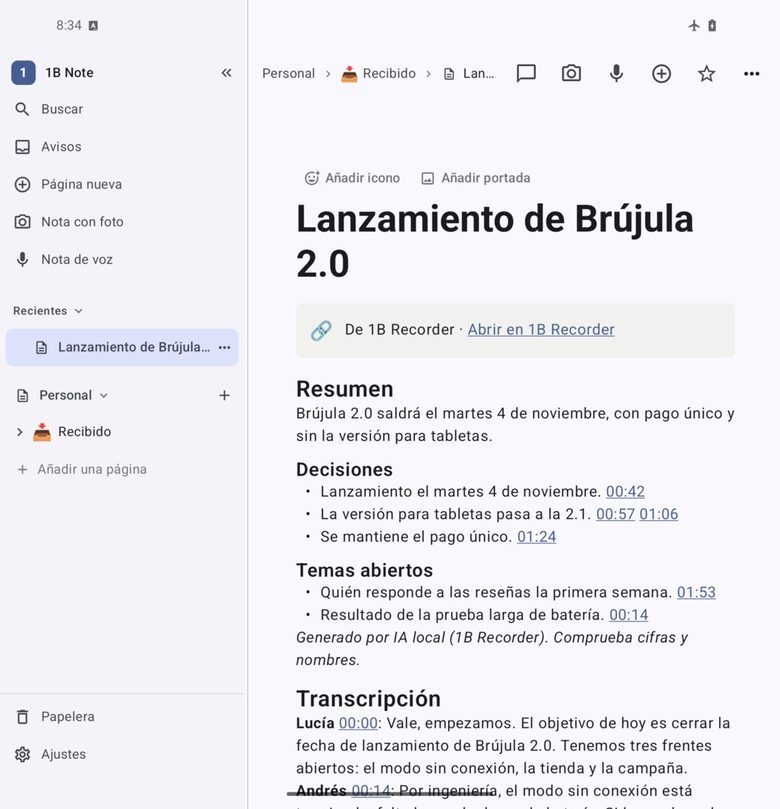
1B Recorder and 1B Note talk to each other directly on your phone: no cloud, no Internet and no new permissions. 1B Note checks that the page really comes from a 1Byte app before accepting it.
The page includes a link back to the recording. Send it again after editing and 1B Note offers to replace the old page instead of duplicating it.
- Directly between the apps
- Times linked to the audio
- Audio optional
- No duplicates
How it works
- Step 1
Choose Send to 1B Note
From the menu of a recording, or the button under the summary or tasks. The sheet shows what's included.
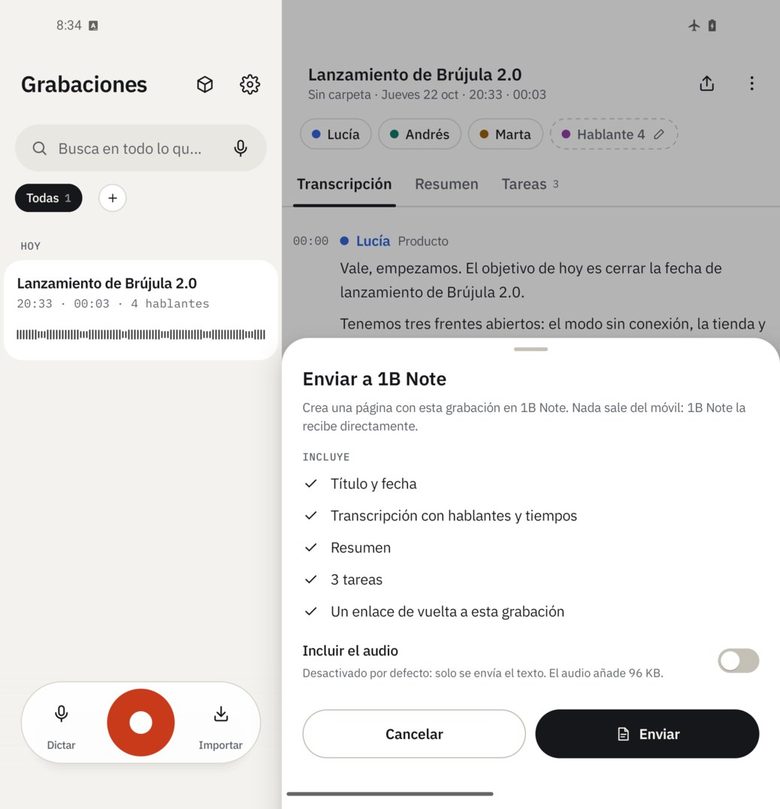
Screenshot with the interface in Spanish.
- Step 2
Audio if you want
Turn on «Include the audio» to attach the original recording; it's off by default.
- Step 3
Accept in 1B Note
The first time, 1B Note asks whether to accept pages from 1B Recorder. The page lands in Received.
- Step 4
Back to the moment
Times in the page open the recording in 1B Recorder at that second.
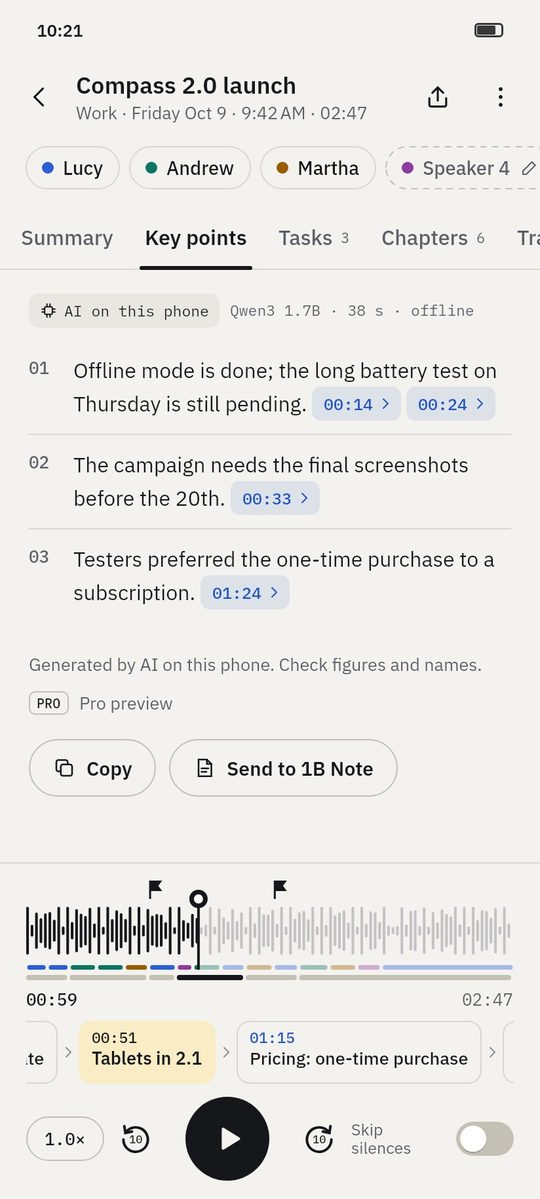
Screenshots of the real app with made-up sample data.
Who it's for
Meeting notes
Minutes with decisions and tasks next to your other project notes.
Study notes
Lecture summary and chapters in your course notebook.
Research
Interview transcripts linked to the exact quote.
Good to know
- Needs 1B Note on the same phone; if it's missing, 1B Recorder offers to open Google Play.
- Summary, key points, chapters and tasks are included when you have Pro; the transcript always is.
Questions about this feature
Does the recording go through a server?
No. The page goes straight from one app to the other on your phone.
What if I send the same recording twice?
1B Note recognises it and offers to open the existing page or replace it.
Related features
Examples
See what you get from a recording
- Example
Wayfarer 3.4 release planning
Four people agree what goes into a release and when it ships: decisions, open topics and who does what.
See the example - Example
Microeconomics · Lecture 6: price elasticity
A lecture turned into key points, students' questions, homework and chapters you can jump through.
See the example - Example
Interview: beekeeping on city rooftops
A journalist's interview with the main statements, questions to follow up and every quote a tap away.
See the example - Example
Discovery call: coffee service for a design studio
An imported call recording: the client's needs, budget, objections and the follow-up, linked to each moment.
See the example
Try it yourself
Write to us and we will invite you as soon as the closed test opens. No Google Play link yet.