1B Mail · Features
Everything 1B Mail does, feature by feature
1B Mail is an email program for Windows, Linux and Android. Here is each part of it in depth — with real screenshots, the steps to use it and honest answers about what it does and what it doesn't.
All your accounts
Gmail, Outlook.com, Yahoo, iCloud and any IMAP server in one unified inbox.
How it worksPro
Inbox by type & Screener
Important, Updates and Receipts & alerts — and first-time senders wait for your yes.
How it worksLabels and folders
One label for every account, stored the right way for each provider.
How it worksEncrypted sync
Accounts, labels and sidebar on all your devices, end-to-end encrypted.
How it worksSearch
Every account searched at once, on your own device, in milliseconds.
How it worksPro
1B Mail Pro
Templates, send later, snooze, advanced rules and more, for people who live in their inbox.
How it worksPrivacy
Trackers blocked, links cleaned, no ads and no telemetry.
How it works
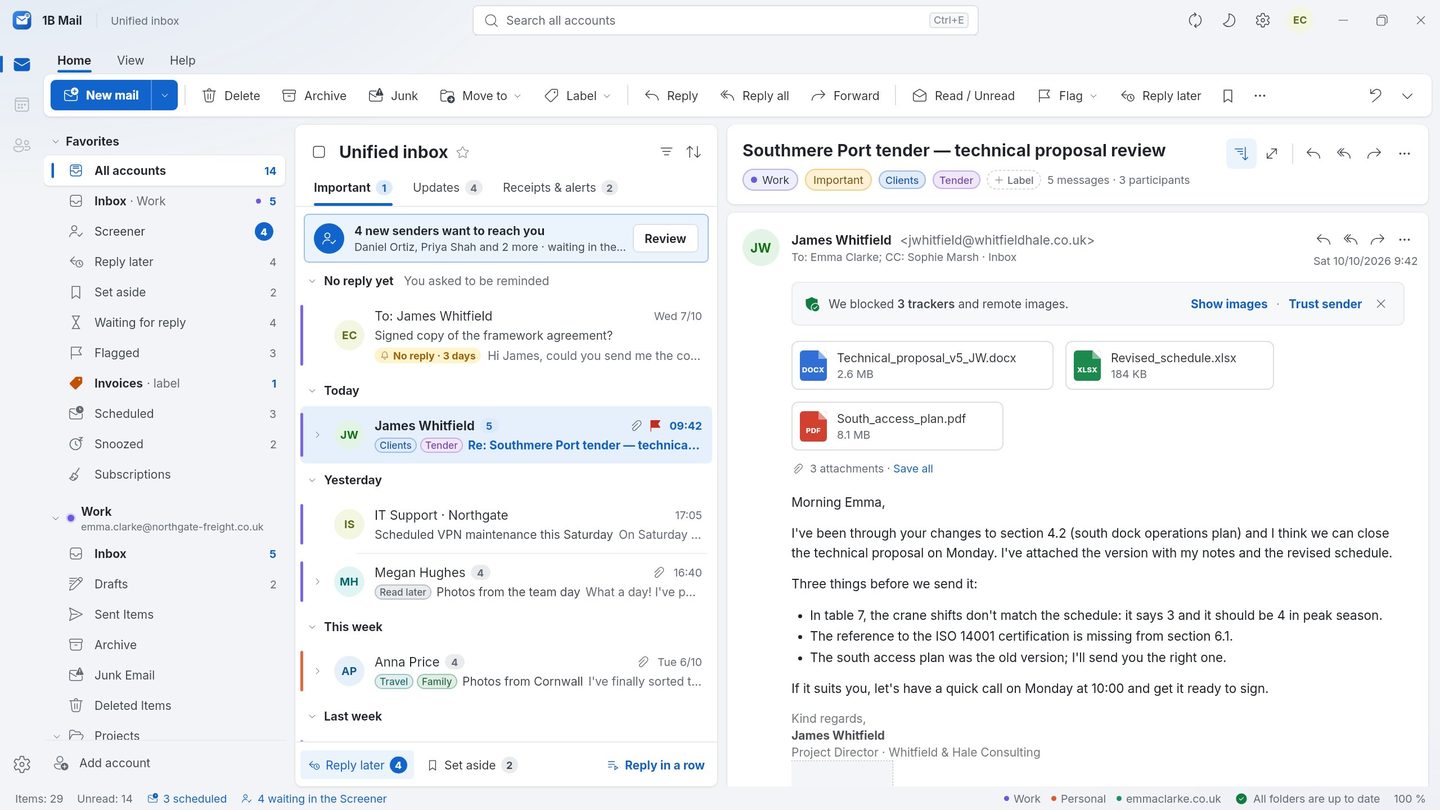
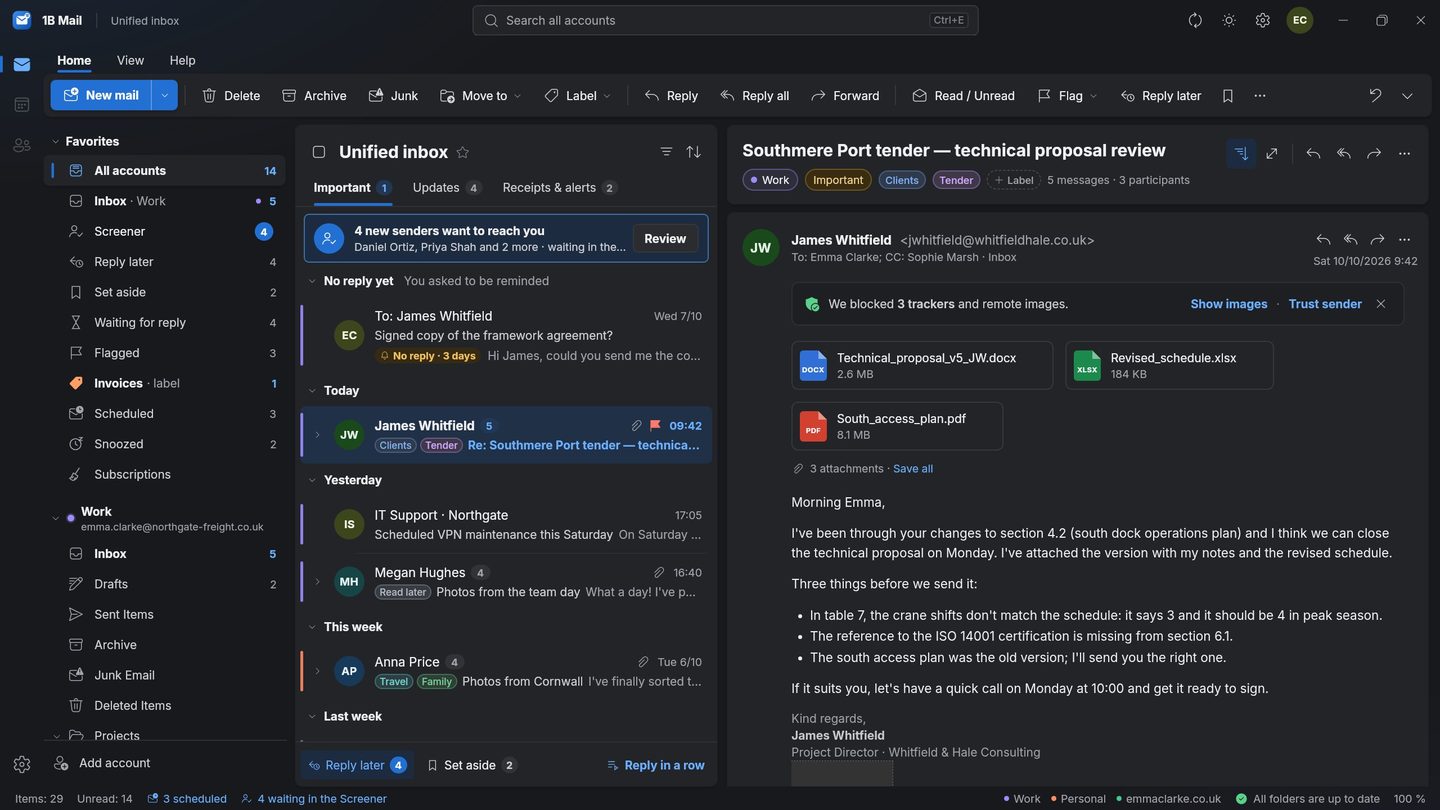
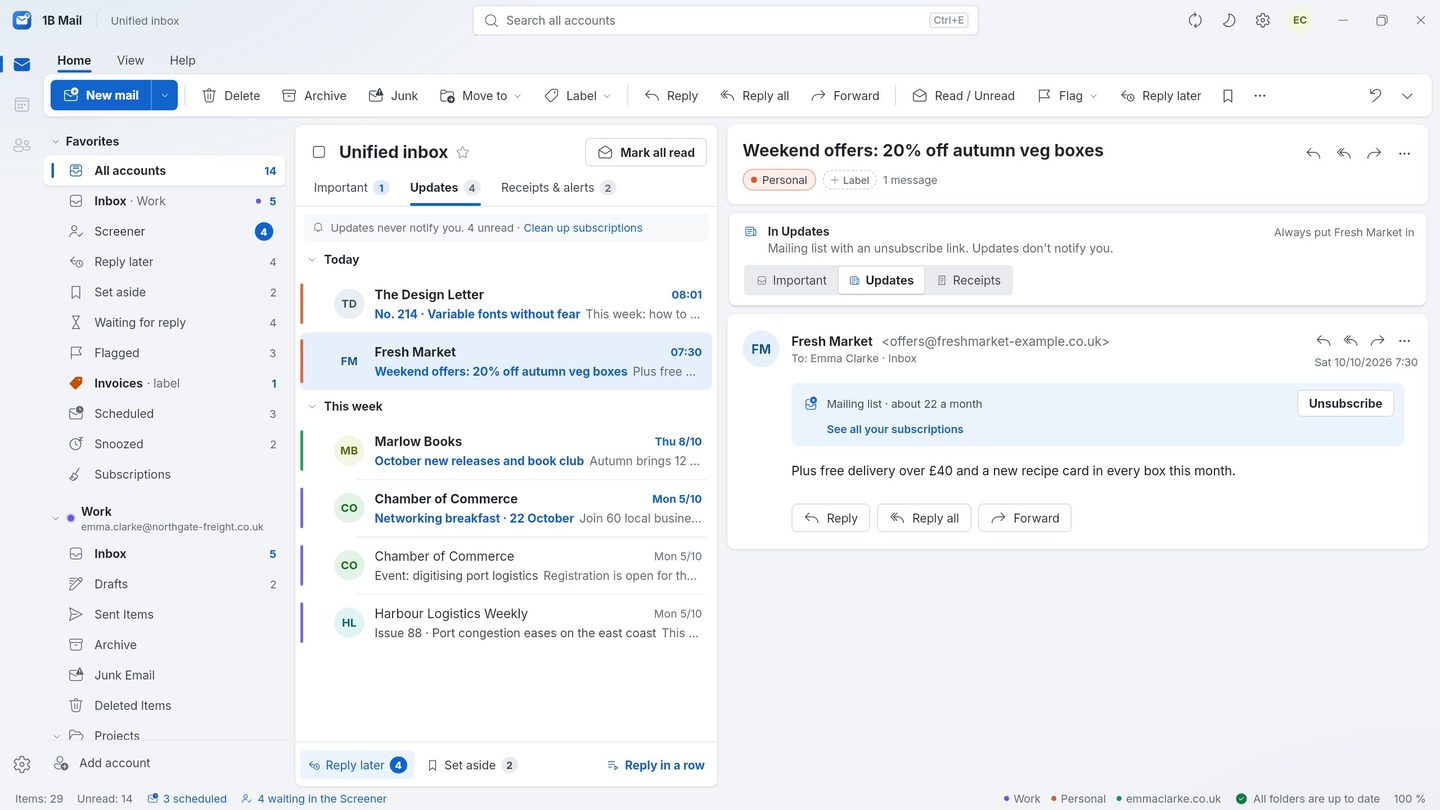
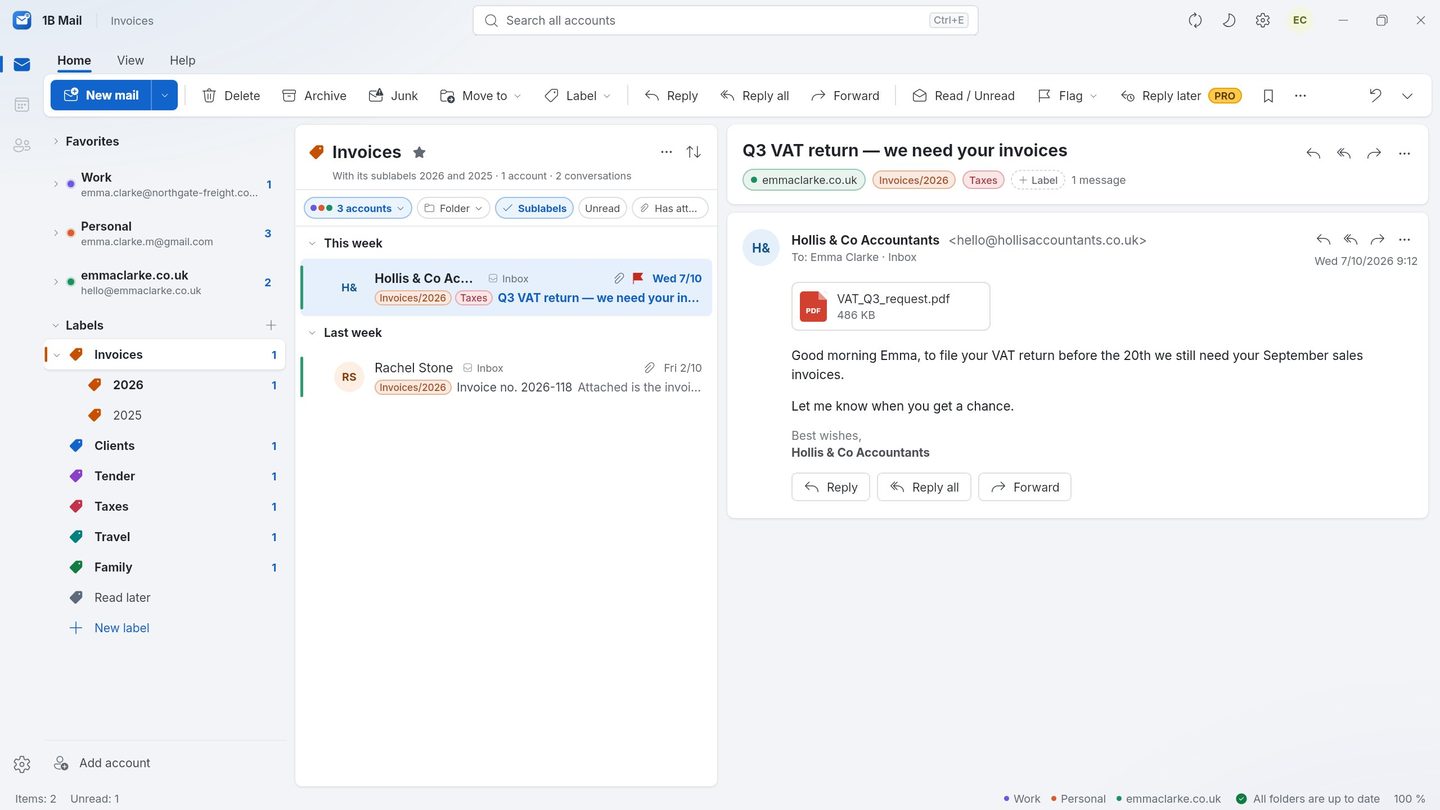
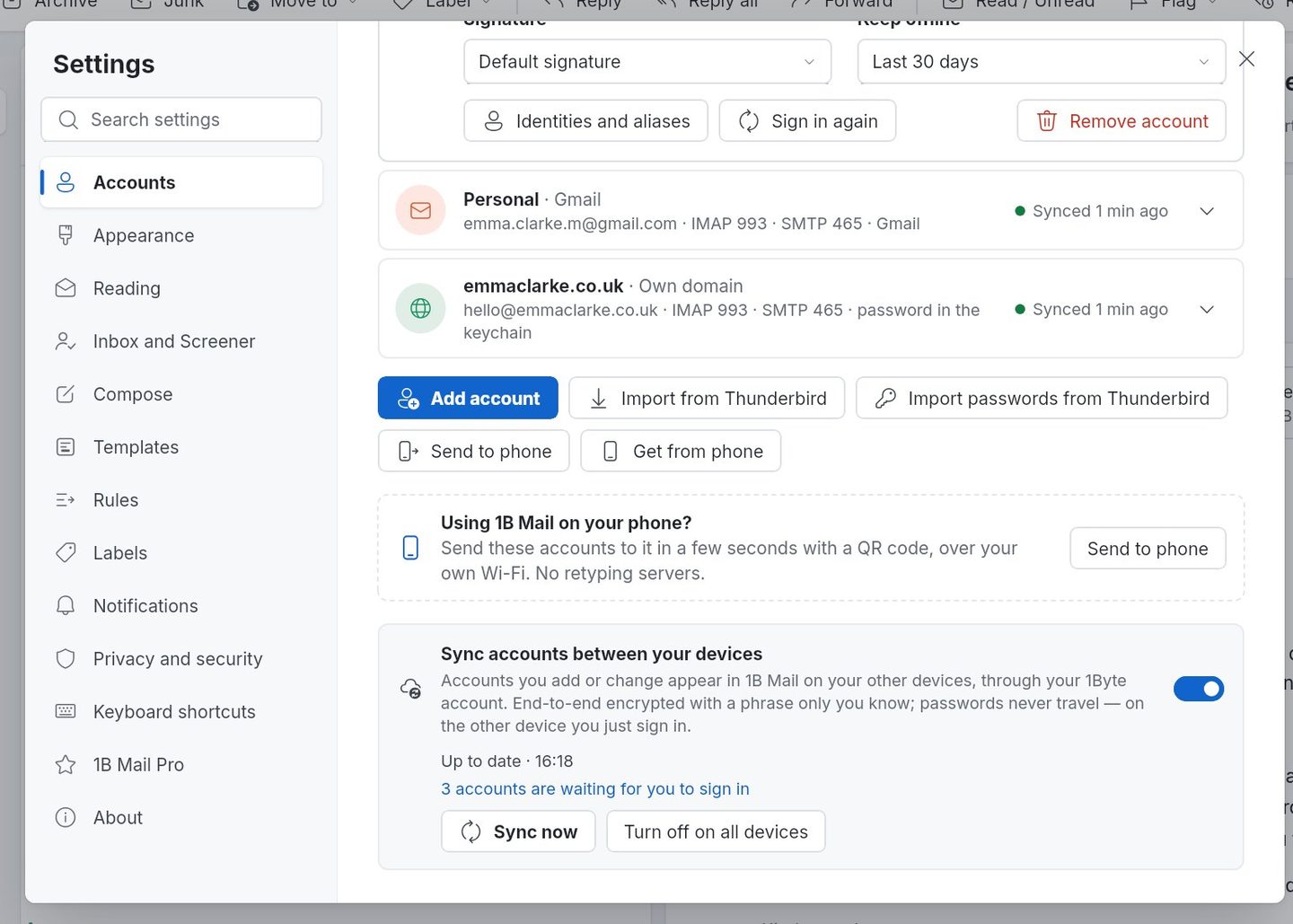
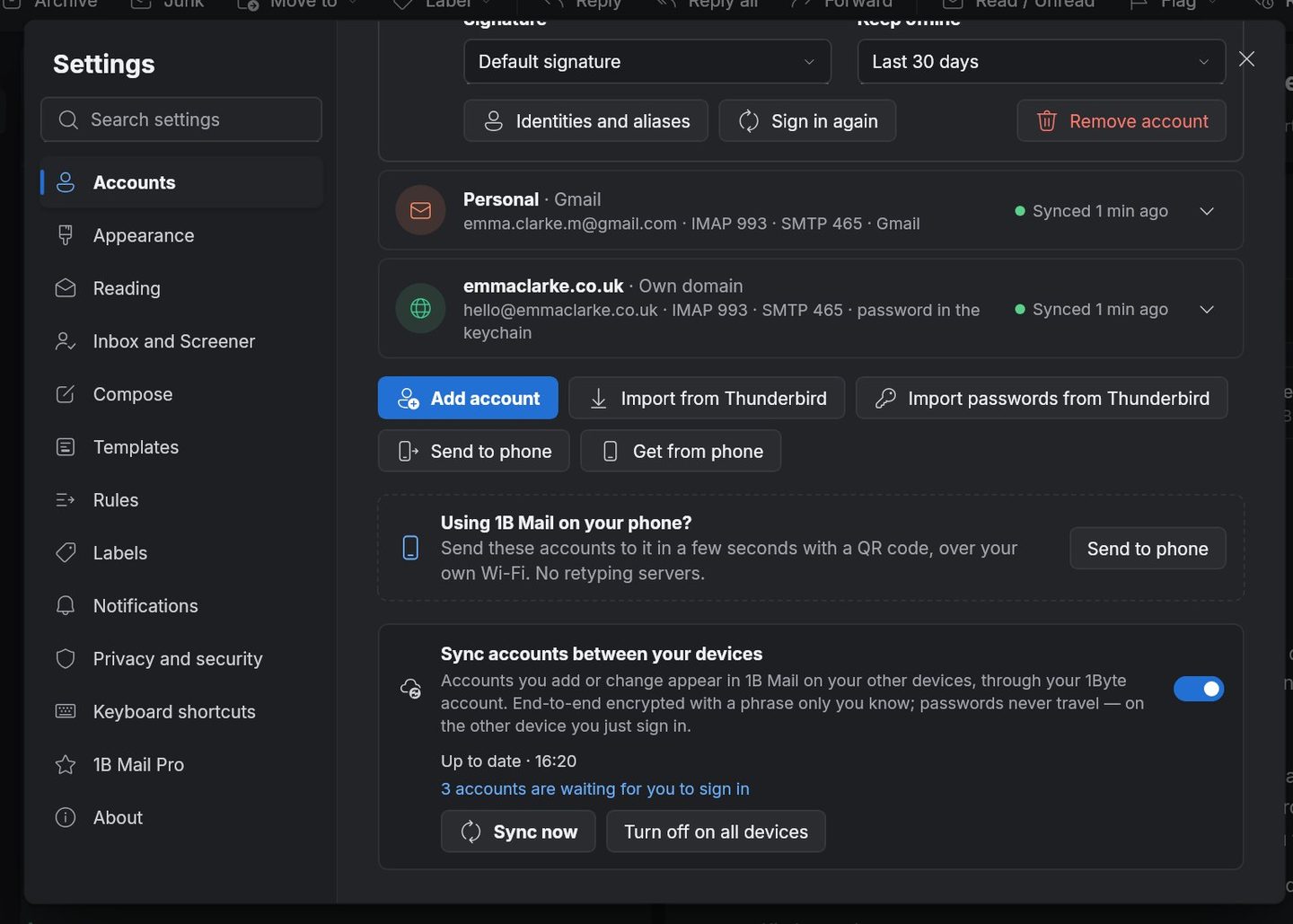
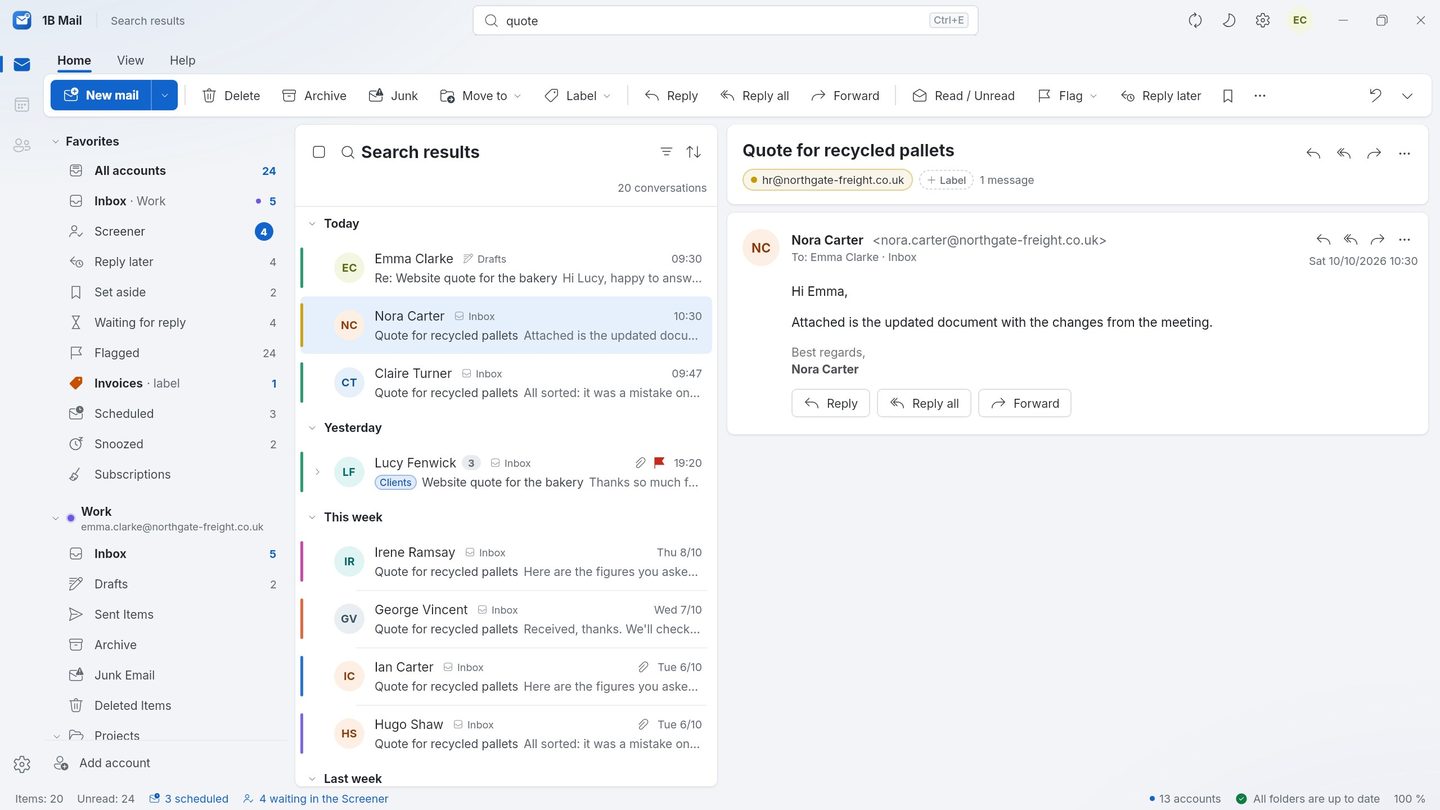
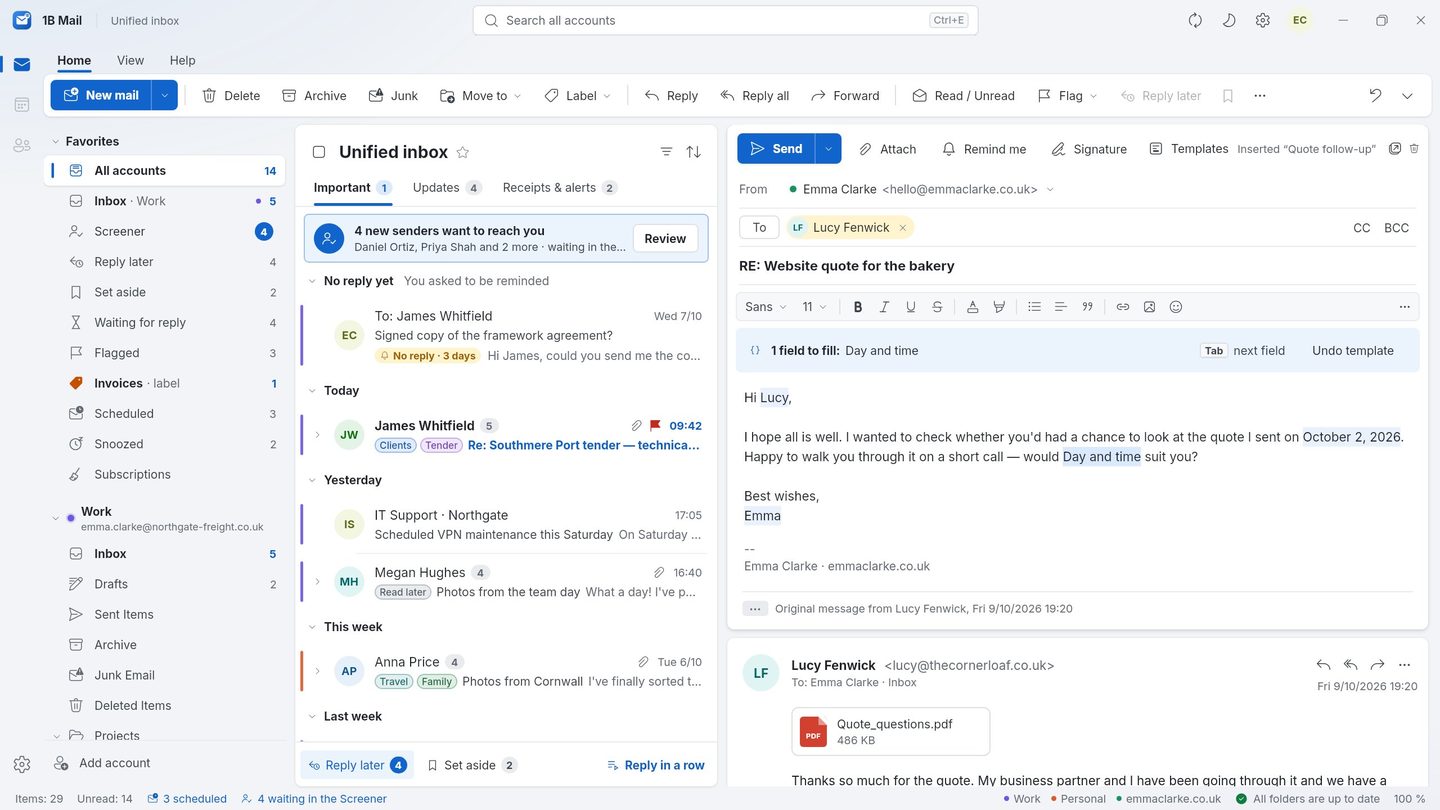
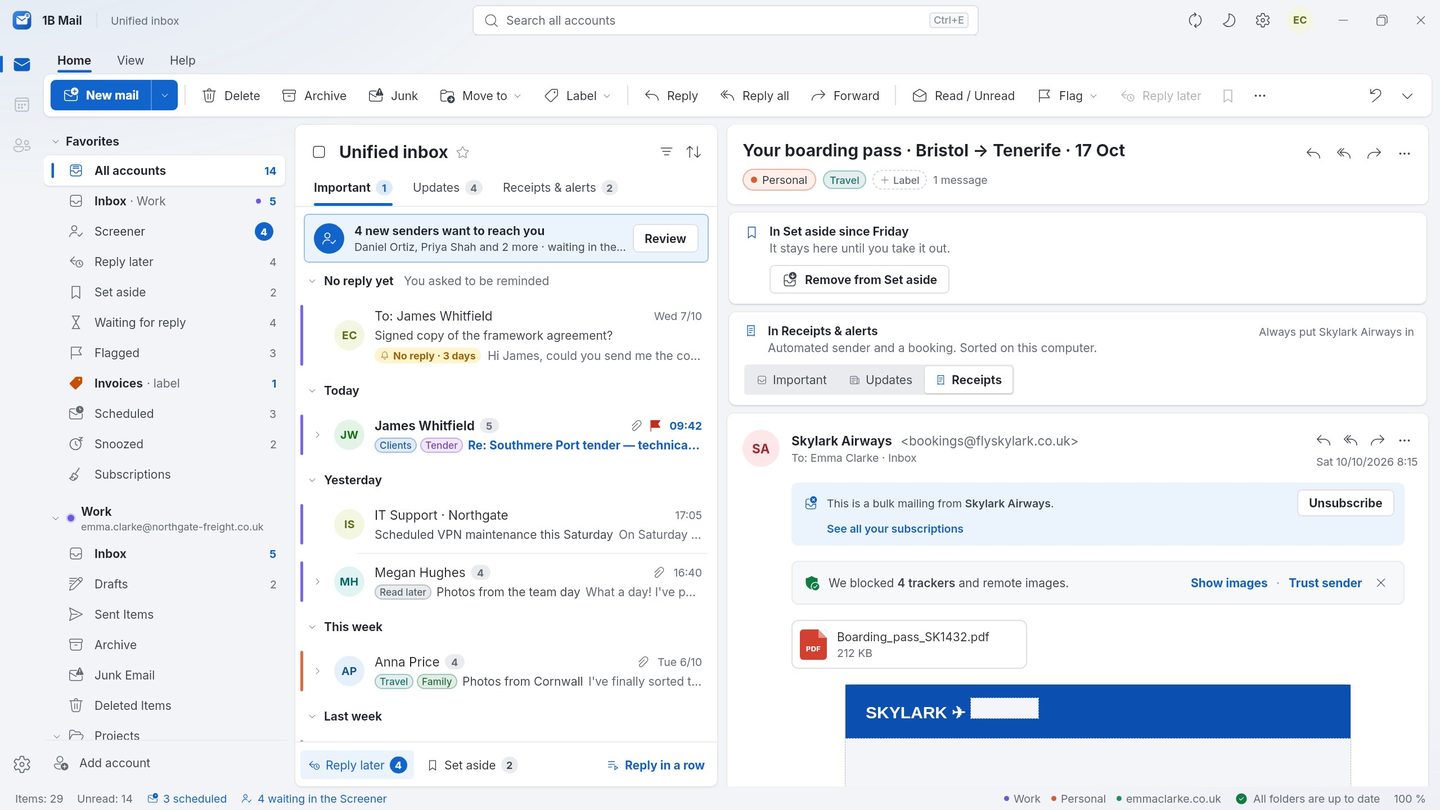
Screenshots of the real app with made-up sample data.
Who uses 1B Mail
People who spend their day in email and want one program they control.
Freelancers and consultants
A work address, a personal one and a client's domain in one inbox, each in its own colour, with templates for the replies you write every week.
Small offices
Shared IMAP mailboxes from your hosting, Microsoft 365 and Gmail side by side, with labels that mean the same thing in every account and rules that file invoices on their own.
People leaving Outlook or Thunderbird
Familiar shortcuts and a reading pane that feels like home; accounts, identities and signatures come over from your old program.
Anyone who cares where their mail goes
Your messages travel straight from your provider to your device. No ads, no tracking pixels, no AI reading your inbox.
Try it yourself
Download 1B Mail for Windows or Linux, or get it on Google Play for Android.