Chapter 7 · 1B Desk guide
Settings and updates
Everything is in Settings. Changes apply at once, and the search box finds any setting by name.
General
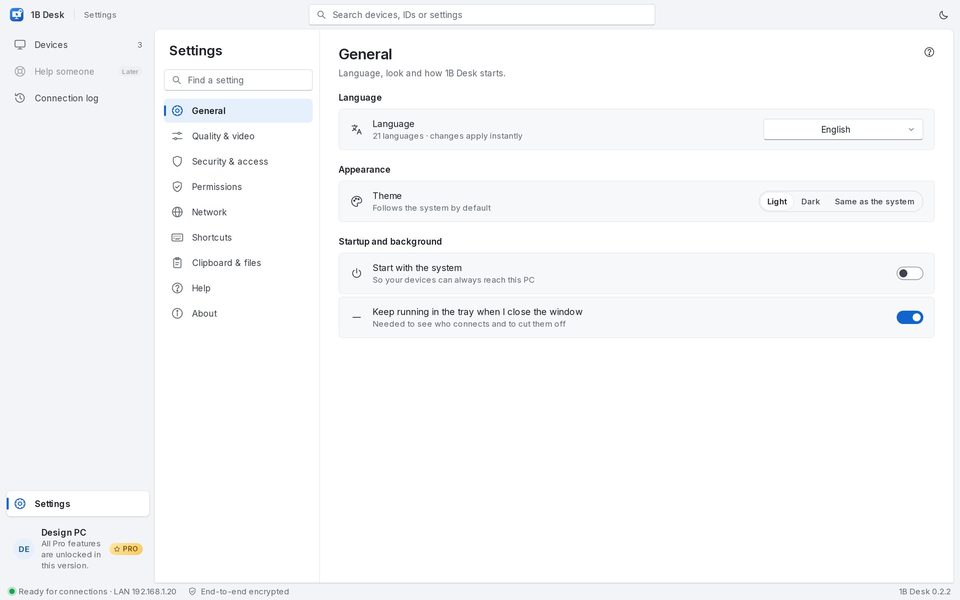
Language: 21 languages, the system's by default. Theme: Light, Dark or Same as the system (the moon button at the top switches it quickly).
Start with the system keeps this PC reachable for your devices, and Keep running in the tray when I close the window is needed to see who connects and to cut them off.
Quality and video
Default quality is how sessions start; you can change it during the session. Open sessions in full screen starts them full screen. The video encoder is chosen automatically: the graphics card first (Intel Quick Sync, NVIDIA, AMD), software otherwise.
Network
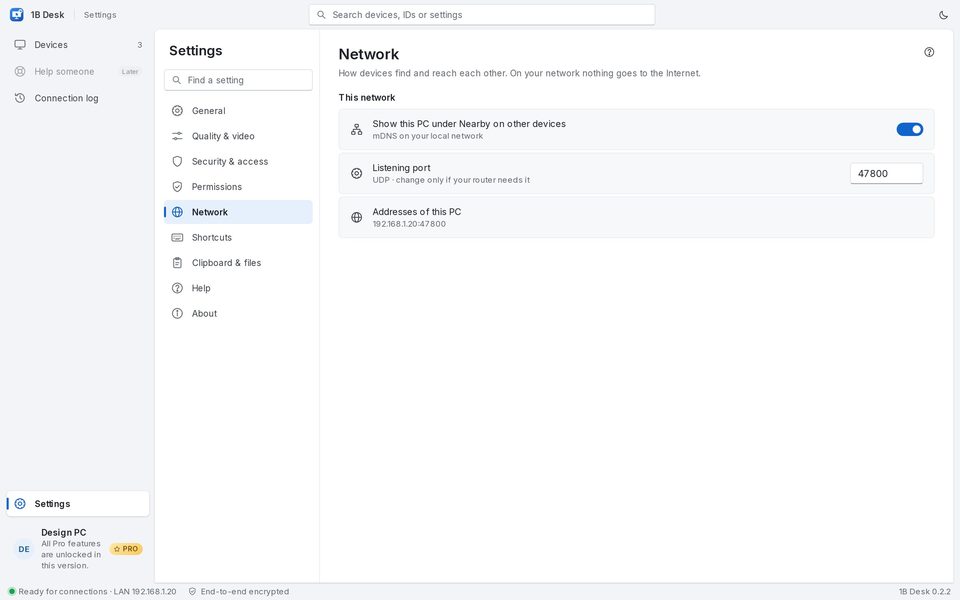
Show this PC under Nearby on other devices makes it visible on your network. Listening port (UDP 47800) only needs changing if your router requires it. Addresses of this PC lists the addresses to type by hand. On Windows, Windows Firewall shows the rule added by the installer.
Shortcuts
They work while a session window has focus: Full screen with Ctrl+Alt+Enter, switch monitor with Ctrl+Alt+1…9 and close a menu with Esc. Everything else goes to the other computer.
Updates
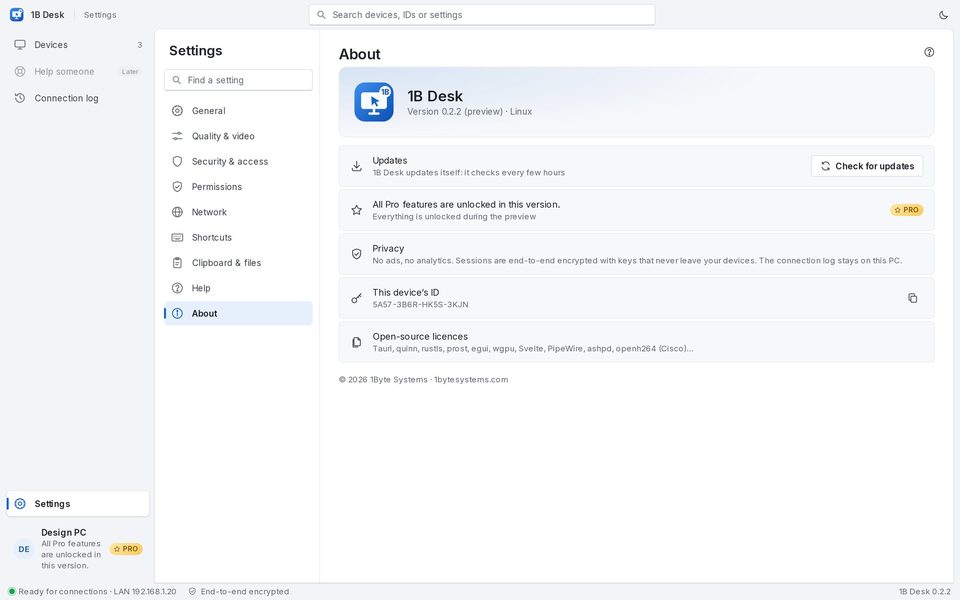
1B Desk checks for new versions every few hours, verifies their signature and downloads them. When one is ready, choose Restart to update on Windows or Install and restart on Linux (the system asks for your password). Open sessions are disconnected while it installs.
To check now: Settings › About › Check for updates. Help opens this guide.
For 1B Desk 0.2 on Windows and Linux, and the Android viewer.