Chapter 5 · User guide · 1B Note
Images, files and voice notes
Images, files and voice notes live inside the page and travel end-to-end encrypted with it.
Images and files
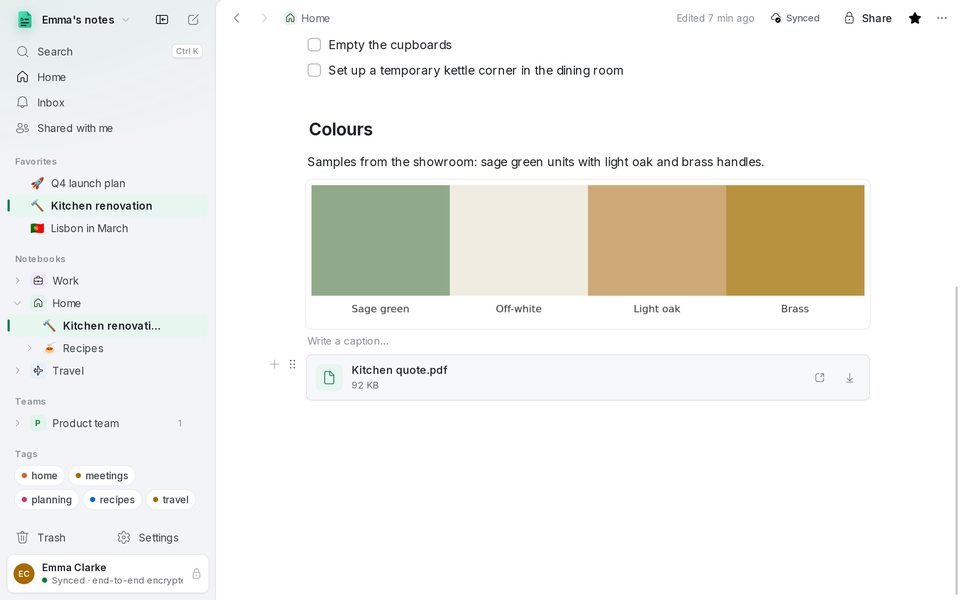
Paste an image (Ctrl+V), drop it on the page or use / › Image. Click it to open the viewer, with zoom using the wheel or +/−. Below each image you can Write a caption….
Any other document goes in as a File block: drop it on the page or use / › File. Its menu opens it with your usual app or saves a copy.
Voice notes
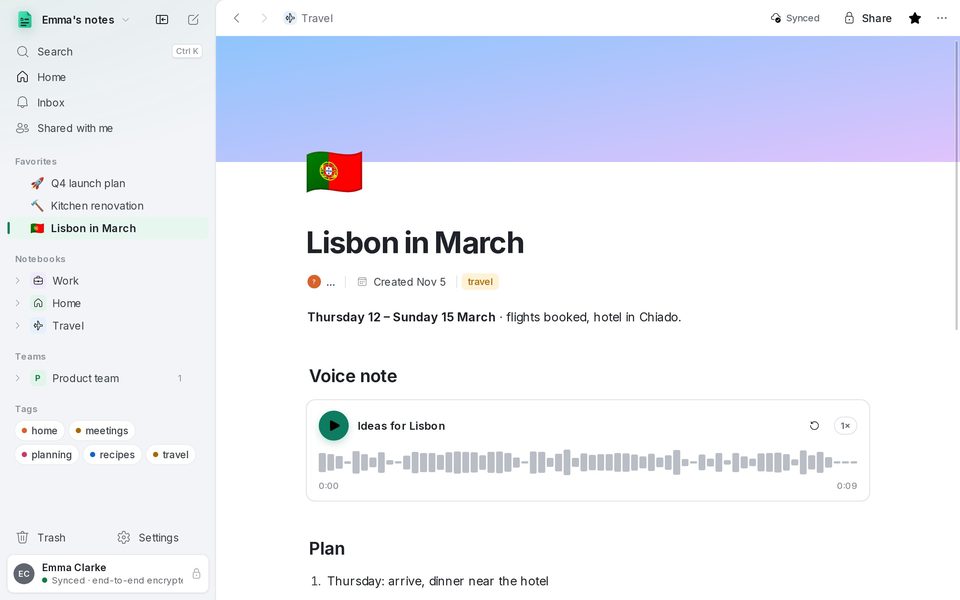
/ › Voice note records from the computer's microphone (Ctrl+Shift+R); press Done to keep it. The block shows the waveform: click it to jump, and change the speed with 1×.
/ › Audio file adds an existing mp3, m4a, ogg or wav. On Android, voice notes can also be transcribed on the phone itself; the transcript shows on the computer too, and search finds it.
Nothing hidden in your photos
Before a photo is saved, encrypted and uploaded, 1B Note removes its location and camera data. Only the orientation is kept.
Written for 1B Note 0.9 on Windows and Linux, with notes for 1B Note on Android. Real screenshots with example data.