Chapter 9 · User guide · 1B Note
Settings and troubleshooting
Adjust how 1B Note looks and behaves, learn the shortcuts and solve the most common problems.
Appearance
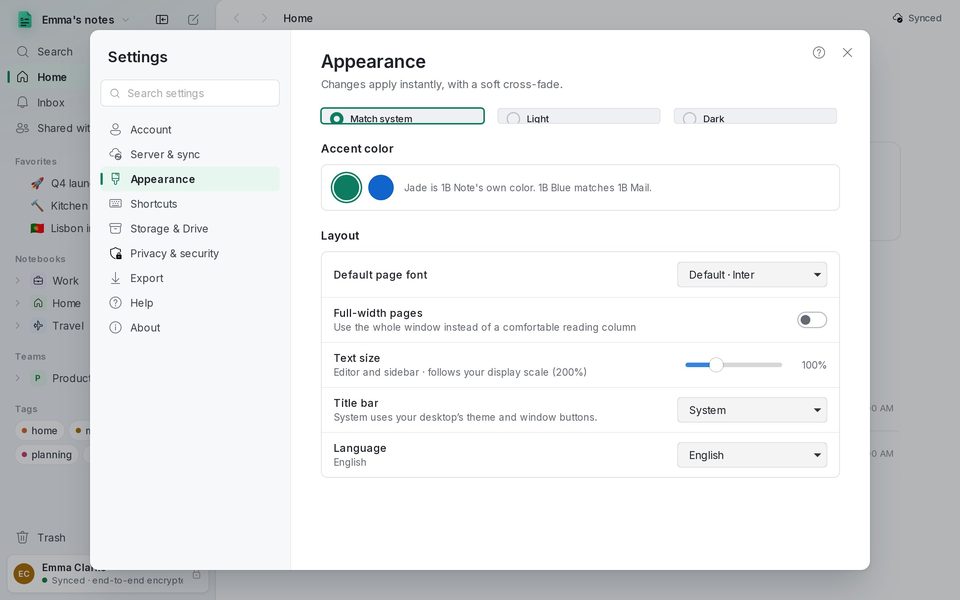
Settings › Appearance: Theme (Match system, Light or Dark), Accent color, Default page font, Full-width pages, Text size, Title bar and Language. Changes apply instantly; the language, the next time 1B Note starts.
Keyboard shortcuts
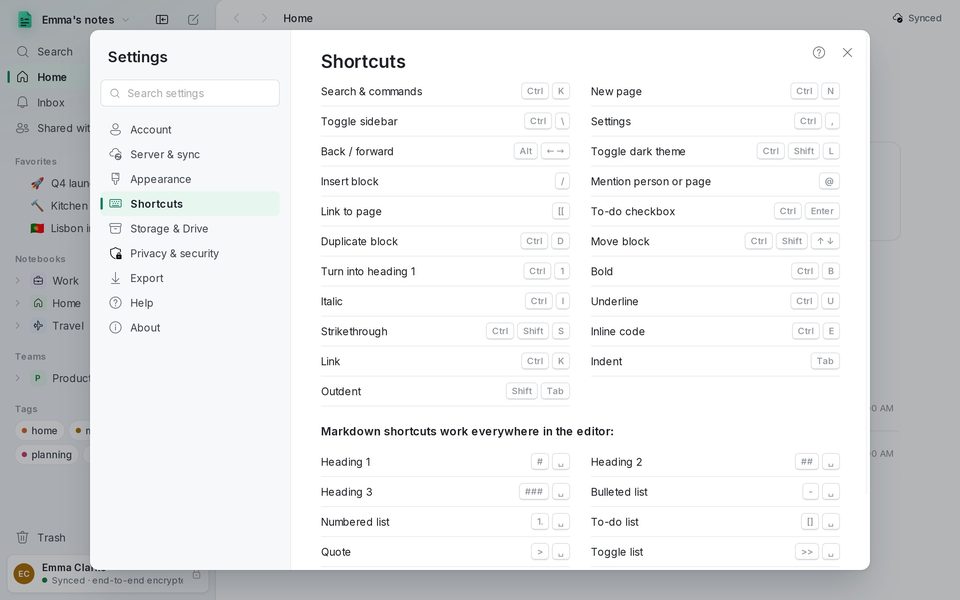
Settings › Shortcuts lists them all. The essentials: Ctrl+K search, Ctrl+N new page, Ctrl+\ sidebar, Ctrl+, settings, Alt+←/→ back and forward, Ctrl+Shift+L dark theme. In the editor: / insert a block, @ mention, [[ link a page, Ctrl+Enter tick a to-do, Ctrl+D duplicate a block.
Storage and the tray
Settings › Storage & Drive shows the folder where 1B Note keeps your pages on this PC, for working offline; Open the folder opens it. Attachments sync through your 1B Note server.
Closing the window leaves 1B Note next to the clock so reminders still arrive. Quit it with Ctrl+Q or Quit in the tray menu.
Updates
Settings › About › Check for updates. With Check for updates automatically on, 1B Note looks once a day for a new version signed by 1Byte Systems, without sending anything about you. On Windows it downloads it and offers Restart to update; with Flatpak, your software centre installs it.
Help
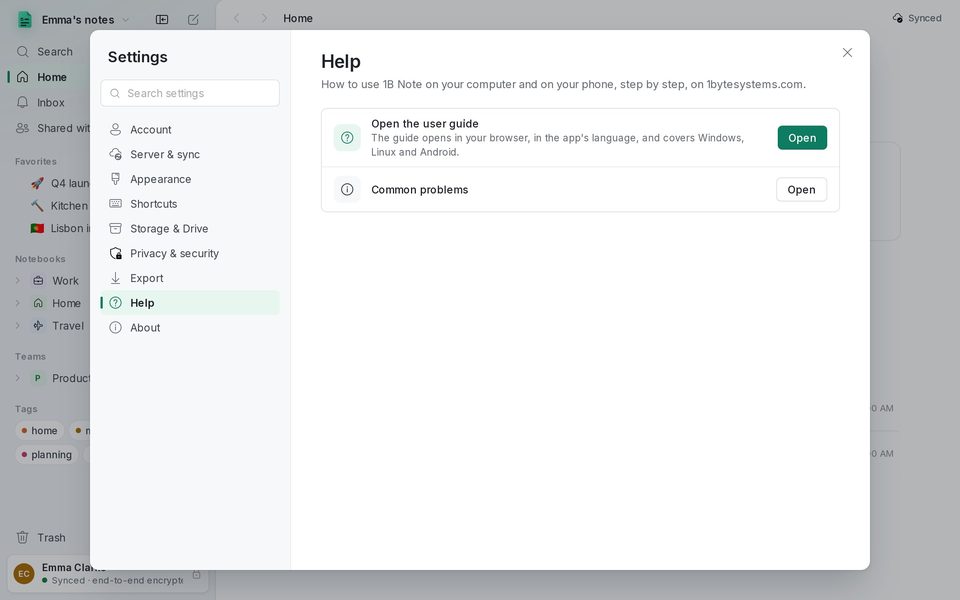
Settings › Help opens this guide in your browser, in the app's language. The ? button at the top of each settings section, on the first screen and in the import and team windows opens the chapter that explains it.
Problems and solutions
“This is not a 1B Note pairing code”
The text you pasted isn't a 1B Note code, or it's incomplete. Copy it again from the other device (Pair device) or ask whoever runs the server for a new one. Codes expire after a while: ask for another if it's old.
The sidebar says Offline
1B Note can't reach the server. Everything you write is saved on this PC and uploads when the connection is back. Check that the server is reachable from this network, then press Sync now in Server & sync.
I forgot my recovery phrase
If you still have a device that syncs, open Settings › Account › Create a new phrase: the old one stops working and you'll see the new one once. Without the phrase and without any device the notes can't be recovered.
There's no icon next to the clock
Some desktops need a package for tray icons; Settings tells you which one. Until it's installed, closing the window quits 1B Note.
Accents, Chinese or Korean don't type properly on Linux
With IBus they work as they are. With Fcitx5, turn on “Use On The Spot Style” in Fcitx settings › Add-ons › XIM.
An image says it hasn't been downloaded yet
It's still on its way from the device that added it. Wait for that device to sync; large files download when you open them.
Written for 1B Note 0.9 on Windows and Linux, with notes for 1B Note on Android. Real screenshots with example data.