1B Talk guide
The complete 1B Talk guide
Everything you need to chat with your team in 1B Talk, with real screenshots of the app. Pick a chapter or jump straight to a common task.
For 1B Talk 0.3.10 on Windows and Linux.
Chapters
Eight short chapters, in the order you'll probably need them. The words in bold are the ones you'll see in the app.
- Chapter 1
Getting started
Install 1B Talk, join your company with a link or a code, or create a new company for your team.
- Chapter 2
Channels and messages
Find your way around: channels, private channels, direct messages, activity and the people in your company.
- Chapter 3
Writing
Mentions, replies, threads, reactions, formatting, editing and knowing who has read your message.
- Chapter 4
Files and search
Send files and pictures, open or save what you receive and search every message and file.
- Chapter 5
The team AI
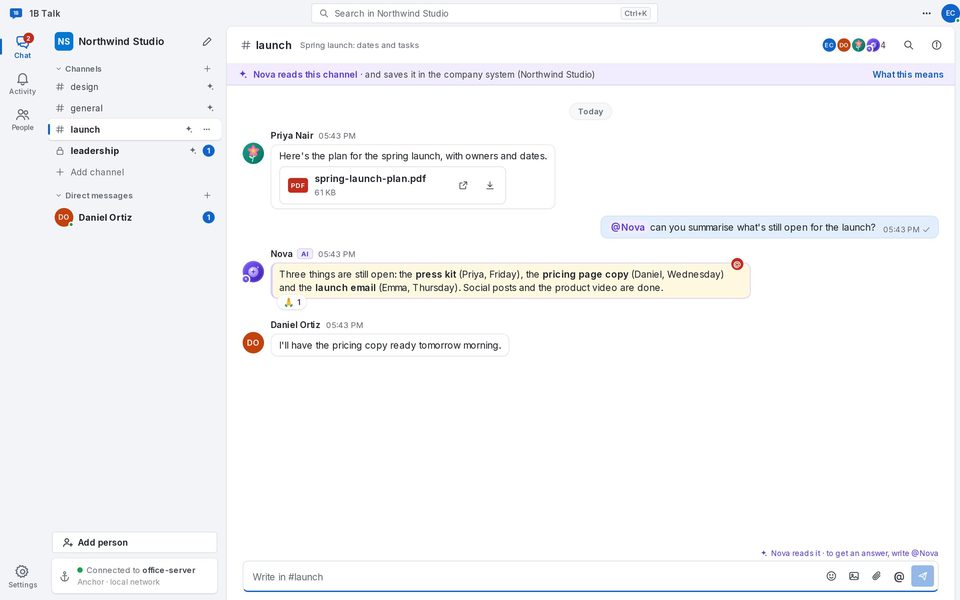
How the AI member of your company works: how to ask it, what it reads, what it never reads and who decides.
- Chapter 6
People and companies
Invite colleagues, add your other computer, remove people or devices and be in several companies at once.
- Chapter 7
Settings and updates
Your profile and photo, language and theme, notifications, start with the computer, updates and the guide.
- Chapter 8
Troubleshooting
Codes that don't work, no connection with the anchor, conversations waiting for their key and other common problems.
Common tasks
Your company, your server
End-to-end encrypted, kept at your office
Messages and files travel encrypted from one computer to another and are kept on your company's own anchor. No ads, no analytics, and the AI only reads where everyone can see it does.