Chapter 4 · 1B Talk guide
Files, images and search
Files travel encrypted like messages, up to 512 MB each. Search works on your own computer, so it covers the whole history and nothing leaves your PC.
Send files and images
Drag one or several files onto the conversation, click Attach file or image or paste an image with Ctrl+V. Image opens a gallery of your Pictures folder with thumbnails.
Pictures show a preview in the conversation; click to see them large. On any file, Open opens it with its program and Save as… lets you choose the folder. You can also drag a file from the conversation to a folder or the desktop.
Folders can't be sent as they are: compress the folder first and send the compressed file.
Search
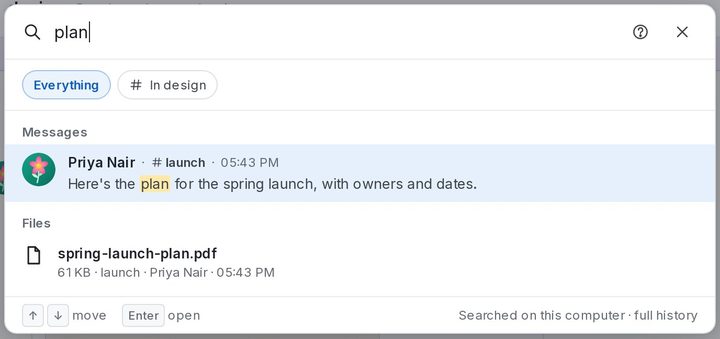
Press Ctrl+K or click Search at the top of a conversation. Type a word, a name or the name of a file: results come in Messages and Files. Everything searches the whole company and the next button only the open conversation. Press Enter to jump to the message.
For 1B Talk 0.3.10 on Windows and Linux.